

Steam Deck: How To Run Sega CD Games
Jan 29,25(10 months ago)
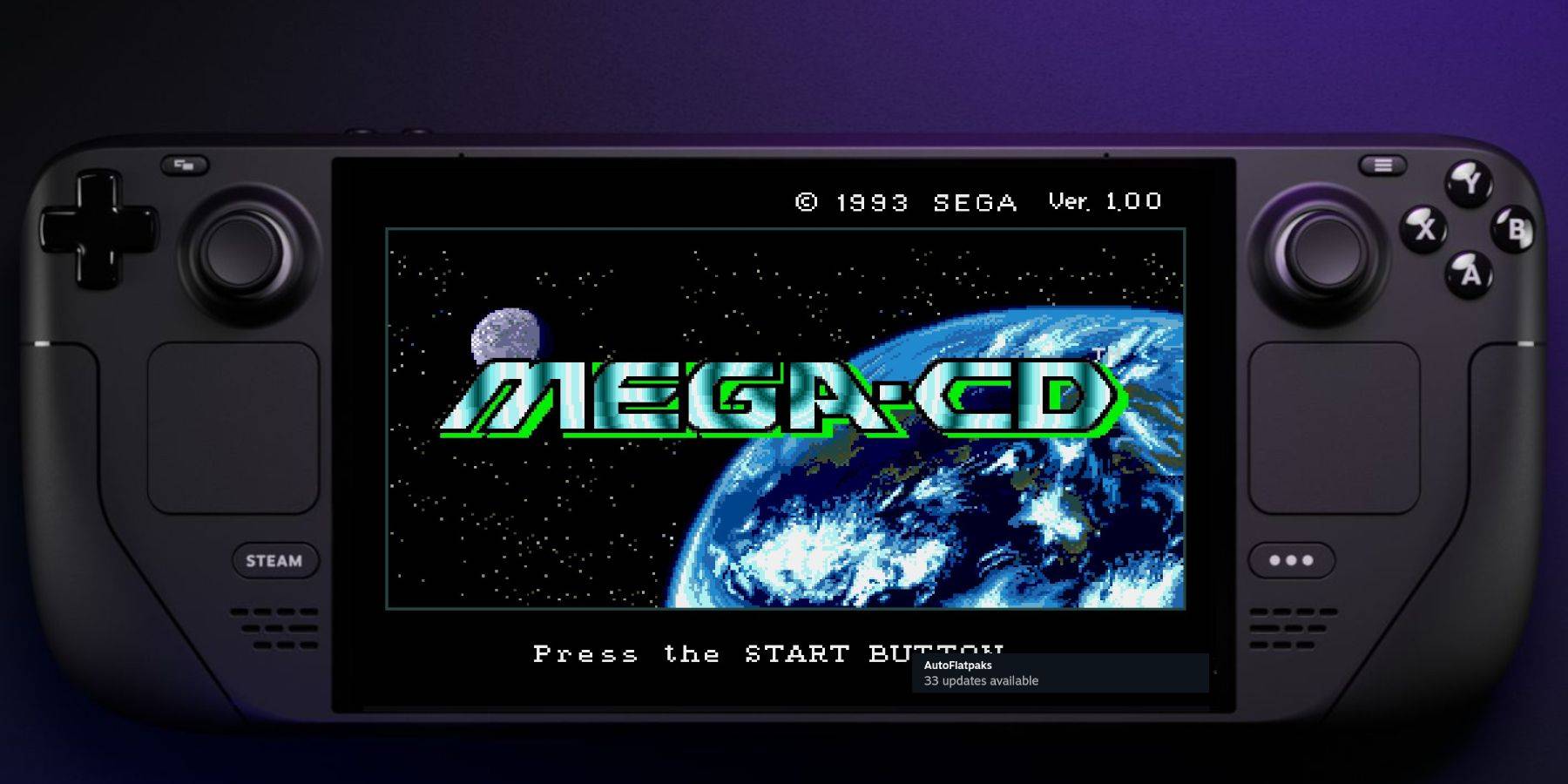
This guide details how to play Sega CD games on your Steam Deck using EmuDeck. We'll cover setup, ROM transfer, and optimization for optimal performance.
Pre-Installation Steps:
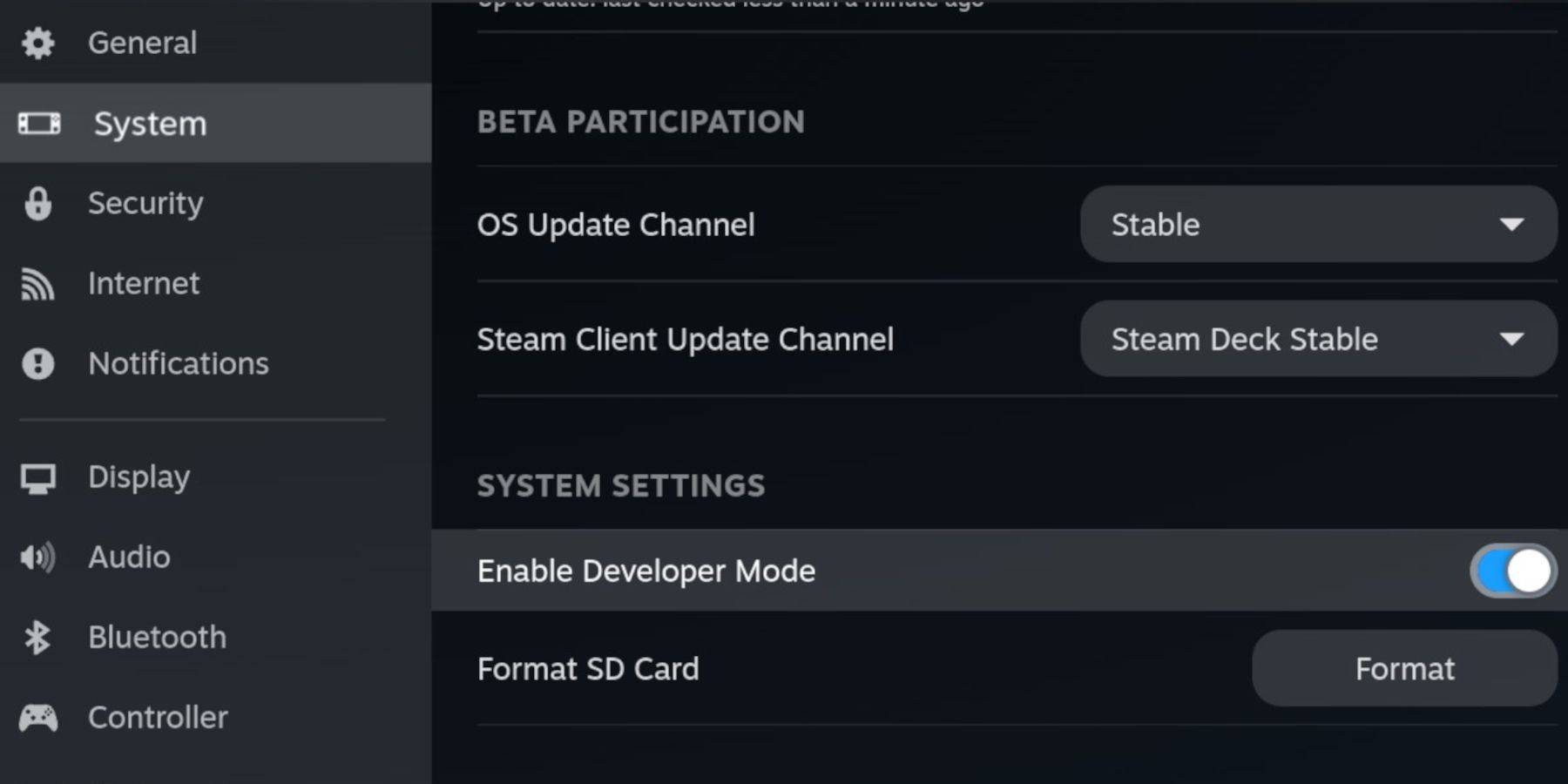 Enable Developer Mode and CEF Remote Debugging on your Steam Deck for compatibility with EmuDeck updates. Instructions:
- Access Steam Menu (Steam button).
- Go to System > Developer Mode and enable it.
- In the Developer menu, enable CEF Remote Debugging.
- Power menu > Desktop Mode.
Essential Requirements:
- A high-speed A2 microSD card.
- Format the SD card within the Steam Deck (Steam Menu > Storage > Format SD Card).
- Legally obtained Sega CD ROMs and BIOS files.
- (Optional but recommended) Keyboard and mouse for easier navigation.
EmuDeck Installation:
- Switch to Desktop Mode.
- Download a browser (from the Discovery Store).
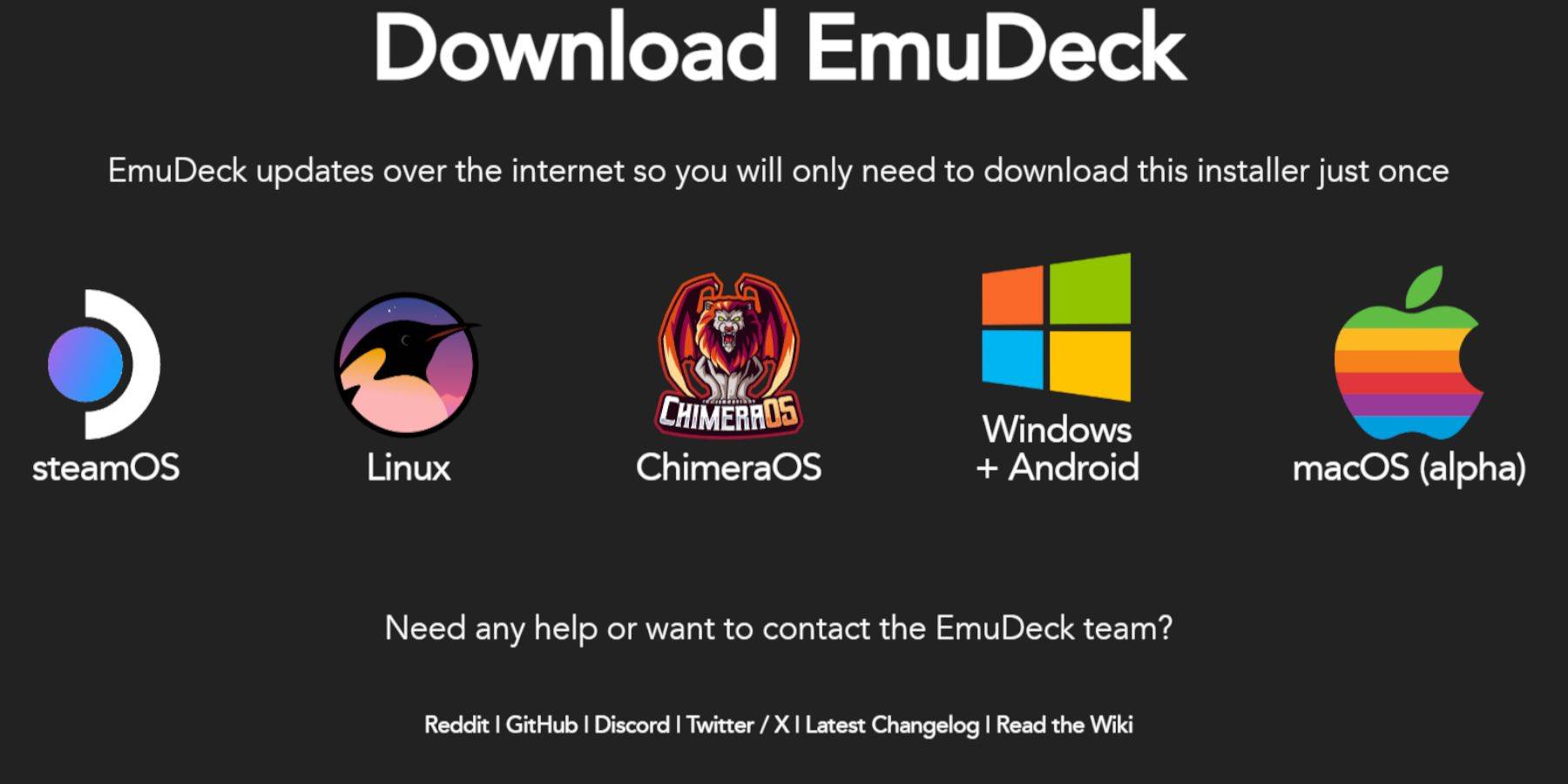
- Download EmuDeck, selecting the SteamOS version.
- Run the installer, choosing Custom installation.
- Select your SD card as the installation location.
- Choose RetroArch, MelonDS, Steam ROM Manager, and Emulation Station (or select all emulators).
- Complete the installation.
Transferring Sega CD Files:
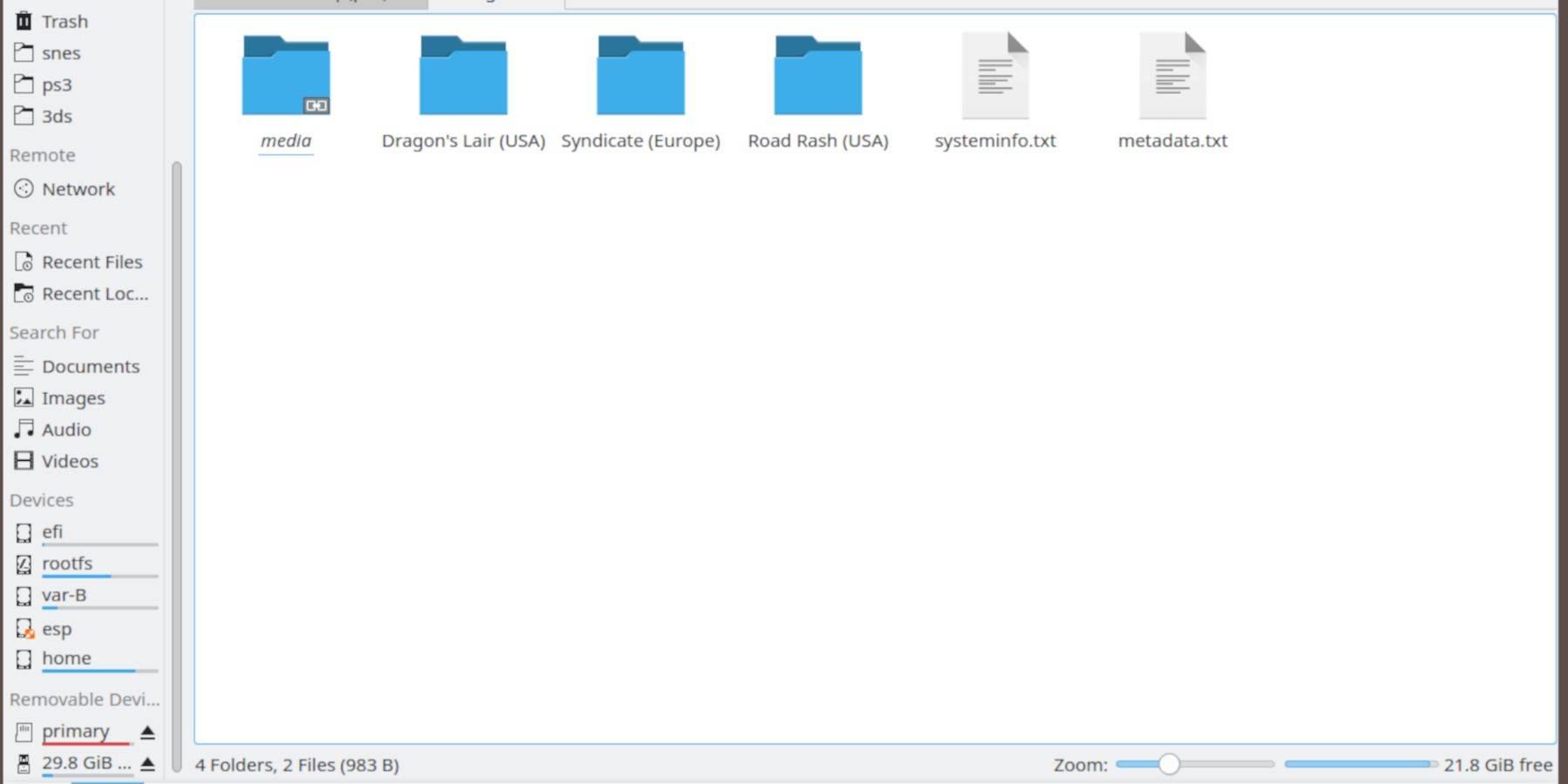
- Open the Dolphin File Browser (Desktop Mode).
- Navigate to your SD card (Primary).
- Go to the
Emulationfolder, thenBIOSand transfer your BIOS files. - Navigate to
Emulation>ROMS>segaCD(ormegaCD) and transfer your ROMs.
Adding ROMs with Steam ROM Manager:
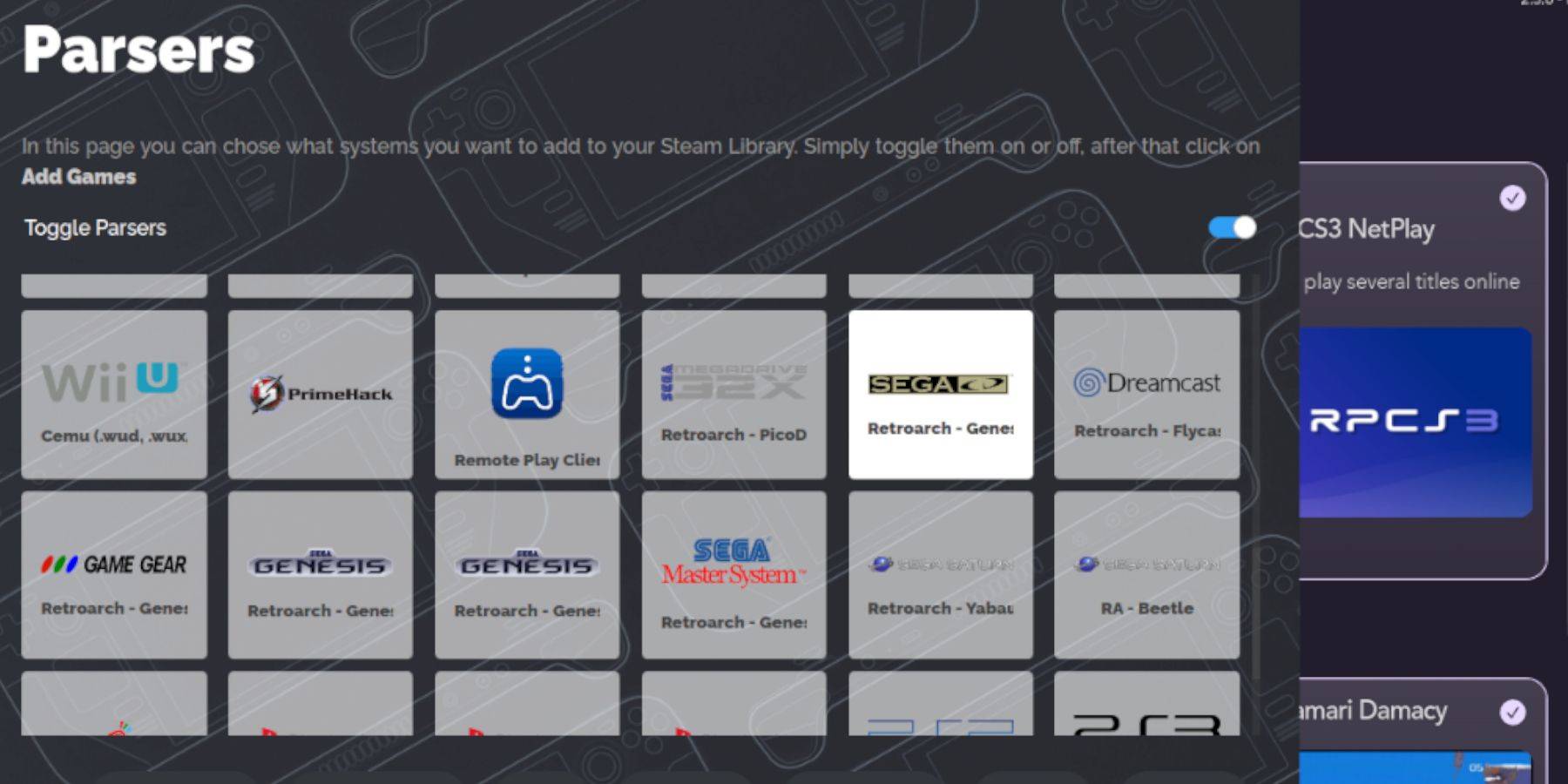
- Open EmuDeck and launch Steam ROM Manager.
- Click "Next," then click both Nintendo DS windows (this is necessary even for Sega CD).
- Click "Add Games" and then "Parse."
- Steam ROM Manager will organize your games and covers.
Addressing Missing Covers:
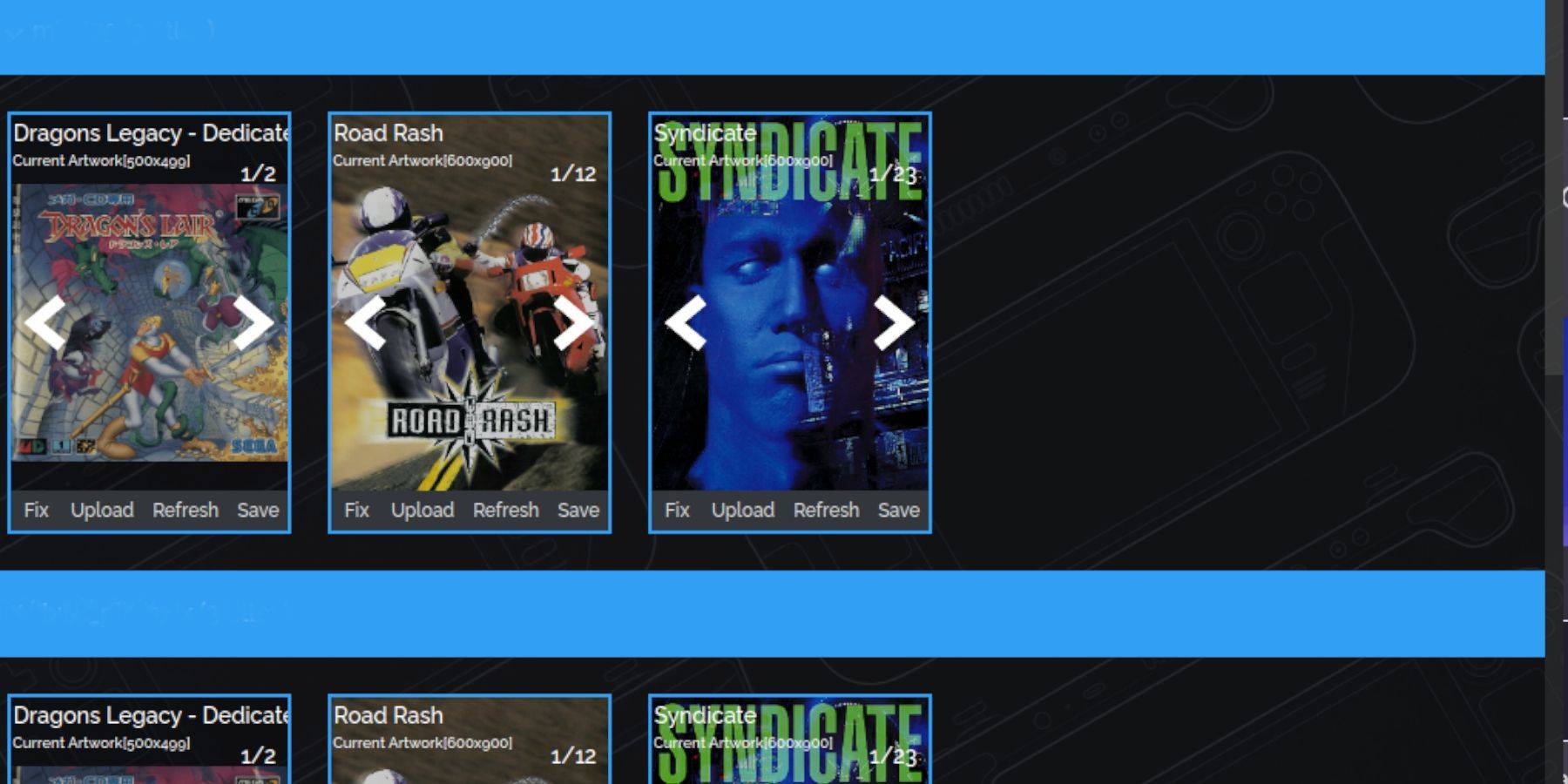
- For missing covers, use the "Fix" function in SRM, searching by game title.
- Manually add covers via the "Upload" function if SRM cannot find them.
Playing Sega CD Games:
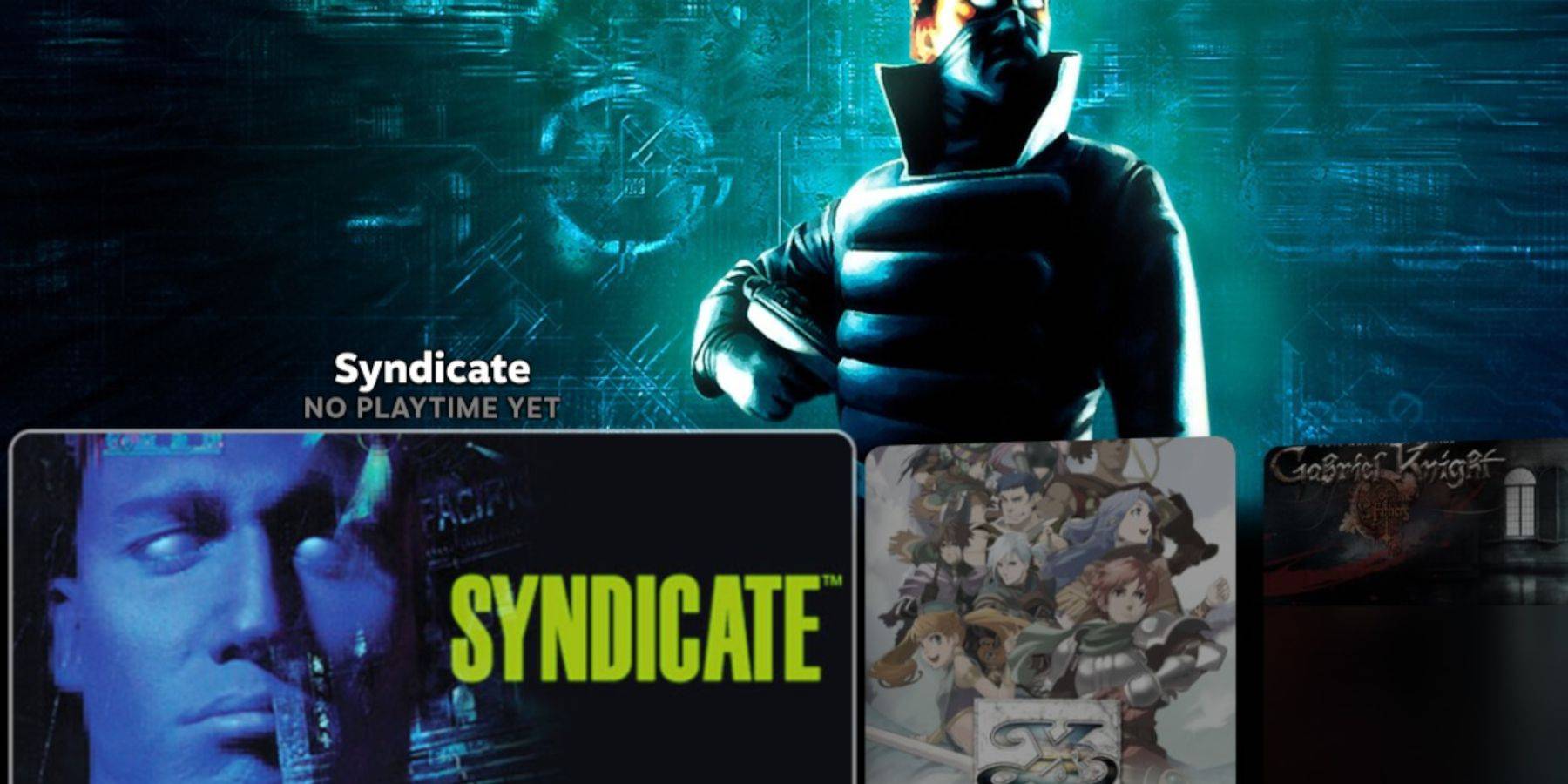
- Access Steam Library > Collections > Sega CD.
- Alternatively, use Emulation Station (Steam Library > Non-Steam) for better organization, especially for multi-disc games. Use the Scraper function in Emulation Station to automatically download metadata and artwork.
Decky Loader Installation:
- Switch to Desktop Mode.
- Download Decky Loader from its GitHub page.
- Run the installer and choose "Recommended Install."
- Restart your Steam Deck in Gaming Mode.
Power Tools Installation and Optimization:
- Open Decky Loader (QAM button).
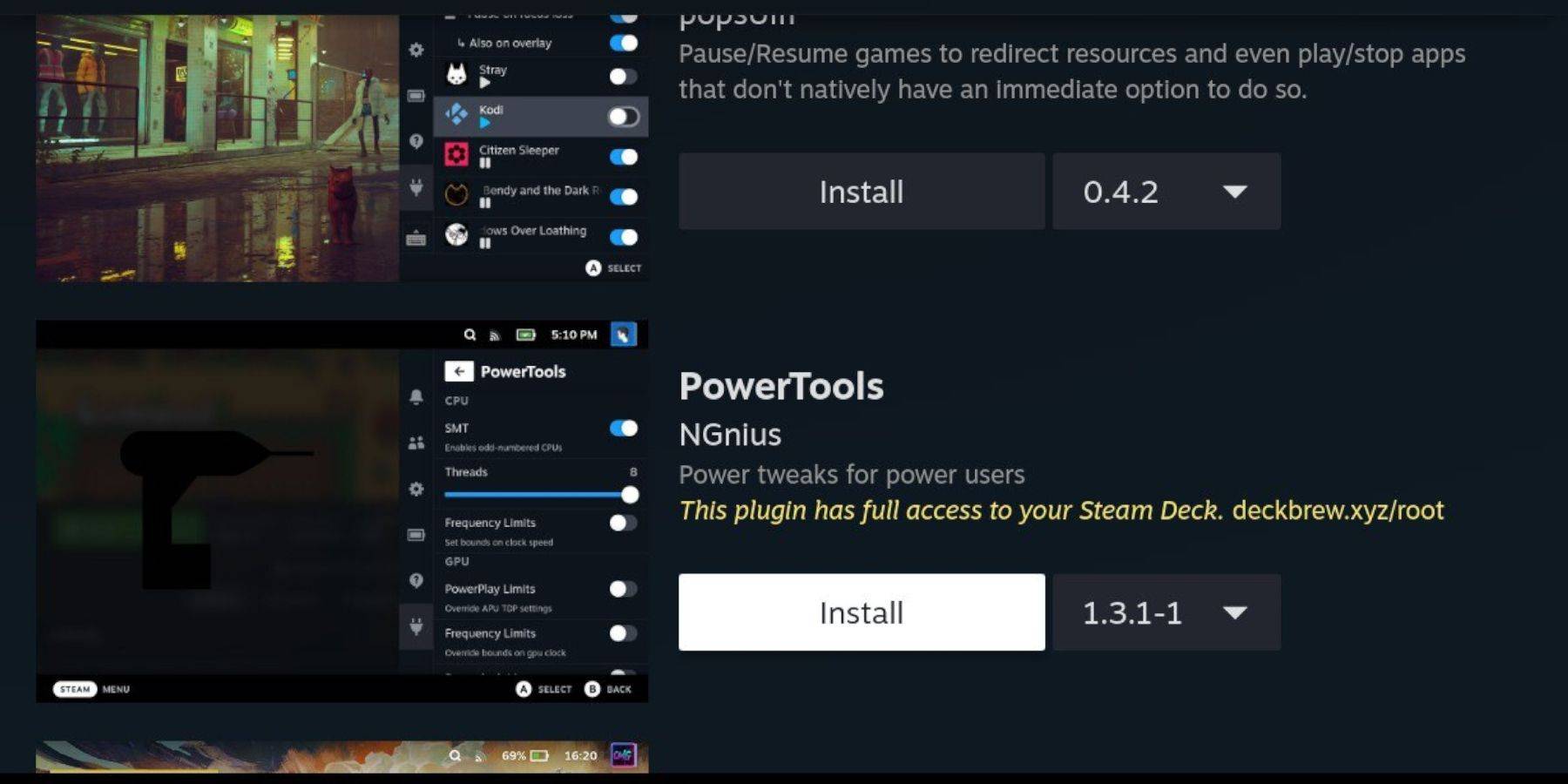
- Install Power Tools from the Decky Store.
- Launch a Sega CD game.
- Access Power Tools (via Decky Loader) and disable SMTs, set Threads to 4.
- Adjust GPU clock speed (Performance menu > Advance View > Manual GPU Clock Control On > increase to 1200). Use Per Game Profile to save settings.
Restoring Decky Loader After a Steam Deck Update:
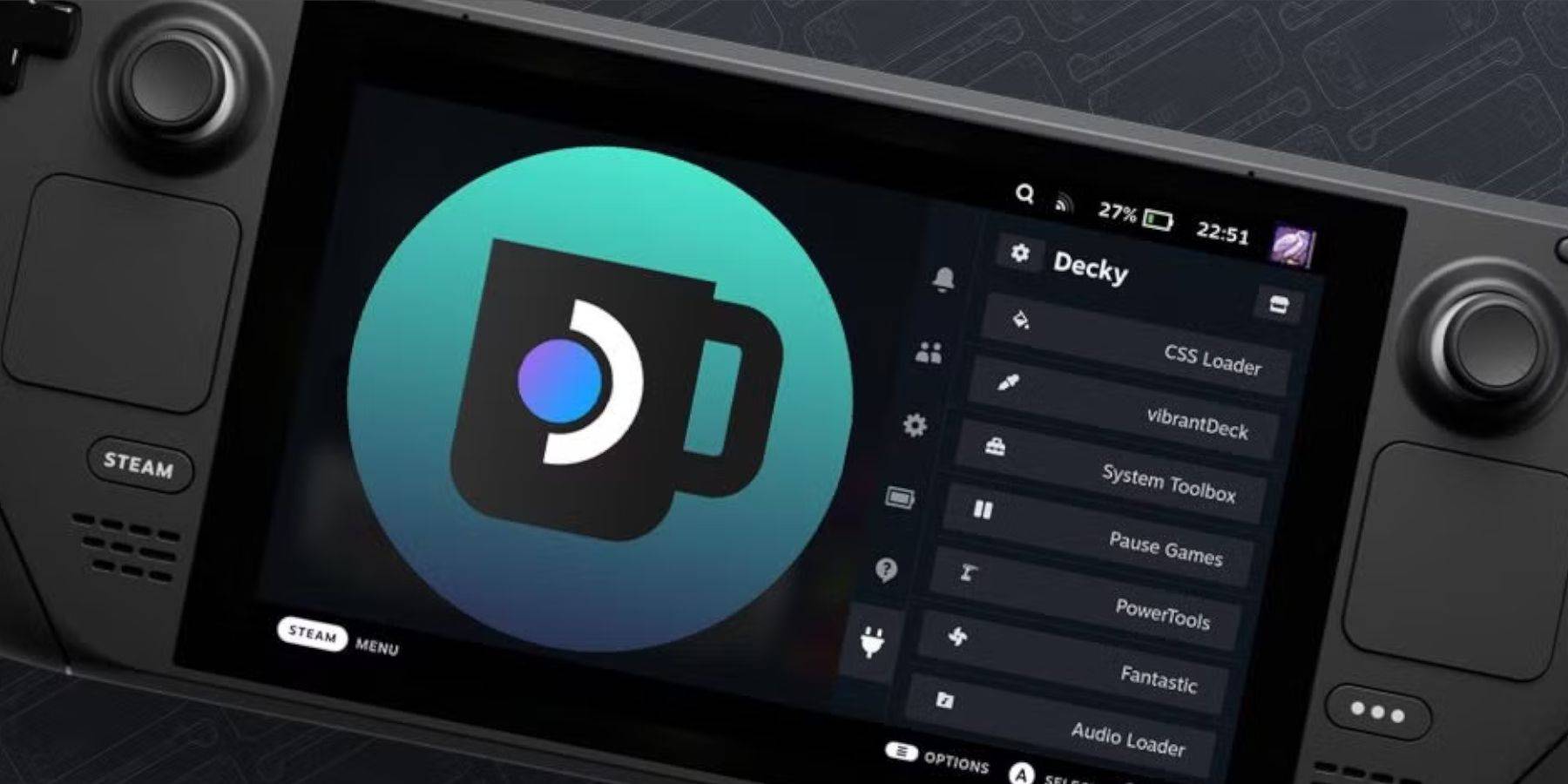 Reinstall Decky Loader from its GitHub page if it's removed after a Steam Deck update. You may need to use
 sudo commands.
Enjoy your Sega CD games on your Steam Deck!
Discover
-
 American MarksmanExperience lifelike hunting adventures with adrenaline-pumping gameplay and breathtaking visuals.American Marksman – your premier destination for immersive hunting and wilderness exploration! Traverse expansive open-world environments and dynamically
 -
 TendenzeDiscover effortless appointment scheduling with Tendenze's official Laser Hair Removal app. Enjoy exclusive deals and promotions designed to help you look and feel your absolute best. Specializing in premium laser hair removal and medical-aesthetic
 -
 Driving School Simulator : EvoExperience this car simulator, master real driving skills, and compete in thrilling live multiplayer races!Driving School Simulator: Evo stands out as one of the most engaging free car games of 2024. It offers something for all players: difficult par
 -
 Strawberry Shortcake Bake ShopCreate Sweet Treats and Invent Your Berry Own Recipes with Strawberry Shortcake! Budge Studios presents STRAWBERRY SHORTCAKE BAKE SHOP! Join Strawberry Shortcake in her delightful baking adventures! Whip up dreamy desserts using delicious ingredient
 -
 Jogo para MemóriaReady to put your memory to the test in a thrilling game experience? Jogo para Memória offers two captivating themes – vibrant colors and beloved Star Wars characters – to challenge your recall abilities. Designed for all ages, this engaging app pro
 -
 Skibidy Toilet Music Tiles HopSkibidy Toilet Music Tiles Hop é um eletrizante jogo musical que traz uma nova abordagem ao clássico gênero de tiles hop. Com mais de 120 músicas de Skibidi Toilet e EDM populares para escolher, você ficará batucando no ritmo por horas seguidas. Des
Top Download




