

Steam Deck: How To Run Sega CD Games
Jan 29,25(1 years ago)
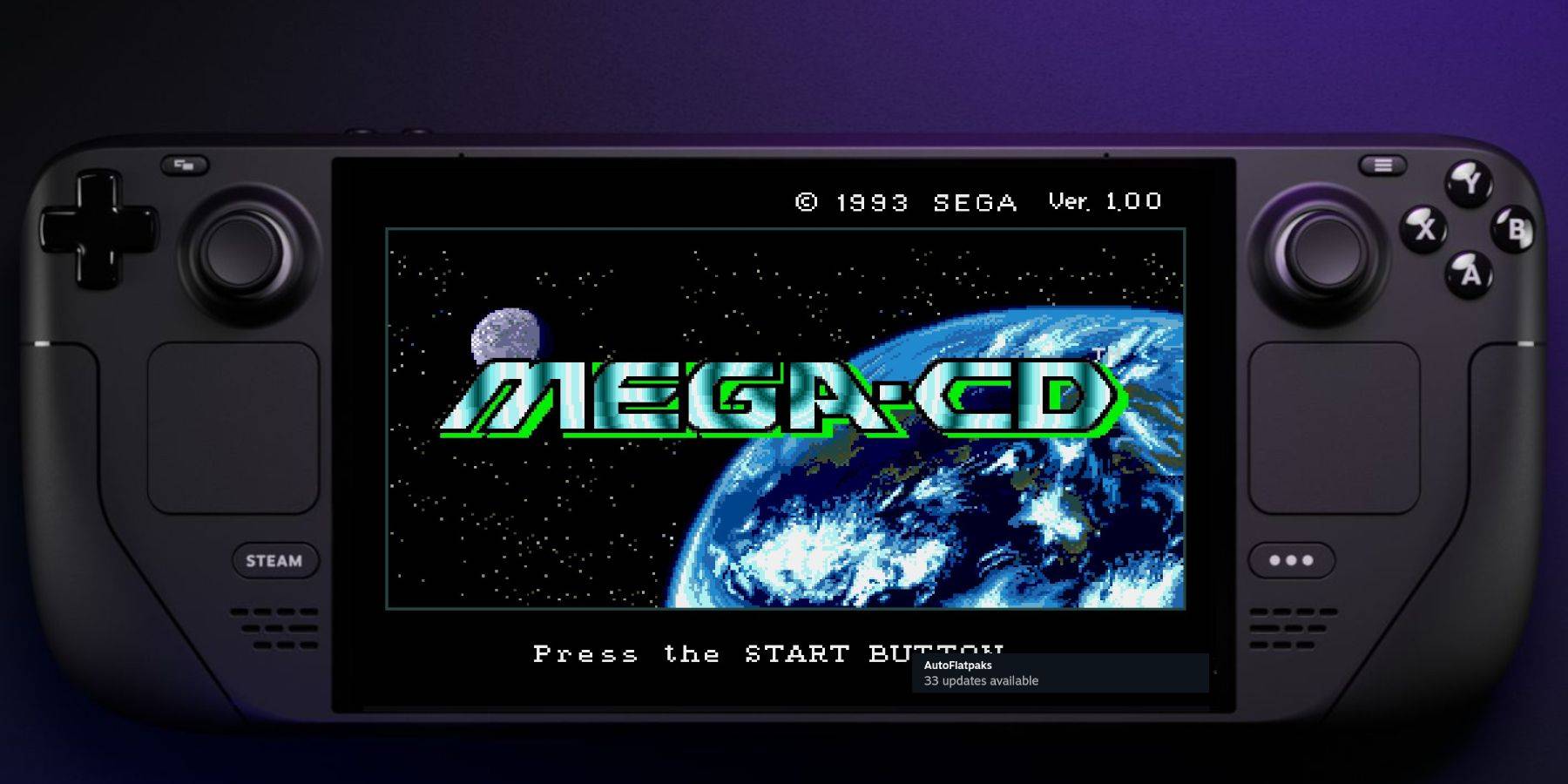
This guide details how to play Sega CD games on your Steam Deck using EmuDeck. We'll cover setup, ROM transfer, and optimization for optimal performance.
Pre-Installation Steps:
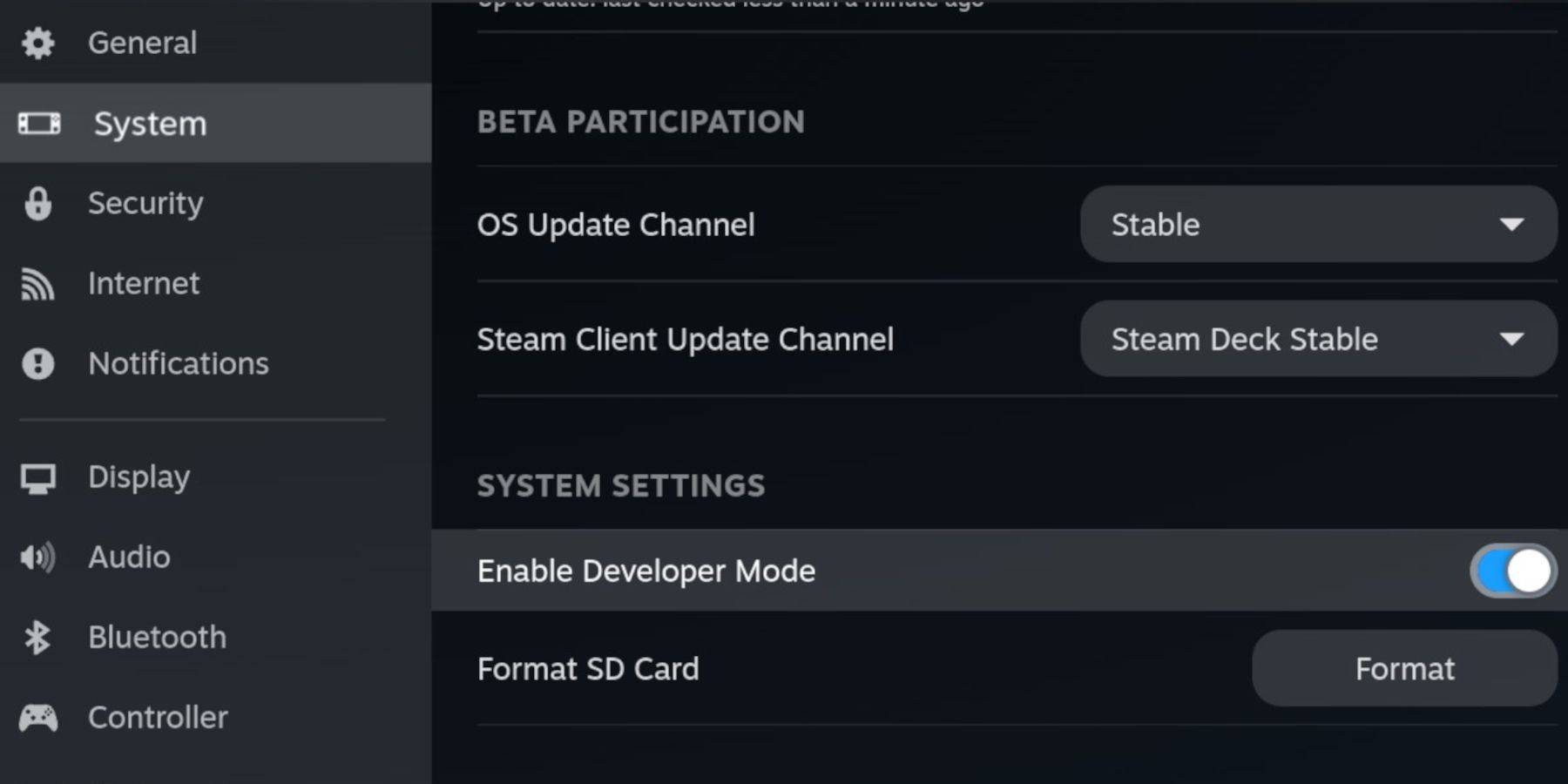 Enable Developer Mode and CEF Remote Debugging on your Steam Deck for compatibility with EmuDeck updates. Instructions:
- Access Steam Menu (Steam button).
- Go to System > Developer Mode and enable it.
- In the Developer menu, enable CEF Remote Debugging.
- Power menu > Desktop Mode.
Essential Requirements:
- A high-speed A2 microSD card.
- Format the SD card within the Steam Deck (Steam Menu > Storage > Format SD Card).
- Legally obtained Sega CD ROMs and BIOS files.
- (Optional but recommended) Keyboard and mouse for easier navigation.
EmuDeck Installation:
- Switch to Desktop Mode.
- Download a browser (from the Discovery Store).
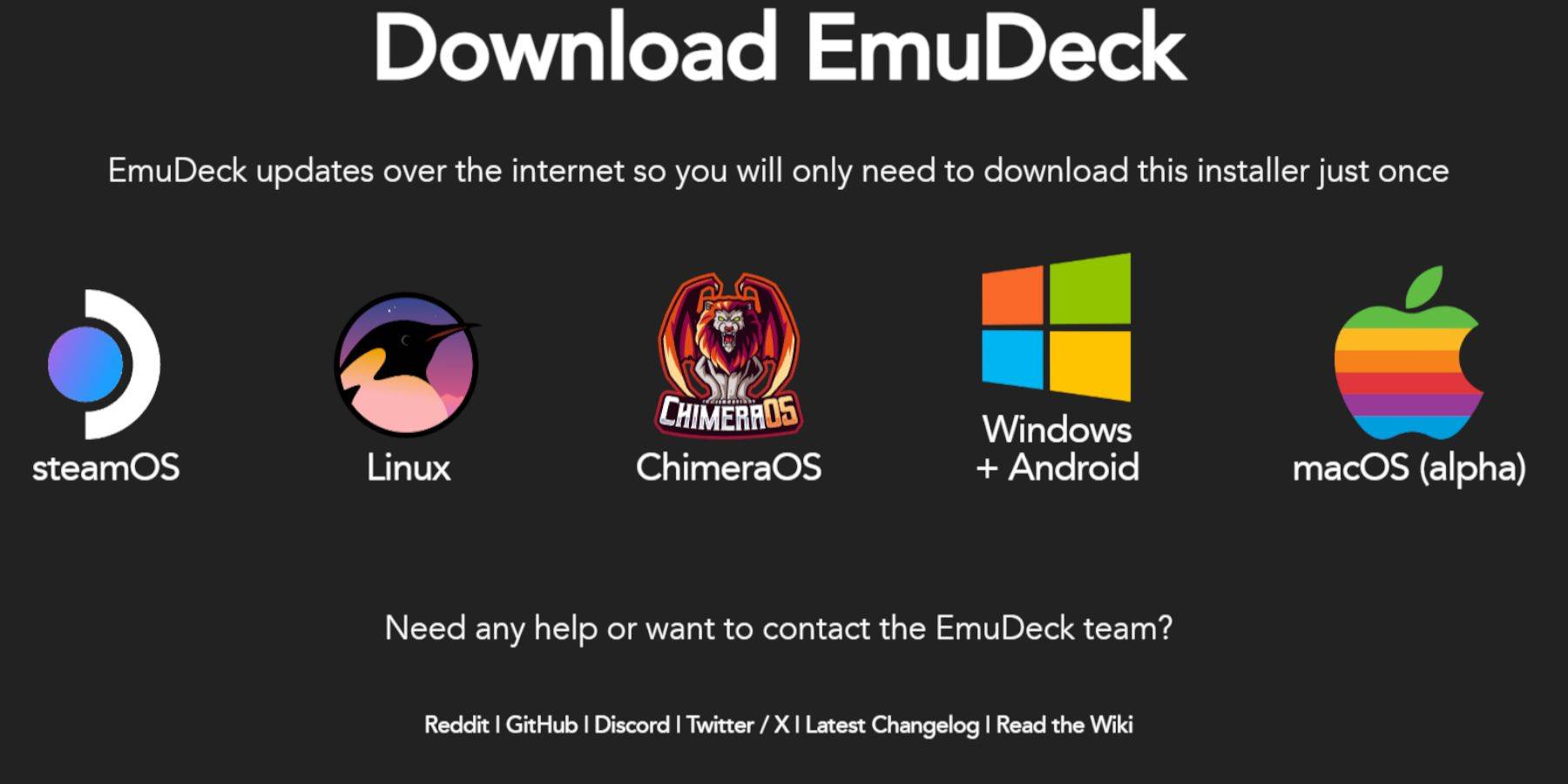
- Download EmuDeck, selecting the SteamOS version.
- Run the installer, choosing Custom installation.
- Select your SD card as the installation location.
- Choose RetroArch, MelonDS, Steam ROM Manager, and Emulation Station (or select all emulators).
- Complete the installation.
Transferring Sega CD Files:
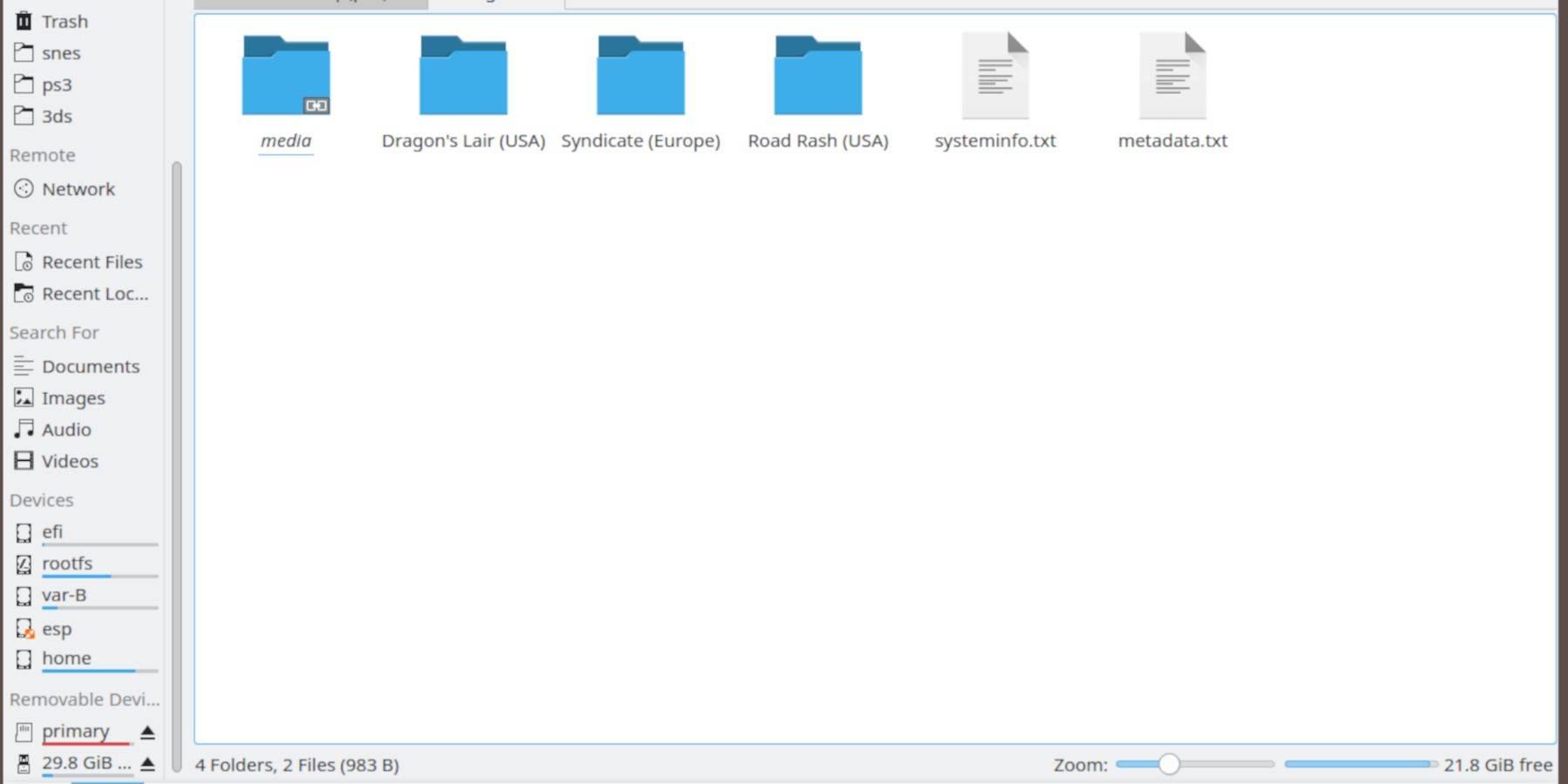
- Open the Dolphin File Browser (Desktop Mode).
- Navigate to your SD card (Primary).
- Go to the
Emulationfolder, thenBIOSand transfer your BIOS files. - Navigate to
Emulation>ROMS>segaCD(ormegaCD) and transfer your ROMs.
Adding ROMs with Steam ROM Manager:
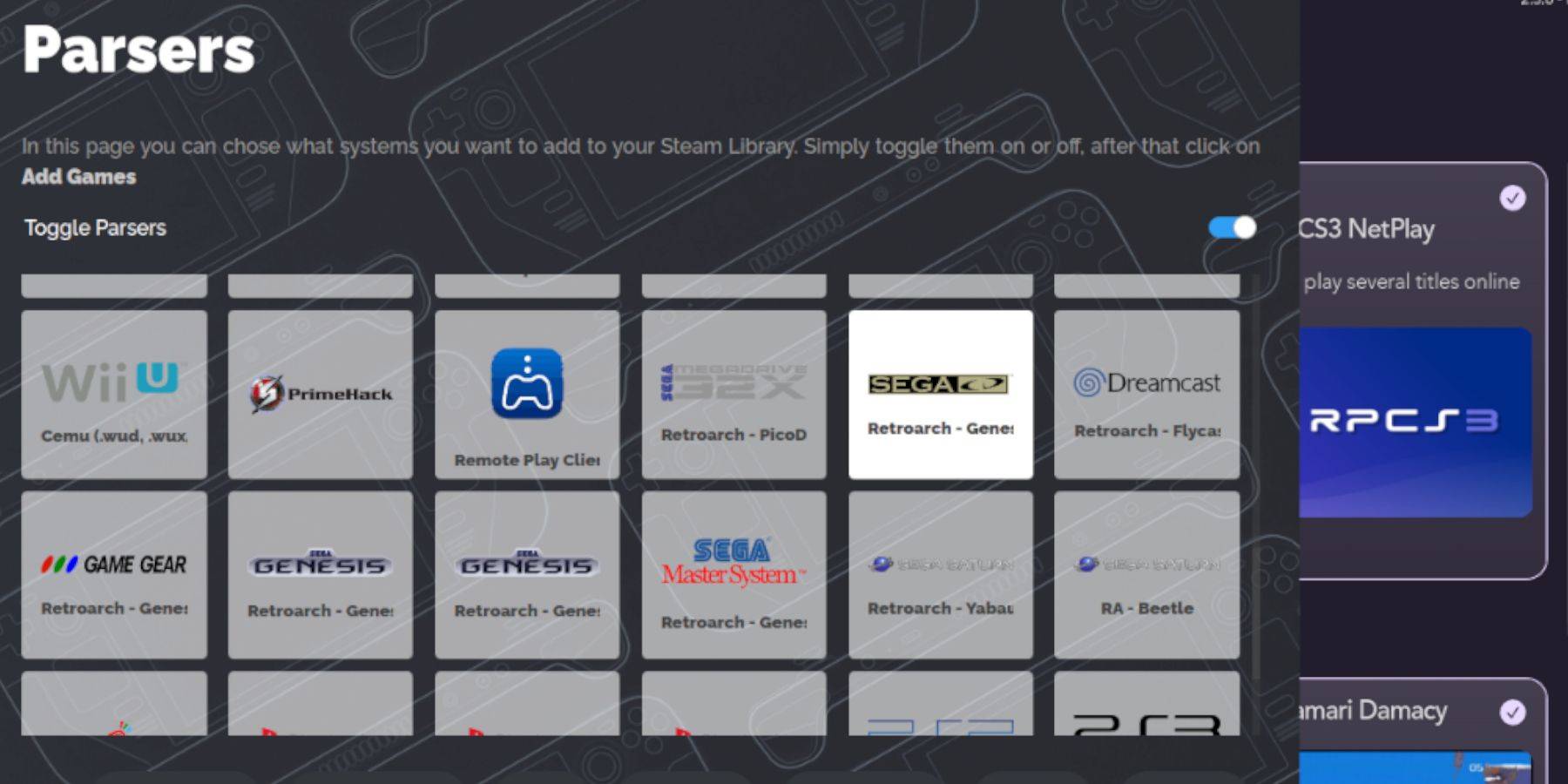
- Open EmuDeck and launch Steam ROM Manager.
- Click "Next," then click both Nintendo DS windows (this is necessary even for Sega CD).
- Click "Add Games" and then "Parse."
- Steam ROM Manager will organize your games and covers.
Addressing Missing Covers:
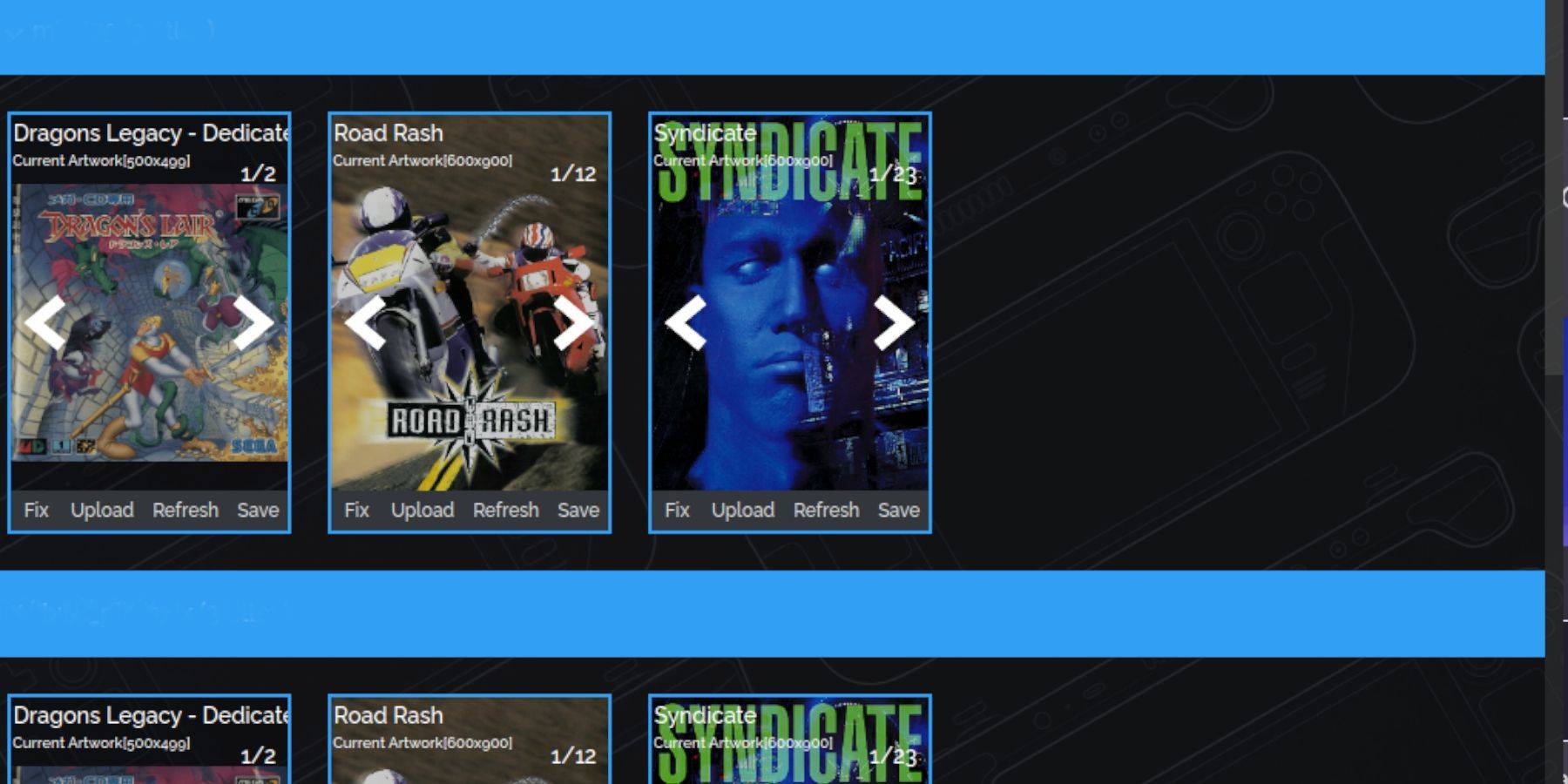
- For missing covers, use the "Fix" function in SRM, searching by game title.
- Manually add covers via the "Upload" function if SRM cannot find them.
Playing Sega CD Games:
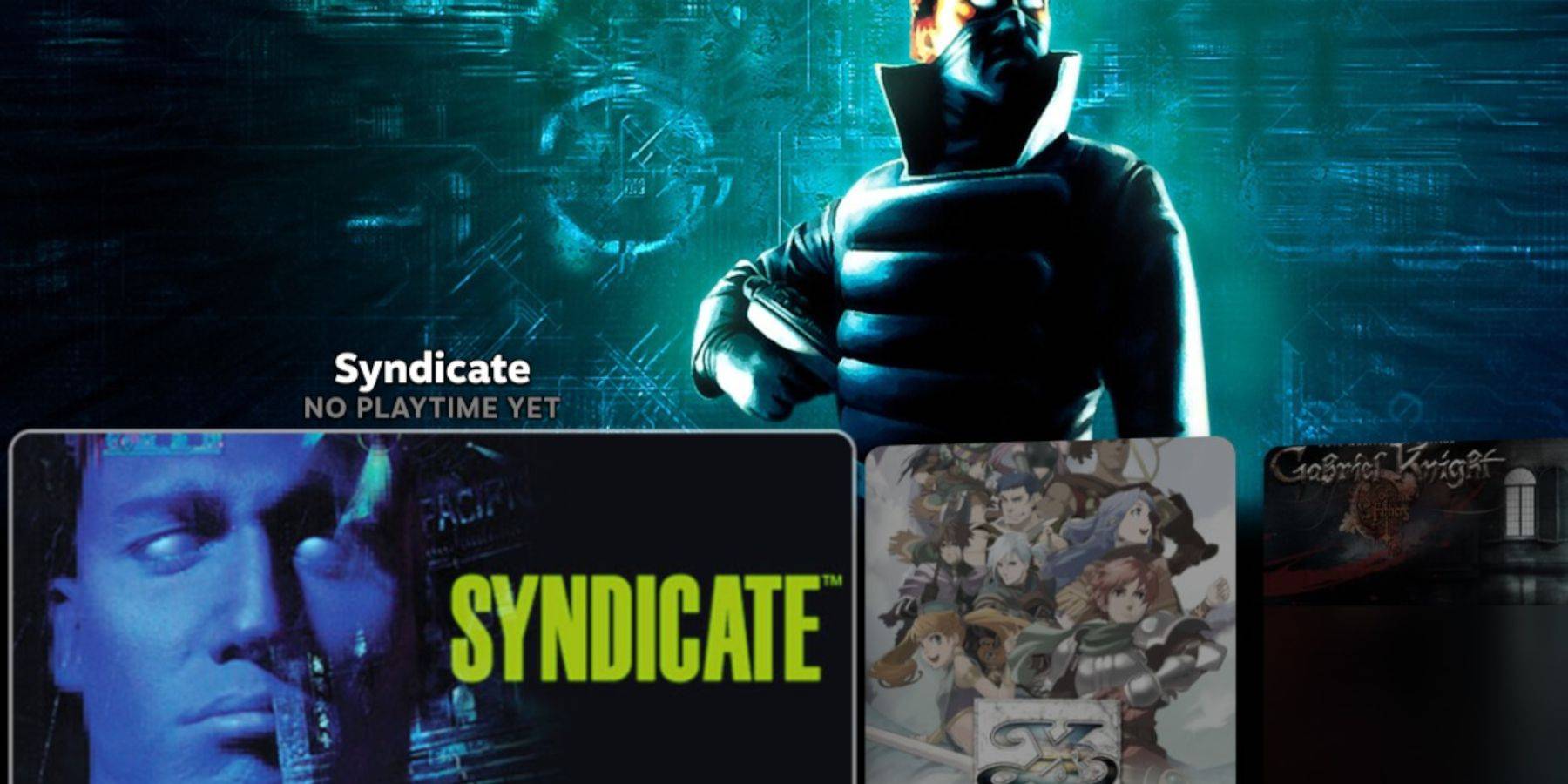
- Access Steam Library > Collections > Sega CD.
- Alternatively, use Emulation Station (Steam Library > Non-Steam) for better organization, especially for multi-disc games. Use the Scraper function in Emulation Station to automatically download metadata and artwork.
Decky Loader Installation:
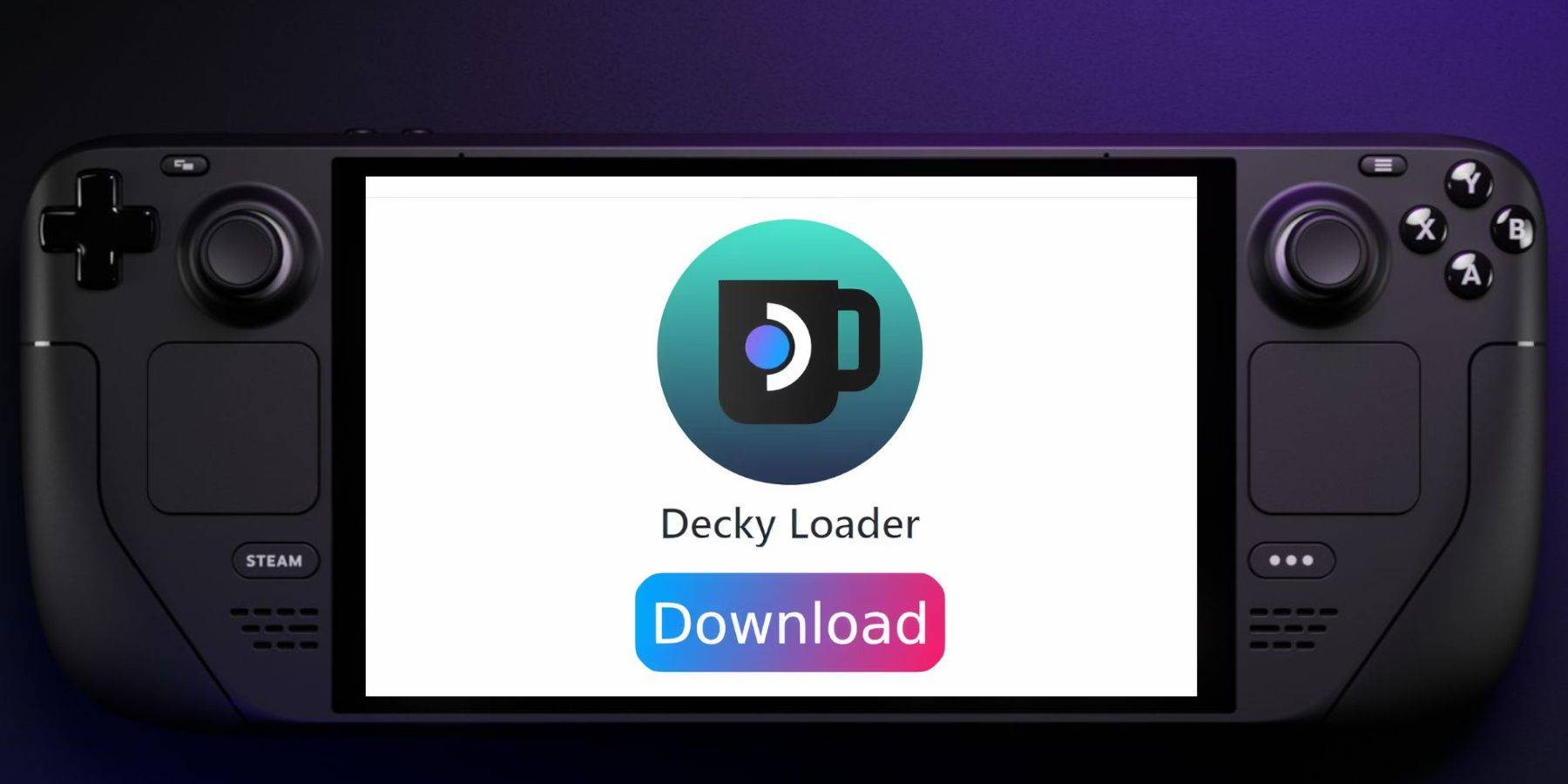
- Switch to Desktop Mode.
- Download Decky Loader from its GitHub page.
- Run the installer and choose "Recommended Install."
- Restart your Steam Deck in Gaming Mode.
Power Tools Installation and Optimization:
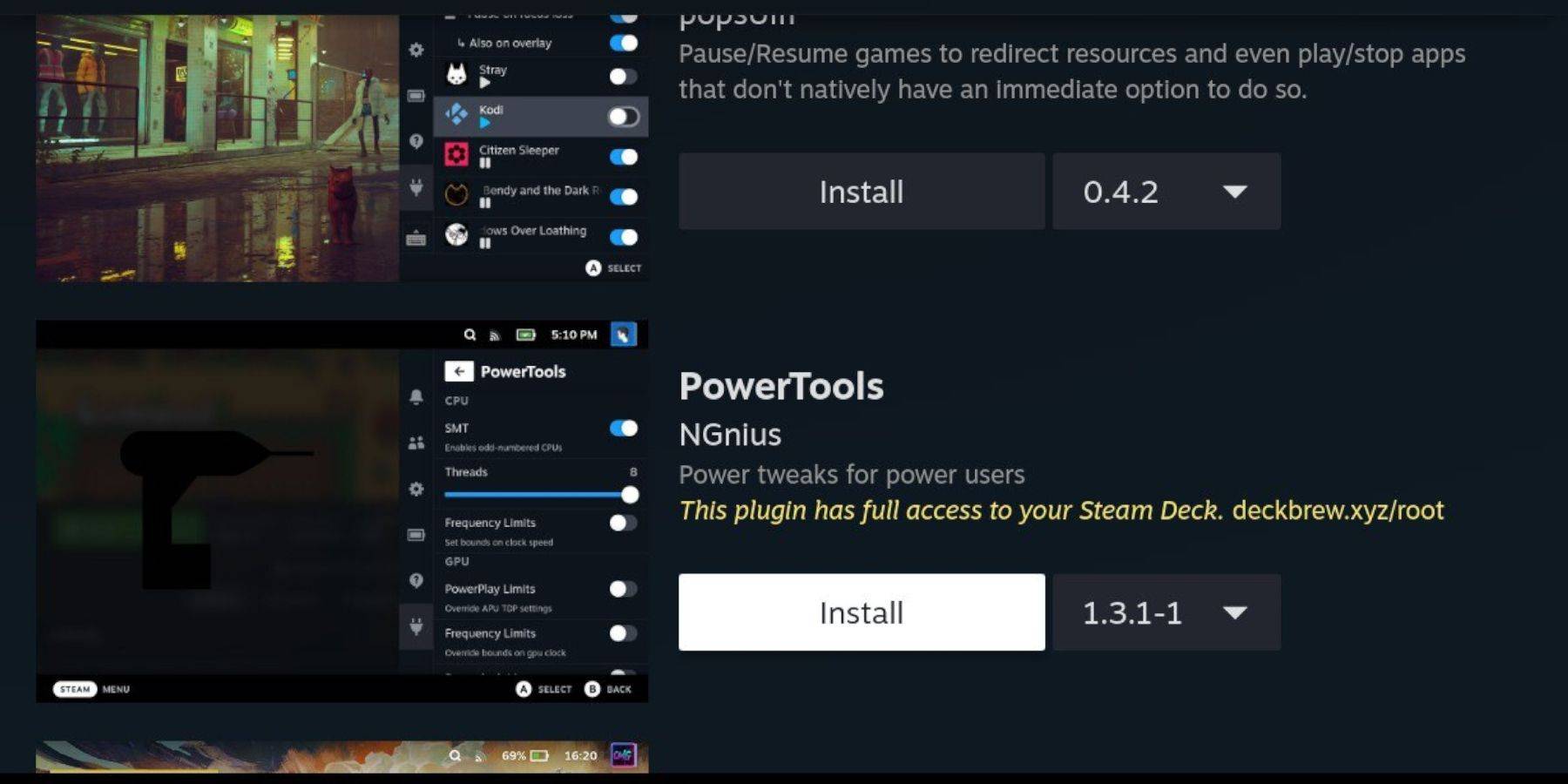
- Open Decky Loader (QAM button).
- Install Power Tools from the Decky Store.
- Launch a Sega CD game.
- Access Power Tools (via Decky Loader) and disable SMTs, set Threads to 4.
- Adjust GPU clock speed (Performance menu > Advance View > Manual GPU Clock Control On > increase to 1200). Use Per Game Profile to save settings.
Restoring Decky Loader After a Steam Deck Update:
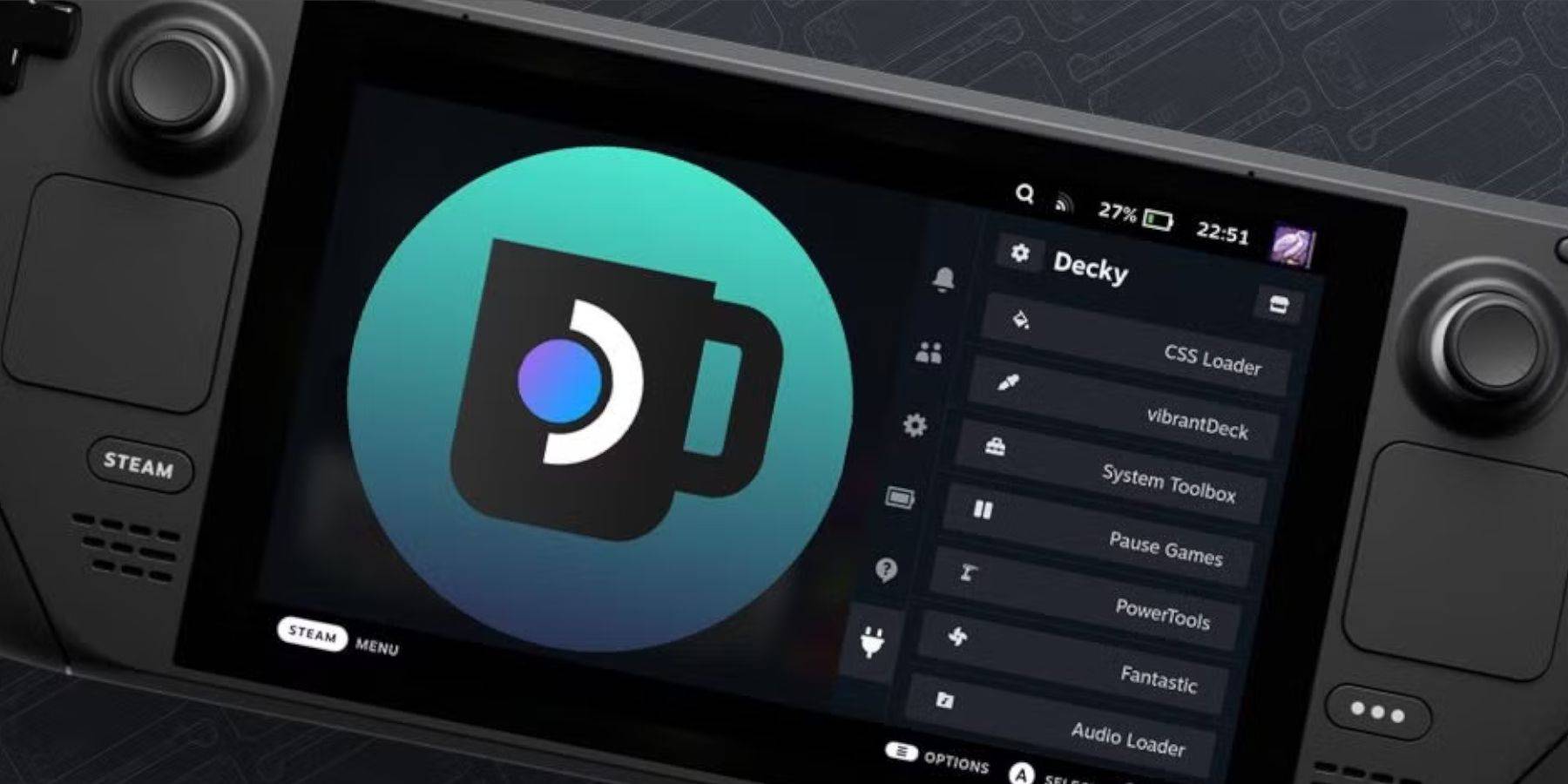 Reinstall Decky Loader from its GitHub page if it's removed after a Steam Deck update. You may need to use
 sudo commands.
Enjoy your Sega CD games on your Steam Deck!
Discover
-
 Oxide: Survival IslandMultiplayer survival simulation set on a forgotten islandOxide: Survival Island is the latest release built on the Survival Simulator foundation!You find yourself stranded alone on a deserted island where every element threatens your existence. Cold,
 -
 Indian Cars Simulator 3D)I:-!.6$*6%
 -
 Quiz Of Kings: Trivia GamesChallenge Your Mind with Global CompetitionReady to test your knowledge against players worldwide? Quiz Of Kings: Trivia Games offers the ultimate brain challenge! Explore diverse categories including art, sports, science, and beyond. Compete against
 -
 Fishbowl RacerPut your multitasking abilities to the ultimate test with this incredibly addictive and tough game! In Fishbowl Racer, you have to control a fishbowl perched on a shaky cart while also guiding a hungry goldfish to grab fish food from the shelves. Ch
 -
 Drift Street xCarPrepare for heart-pounding street racing action with Drift Street xCar, the ultimate mobile drifting experience. This authentic racing simulator delivers stunning visuals and true-to-life handling that will test your driving skills. From high-perform
 -
 UEFA GamingExperience the official UEFA gaming app for the Champions League and Europa LeagueWelcome to UEFA Gaming, the official free app for the UEFA Champions League, UEFA Europa League and UEFA Conference League.Bring Europe’s elite competitions to life wit
Top Download




