

Tribe Nine: Best Character Reroll Guide
Starting a gacha game can be tough, especially the re-rolling process—a crucial step to snag powerful characters early on. TRIBE NINE, a new 3D action RPG, is no exception. This guide shows you how to optimize your TRIBE NINE re-rolling experience using BlueStacks.
How to Re-roll in TRIBE NINE
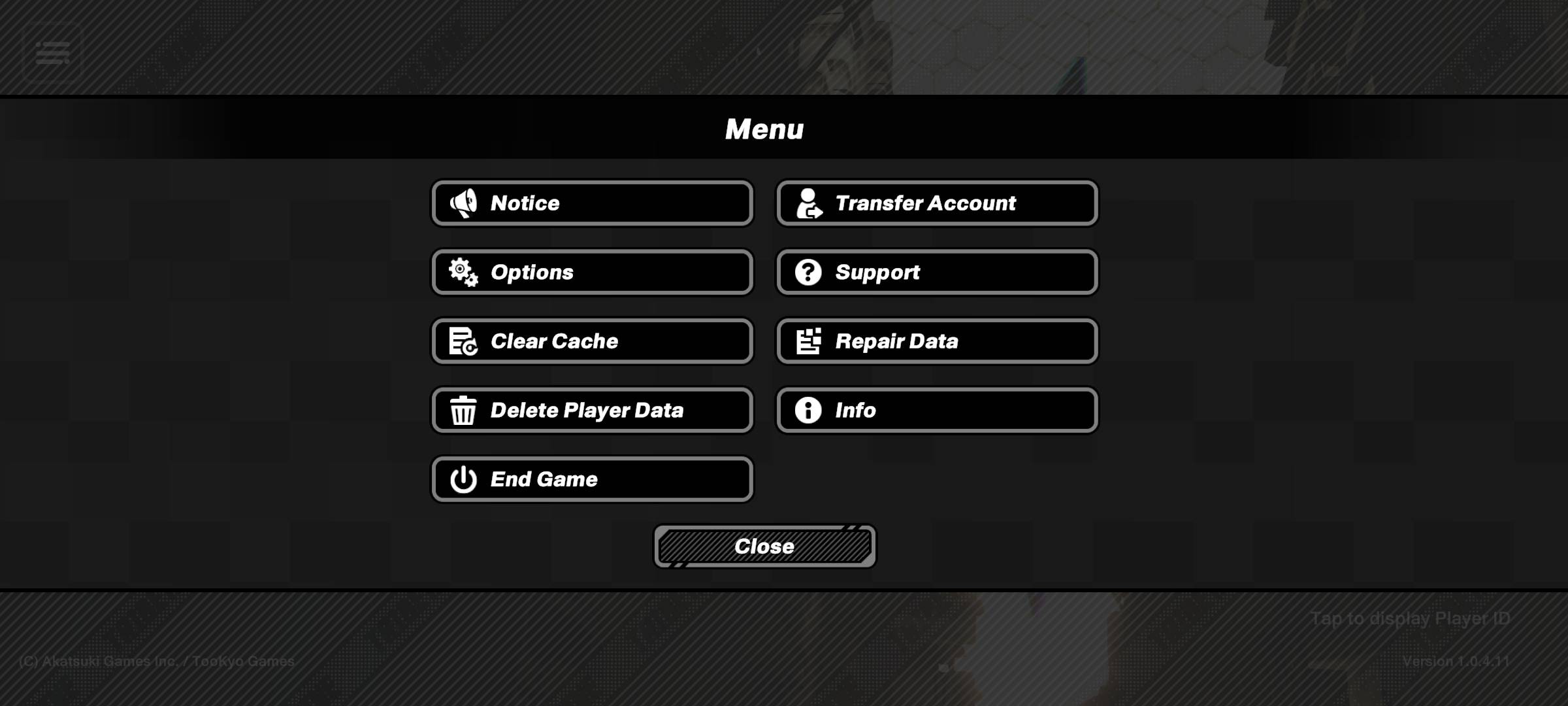
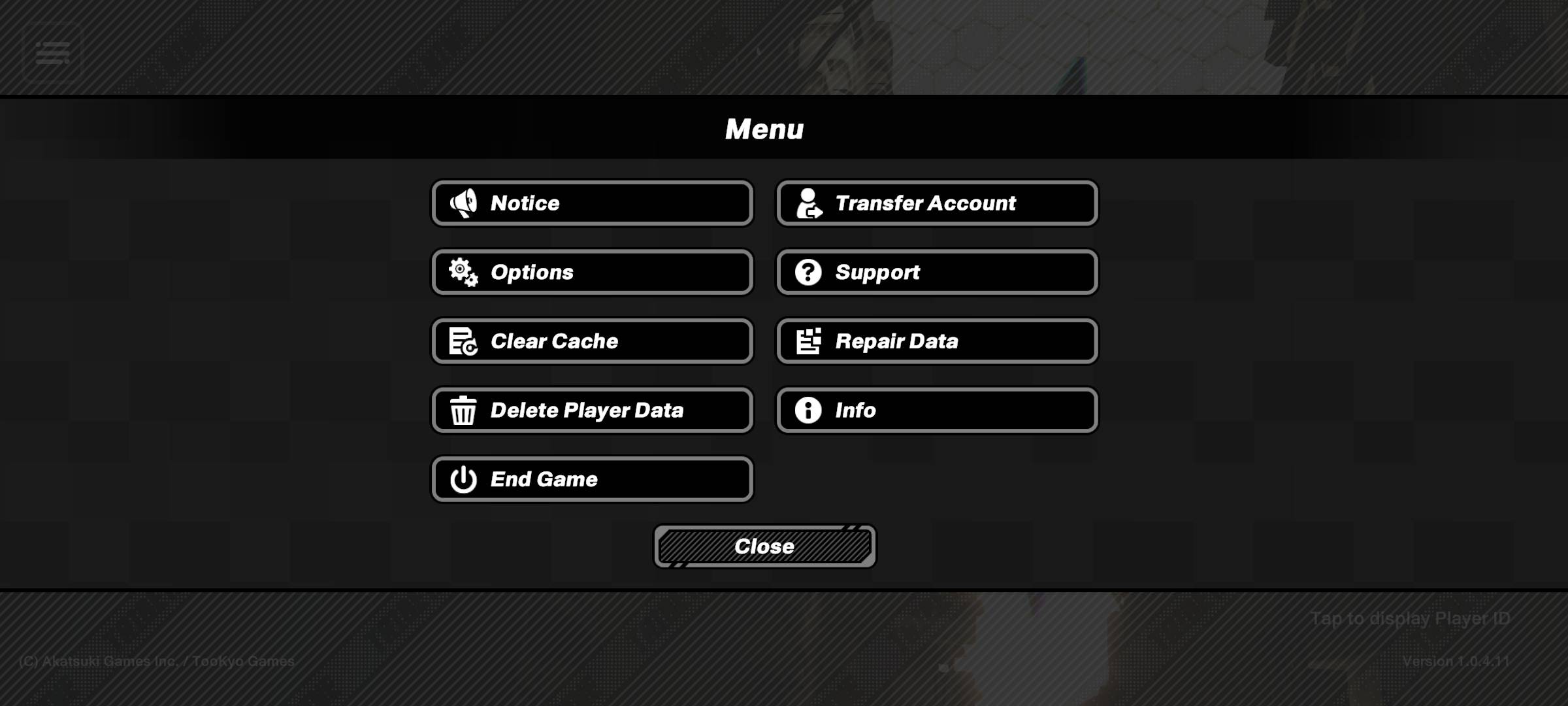
Re-rolling in TRIBE NINE gives you a head start by securing high-tier characters early. The initial tutorial (under an hour) needs only to be completed once. Afterwards, access the gacha system and claim your free pulls from your in-game mailbox. Aim for at least one strong unit to give your squad a significant advantage. Here’s a step-by-step guide:
Key Characters to Target:
- Tsuruko Semba: High attack and support, but low break ability and high difficulty.
- Miu Jujo: Strong ranged attacker with turret-deploying crystals.
- Q: Well-rounded with excellent break, attack, and support abilities.
- Enoki Yukigaya: Extremely high attack, but high difficulty, low break and support.
- Minami Oi: Excellent support with low difficulty; uses drones to attack, heal, and disrupt.
Re-roll Faster with BlueStacks
Re-rolling can be time-consuming, especially in story-rich games like TRIBE NINE. BlueStacks simplifies this process dramatically.
BlueStacks' Multi-Instance Manager lets you create multiple instances, each acting like a separate Android device. Clone your current instance to avoid reinstalling the game repeatedly. Create as many instances as your system can handle, then use the sync instances feature, designating one instance as the "master." Control all instances from the master instance.
Re-roll on the master instance; the changes will automatically reflect in all other instances. Use guest accounts and bind them after a successful re-roll to save your progress.
Enjoy TRIBE NINE on a larger screen with keyboard and mouse controls using BlueStacks.
-
 1docSimplify your healthcare management with the 1doc app. Developed by iAPPS Health Group, this all-in-one solution eliminates the need for multiple platforms by giving you direct access to Employee Benefits, Scan & Pay at island-wide clinics, and a st
 -
 Slender History: WWII EvilIn Slender History: WWII Evil, experience the chilling return of Slender during World War 2 as he seizes control of a military base, transforming soldiers into terrifying zombies. You must infiltrate the heavily guarded facility, locate a hidden unde
 -
 Escape game:prison adventure 3Embark on an exhilarating journey with Escape Game: Prison Adventure 3, a game that will push your skills and intelligence to the limit. Explore a range of beautifully crafted rooms where careful observation, sharp calculation, and smart strategy ar
 -
 Yango — different from a taxiDiscover seamless urban transportation with Yango — reinvented mobility redefining taxis. Offering multiple service tiers tailored to your preferences, whether you need speedy downtown transport or relaxed premium travel. Your safety comes first wit
 -
 Transit • Subway & Bus TimesTransit • Subway & Bus Times: Your Essential Urban Travel Companion. This app delivers live departure times, tracks nearby buses and trains, and provides comprehensive transit schedules. Its smart trip planner helps you explore and compare options a
 -
 Video Background ChangerTransform your videos effortlessly with the Video Background Changer app – an intuitive tool that lets you replace backgrounds in real-time. Choose from solid colors, vibrant gradients, stunning images, or dynamic videos to add a personalized flair




