

How To Study a Historical Display in The Sims 4 Blast From the Past Event
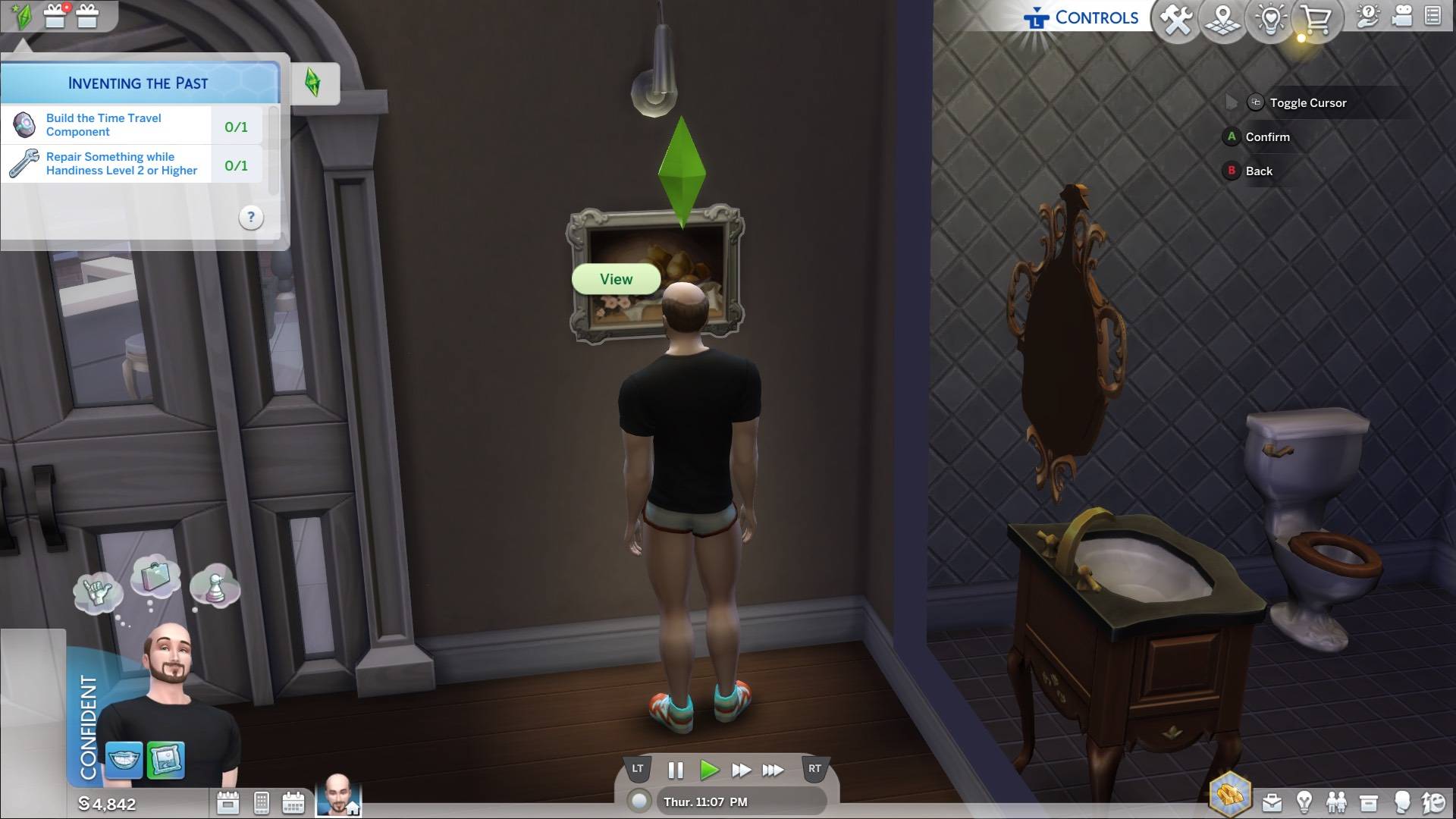
Week 2 of The Sims 4's Blast from the Past event presents a puzzling challenge: studying a Historical Display. This guide clarifies how to complete this seemingly simple, yet surprisingly problematic, task.
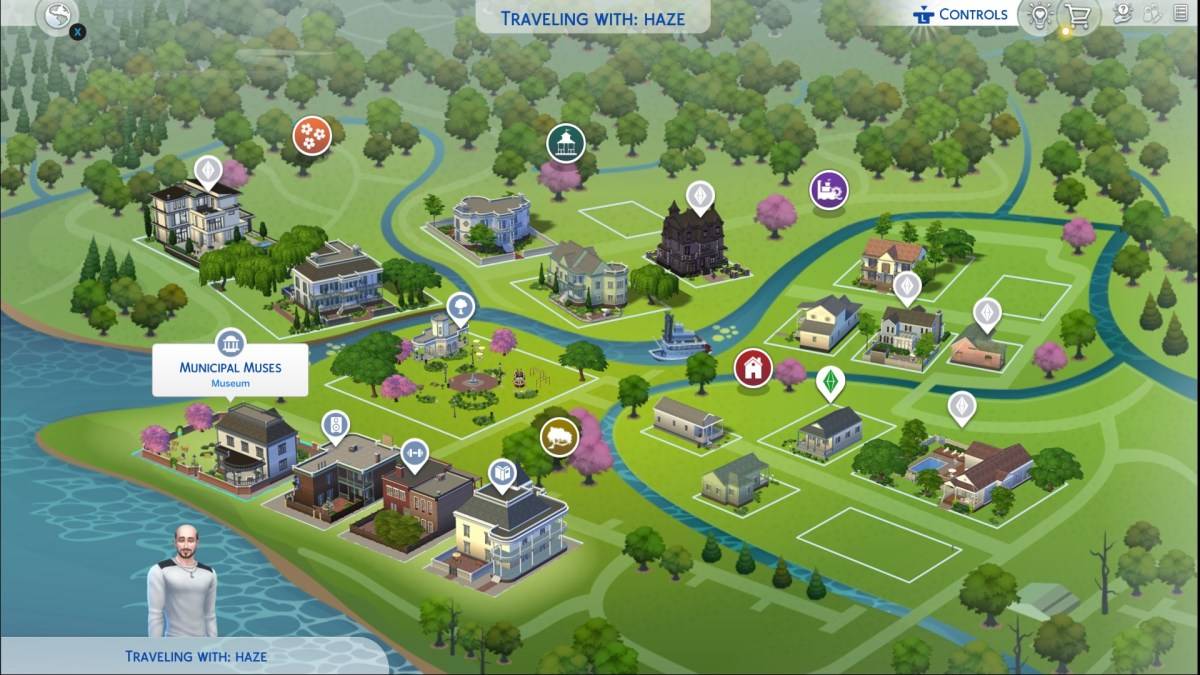
Locating a Museum:
To begin, locate a museum on your in-game map. Look for the building icon depicting pillars. While several exist, the Municipal Museum in Willow Creek and The Future's Past in Oasis Springs offer convenient proximity to other event tasks.
Studying the Display:
Once inside the museum, interact with either a painting or sculpture (both qualify as Historical Displays). Select the "View" option. The completion of the quest is confirmed by the appearance of the Emit icon.
Troubleshooting Common Issues:
Many players report difficulties with this quest, often attributed to conflicting mods. If the "View" option is unavailable, consider temporarily disabling mods. If the problem persists, try interacting with multiple displays across different museums. EA's awareness of this issue is hoped for, but until a fix is released, persistent attempts remain the best solution.
Blast from the Past Week 2 Quests Overview:
Completing the Historical Display task is only one step in Week 2's challenges. The full list includes:
Echoes of Time:
- Read the History of Time Travel at a Library
- Experience the Past by Playing The Sims Archives vol. 2
- Study a Historical Display at a Museum
- Ask an Elder about the Shard
- Research Shards of Time
- Search Objects for Shards of Time (3)
- Show Emit the Shards of Time
Inventing the Past:
- Read Theoretical Electronics at a Library
- Collect Platinum
- Collect Ironyum
- Repair Something (Handiness Level 2 or higher)
- Exercise Your Mind (Logic Level 2 or higher)
- Obtain an Electronic Upgrade Part
- Build the Time Travel Component
The Sims 4 is available on PlayStation, Xbox, and PC.
-
 Kanji LandA fun and engaging app that makes learning Kanji enjoyableKanji Land is a Japanese learning application specifically designed to improve Kanji memorization, which is often considered the most tedious part when starting to learn Japanese. This app is
 -
 Word Puzzle Games CollectionThis collection of word puzzle games helps you learn English, expand your vocabulary.Word puzzle games assist in learning English, improving your vocabulary, and training your spelling abilities.❤️ The Word Puzzle Games Collection includes multiple g
 -
 Bimi Boo Baby Phone for KidsInteractive Toddler Learning Game with Animals and NumbersDiscover the perfect educational game for children ages 1-5 featuring numbers and exciting animal sounds. Our baby phone app offers both entertainment and learning opportunities for young boys
 -
 Telemundo 48 El Paso: NoticiasMantenha-se conectado com as últimas notícias e atualizações climáticas através do aplicativo Telemundo 48 El Paso: Noticias. Com uma interface amigável, acesse as previsões meteorológicas mais precisas, notícias urgentes, TV ao vivo e jornalismo in
 -
 Torrent Pro - Torrent DownloadTorrent Pro - Torrent Download is your go-to app for high-speed, secure torrent downloads. It features a Material-3 Dynamic Theme, Power Saver Mode, and VPN Only Mode to deliver a tailored and efficient downloading journey. Benefit from built-in tor
 -
 Renfe CercaniasTransforme seu deslocamento diário com o aplicativo Renfe Cercanias, que traz todas as informações necessárias sobre os trens urbanos da Renfe em diversas cidades espanholas. Desde consultar horários até receber avisos importantes, você pode planeja




