

How to Use Sprays & Emotes in Marvel Rivals
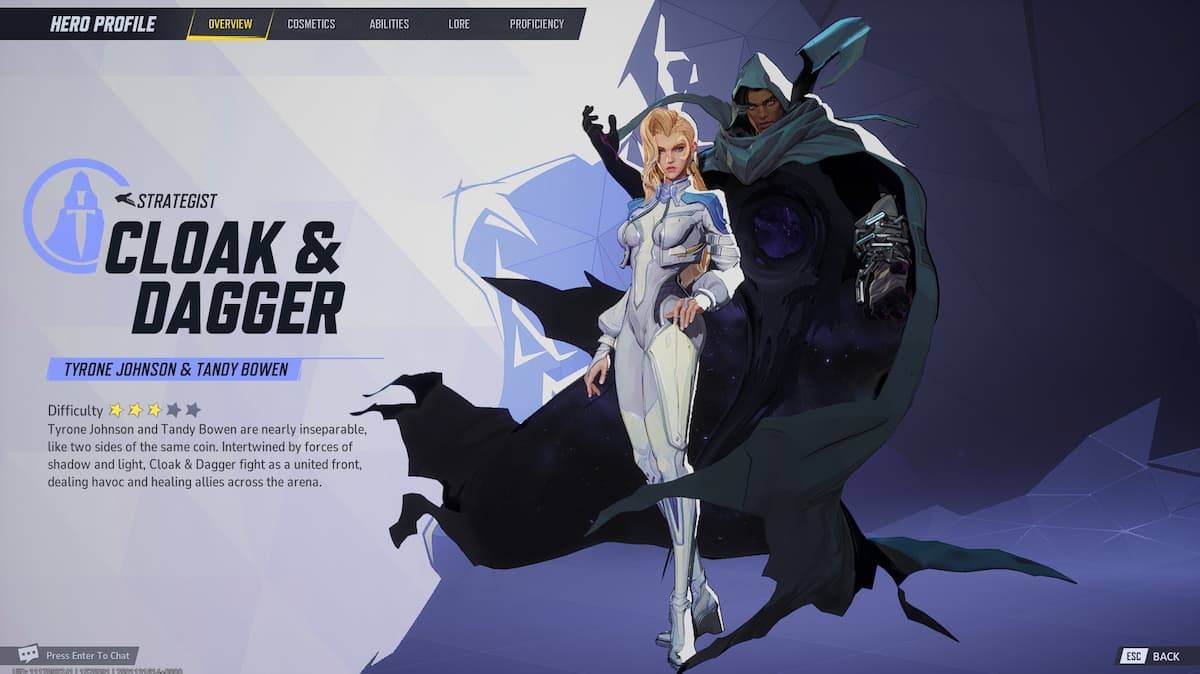
Show Off Your Style in Marvel Rivals: Mastering Sprays and Emotes
Marvel Rivals lets you play as your favorite heroes and villains, but why not add some flair? This guide explains how to use sprays and emotes to express yourself on the battlefield.
Using Sprays and Emotes
To unleash your sprays and emotes, simply hold down the 'T' key during a match. This will open the cosmetics wheel, allowing you to select your desired spray or emote. The keybind is customizable in the game's settings if 'T' isn't your preference.
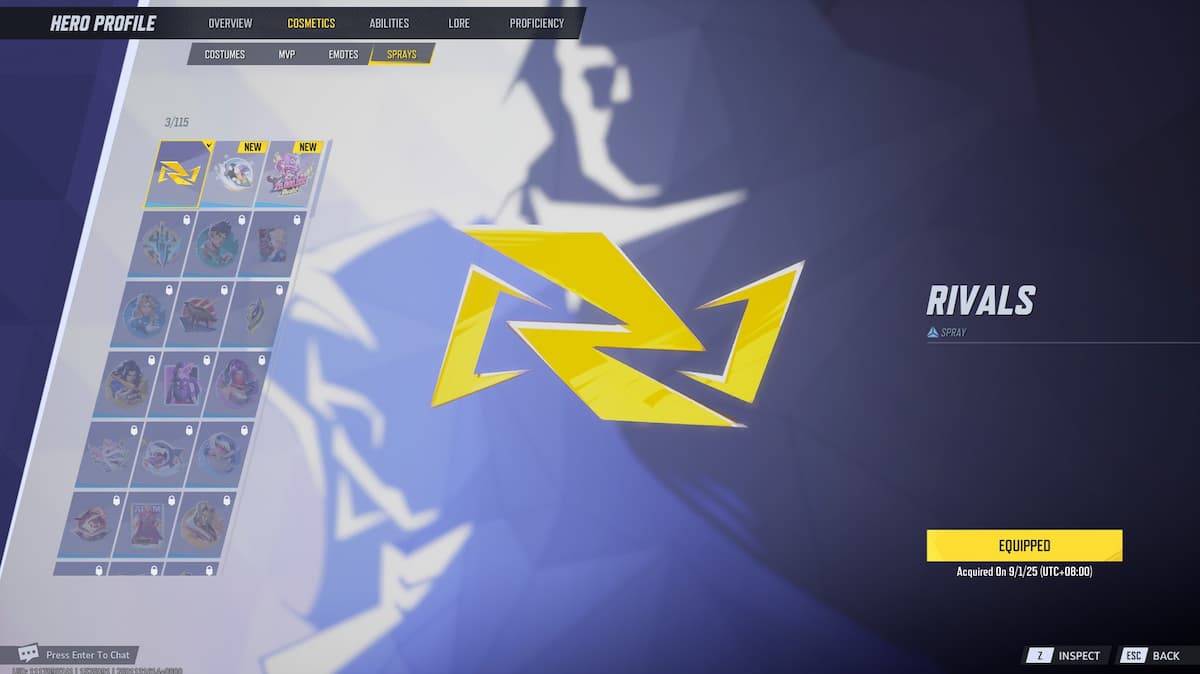
Important Note: You must equip sprays and emotes individually for each character. There's no global cosmetic setting; you'll need to equip your favorites for each hero or villain. To do this, navigate to the hero gallery from the main menu, select your character, go to the "Cosmetics" tab, and choose from "Costumes," "MVP," "Emotes," or "Sprays" to equip your chosen items.
Unlocking More Sprays
While many cosmetics in Marvel Rivals are purchased with real money (primarily via the Battle Pass's Luxury track), some free options exist.
Complete daily and event missions to earn Chrono Tokens. These tokens can unlock additional cosmetics through the Battle Pass. Improving your proficiency with individual characters also unlocks cosmetic rewards.
That's all there is to it! Now you can confidently use sprays and emotes in Marvel Rivals. For more Marvel Rivals tips and tricks, including Competitive mode rank resets and SVP explanations, check out The Escapist.
-
 Yango — different from a taxiDiscover seamless urban transportation with Yango — reinvented mobility redefining taxis. Offering multiple service tiers tailored to your preferences, whether you need speedy downtown transport or relaxed premium travel. Your safety comes first wit
 -
 Transit • Subway & Bus TimesTransit • Subway & Bus Times: Your Essential Urban Travel Companion. This app delivers live departure times, tracks nearby buses and trains, and provides comprehensive transit schedules. Its smart trip planner helps you explore and compare options a
 -
 Video Background ChangerTransform your videos effortlessly with the Video Background Changer app – an intuitive tool that lets you replace backgrounds in real-time. Choose from solid colors, vibrant gradients, stunning images, or dynamic videos to add a personalized flair
 -
 Brussels Airport Flight InfoNavigate Brussels Airport effortlessly with the Brussels Airport Flight Tracker app. Receive live updates on all arriving and departing flights, including gate assignments and baggage carousel information. Stay ahead of schedule changes with instant
 -
 ZikTalk : Short videosZikTalk: Short Videos is a dynamic short-form video platform that lets you enjoy a wide variety of content while earning ZIK tokens through engagement. Like popular video-sharing apps, you can upload your own videos, discover trending content, and c
 -
 Likes/Followers/Liker Friends Profile for FacebookDive deep into your Facebook analytics with the innovative Likes/Followers/Liker Friends Profile for Facebook app! Uncover valuable data about your social media performance, from engagement metrics on your posts to identifying your most active follo




