

Microsoft's Copilot AI Coming to Xbox App, Games
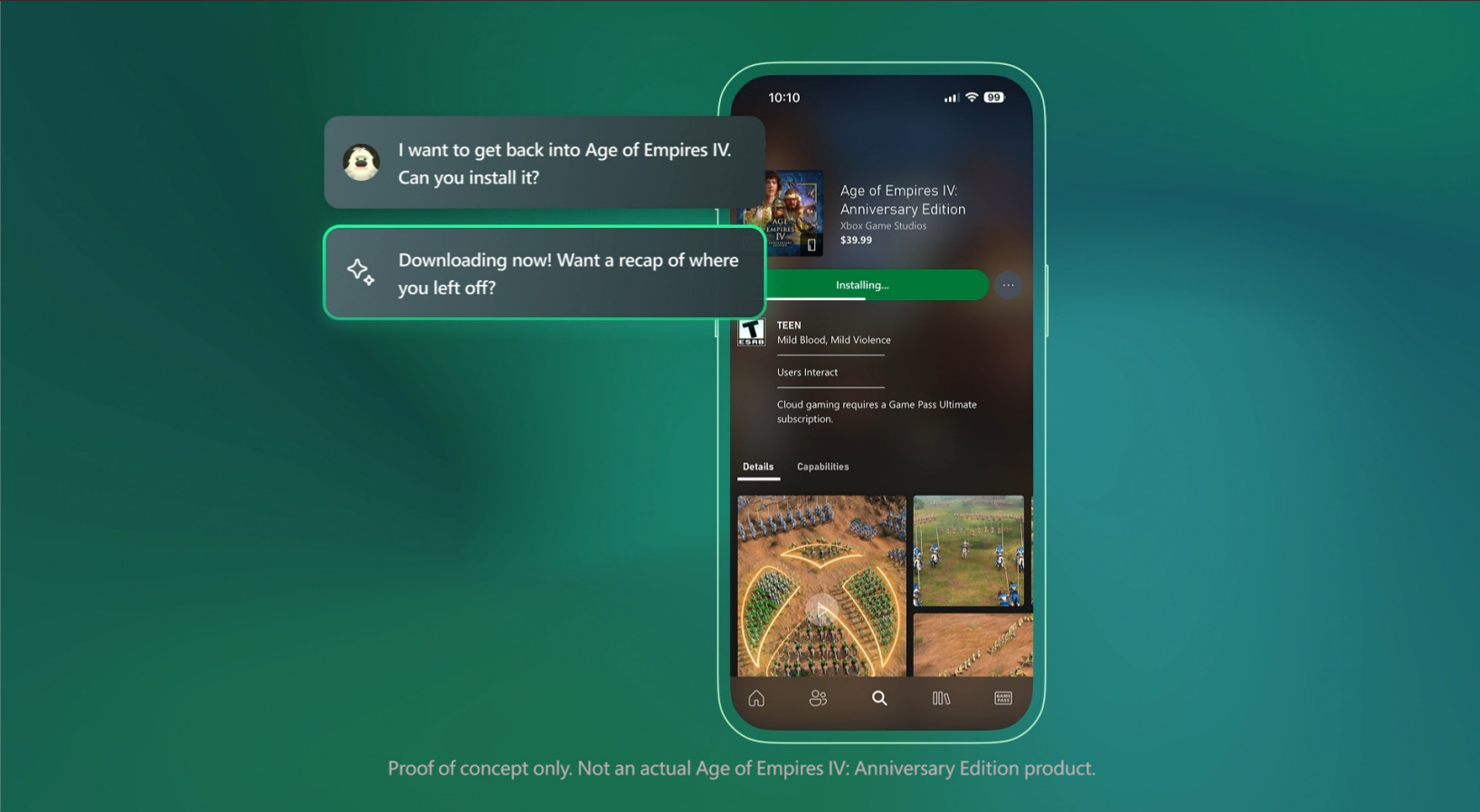
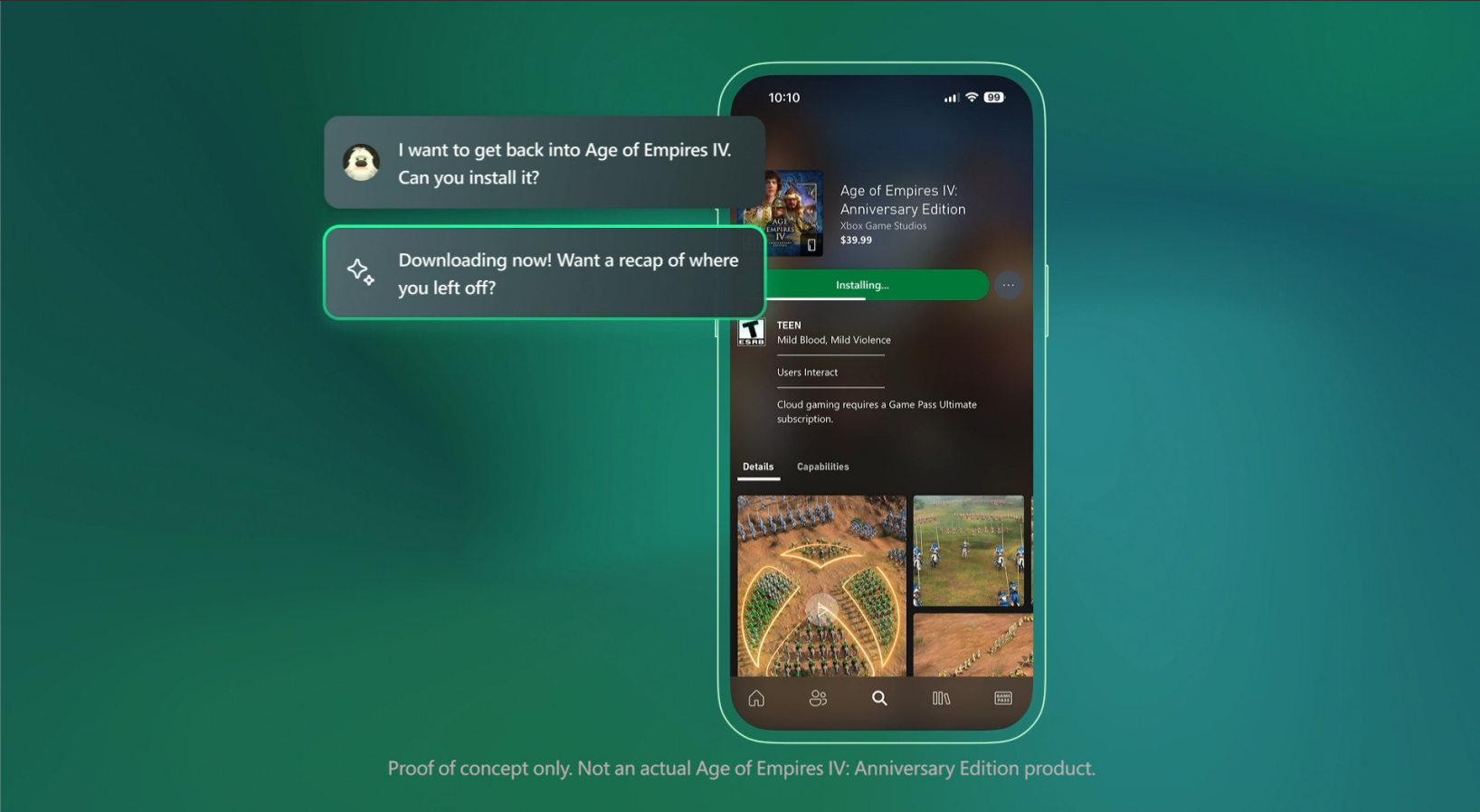
Microsoft's ambitious AI integration continues with the upcoming launch of Copilot for Xbox. This AI assistant aims to revolutionize the gaming experience, offering personalized advice, tracking your gameplay progress, and automating various tasks. Initially rolling out to Xbox Insiders via the mobile app, Copilot will provide several key features.
At launch, you can use voice commands to install games, check your play history, achievements, game library, and even get game recommendations. Copilot will also be accessible directly within the Xbox app during gameplay, providing answers similar to its existing Windows counterpart.
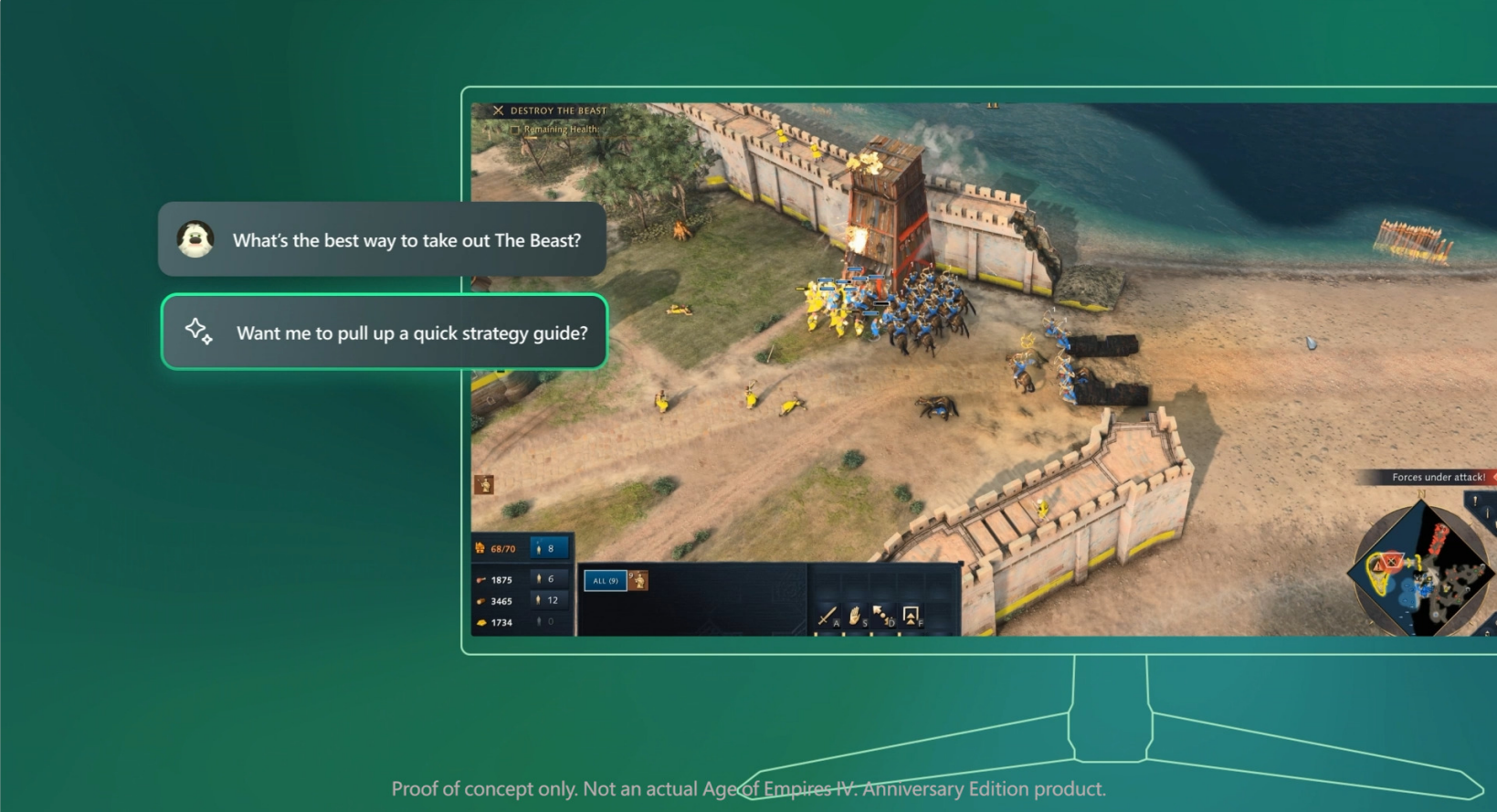
One of Copilot's most promising features is its potential as a gaming assistant. Similar to its PC functionality, you'll be able to ask questions about games—how to defeat a boss, solve a puzzle, etc.—and Copilot will leverage Bing to source answers from various online resources. Microsoft emphasizes accuracy, collaborating with game studios to ensure information aligns with their vision and properly credits original sources.
Microsoft's vision extends far beyond the initial features. Future possibilities include walkthrough assistance, item tracking, real-time strategy suggestions for competitive games, and post-engagement analysis. While these are currently conceptual, the company is committed to deep Copilot integration with Xbox gameplay, working with both first-party and third-party studios.
Regarding data privacy, Microsoft confirms that Xbox Insiders will have control over Copilot's access to their data during the preview period. However, the possibility of mandatory future usage remains open. A spokesperson stated, "During this preview on mobile, players will be able to decide how and when they want to interact with Copilot for Gaming, whether it has access to their conversation history, and what it does on their behalf. As we preview and test Copilot for Gaming with players early, we will continue to be transparent about what data we collect, how we use it, and the choices players have around sharing their personal data."
Beyond player-centric applications, Microsoft will detail its plans for developer usage at the Game Developers Conference next week.
-
 The Oregon Trail: Boom TownUnique survival simulation gameplay | Create your town with the Independent background | Farm, Build, Craft | Online rankings and social play | Educational insights | Beautiful graphics | ConclusionThe Oregon Trail: Boom Town, developed by Tilting Po
 -
 Vivy AI: Chat, AI GirlfriendNatural, Heartwarming BondsFulfill Fantasies with Empathetic UnderstandingSelect Your Dream AI CompanionInclusive, Accessible CommunicationFinal ThoughtsVivy AI is a revolutionary chat application that goes beyond traditional virtual companionship. I
 -
 FacePic - AI Face AppState-of-the-art AI face swapping technologyTransform your selfie experienceUnlock your creative potentialInstant beauty enhancementNon-stop entertainment with faceplayFinal thoughtsFacePic is a revolutionary AI-powered photo editing app that transfo
 -
 Retouch Remove Objects EditorAdvanced AI object removalBackground replacementCloning and paste featuresBlemish removerAdvanced editing toolsSeamless sharingRetouch Remove Objects Editor is a state-of-the-art photo editing app that leverages powerful AI to transform how you elimi
 -
 FaceLab Face Editor, Aging AppFuture Face Aging & Gender Swap MagicStunning Cartoon Yourself EffectsMakeover & Beauty StudioAI Face Editor for Seamless RetouchingBald & Beard Style EditorFinal ThoughtsFaceLab is an innovative, feature-rich photo-editing application that distingui
 -
 Xingtu - 醒图Intelligent Full-Body BeautificationPrecision Portrait RetouchingRich Color FiltersDivine Photo CollagesEffortless SharingLimitationsConclusionXingtu is a powerful and popular photo editing app, especially favored by selfie lovers. It comes packed wi




