Mastering Bow Techniques in Monster Hunter Wilds: Essential Moves and Combos
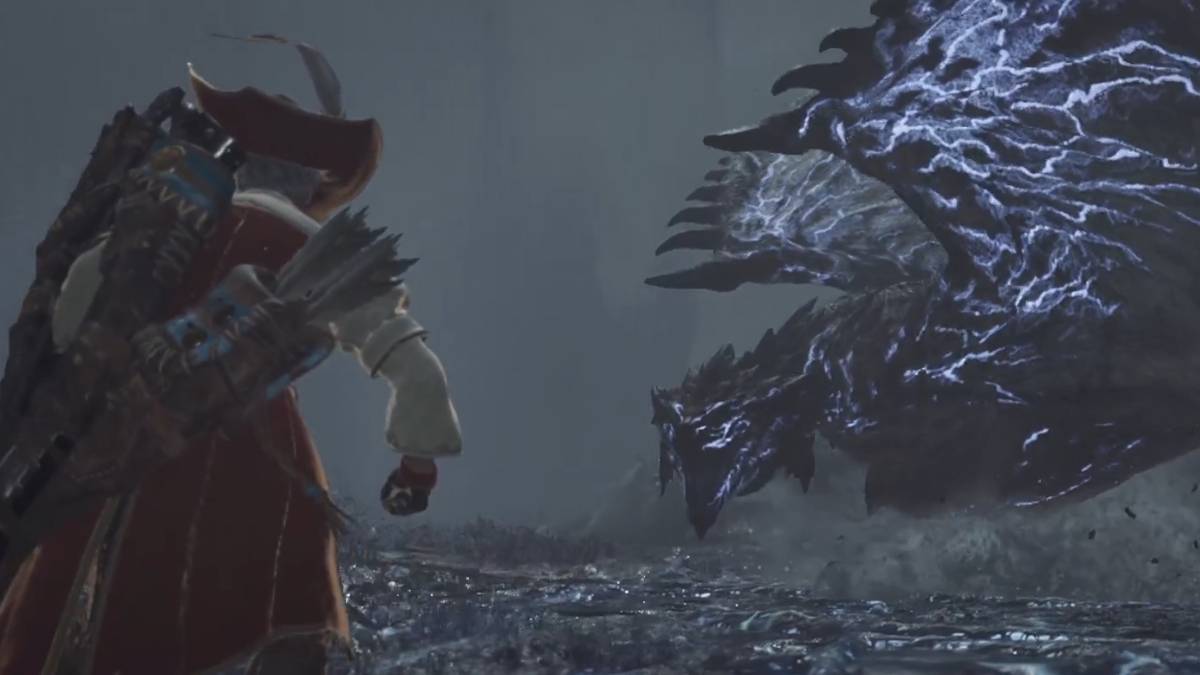
For players diving into the world of *Monster Hunter Wilds*, the bow offers a unique and rewarding challenge. While it boasts a steeper learning curve compared to other weapons, mastering it can significantly enhance your gameplay. The bow's effectiveness hinges on understanding and managing your stamina bar, as every shot you take depletes it. Light attacks are less demanding on stamina, whereas charged shots require more careful management.
To get started with the bow, simply left-click on your mouse or press R2/RT on your controller for a basic shot. For more advanced techniques, try out combos like Dragon Piercer or Thousand Dragons. Below is a detailed table of controls to help you navigate the bow's capabilities across different platforms:
| Combo | PC | PlayStation | Xbox |
|---|---|---|---|
| Regular Attack | Left-click | R2 | RT |
| Charged | Hold left-click | Hold R2 | Hold RT |
| Aim / Focus | Hold right-click | Hold L2 | Hold LT |
| Quick Shot | F | O | B |
| Power Shot | F + F | O + O | B + B |
| Arc Shot | Right-click + Left-click + F | L2 + R2 + O | LT + RT + B |
| Charging Sidestep | Right-click + R | L2 + X | LT + A |
| Dragon Piercer | R + F | Triangle + O | Y + B |
| Thousand Dragons | Right-click + R + F | R2 + Triangle + O | RT + Y + B |
| Select Coating | Ctrl + arrow up or down | L1 + Triangle or X | LB + Y or A |
| Apply Coating | R | Triangle | Y |
| Ready Tracer | Left-click + E | L2 + R2 + Square | LT + RT + X |
| Focus Fire: Hailstorm | Right-click + Shift | L2 + Hold R1 | LT + Hold RB |
If you're new to using the bow, it's highly recommended to spend some time at the training ground. Here, you can experiment with various combos and familiarize yourself with the controls without the pressure of a real battle.
Attack Monster’s Weak Spots
One of the bow's greatest advantages is its ability to target a monster's weak points with precision. Utilizing the Focus Fire: Hailstorm technique, your arrows will automatically seek out these vulnerable areas. Once you've focused your aim, red spots will appear on the monster, indicating where to shoot. Simply hold down Shift or R1/RB to lock onto these targets and maximize your damage output.
Use Coatings
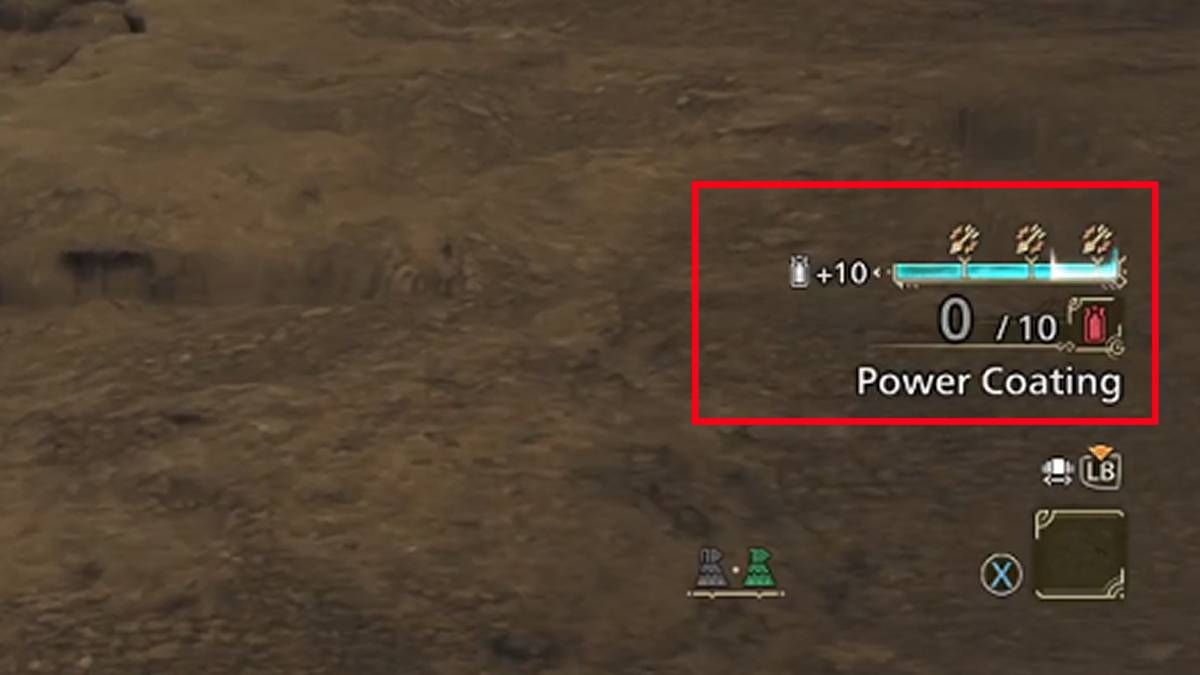
To use coatings, continue firing regular attacks until the gauge is full. Then, press R, Triangle, or Y to apply the coating to your arrows. Each bow can utilize two types of coatings from the following list:
- Power Coating – Increases the overall damage of your arrows.
- Pierce Coating – Enhances the Dragon Piercer ability to pierce through armor.
- Close-Range Coating – Boosts damage when firing at close range.
- Paralysis Coating – Gradually inflicts Paralysis on the monster.
- Exhaust Coating – Slowly inflicts Stun and Exhaustion.
- Sleep Coating – Gradually induces Sleep on the monster.
- Poison Coating – Slowly inflicts Poison damage.
- Blast Coating – Gradually inflicts Blast damage.
Use Tracer Arrow
The Tracer Arrow is another valuable tool in your bow's arsenal. When deployed, this arrow sticks to the monster, guiding subsequent shots to the same location. It's particularly effective for creating and exploiting weak points, though remember that using it consumes coating points, so use it strategically.
*Monster Hunter Wilds* is available now on PlayStation, Xbox, and PC, offering players a rich and immersive hunting experience with the bow and other weapons.
-
 Vivy AI: Chat, AI GirlfriendNatural, Heartwarming BondsFulfill Fantasies with Empathetic UnderstandingSelect Your Dream AI CompanionInclusive, Accessible CommunicationFinal ThoughtsVivy AI is a revolutionary chat application that goes beyond traditional virtual companionship. I
 -
 FacePic - AI Face AppState-of-the-art AI face swapping technologyTransform your selfie experienceUnlock your creative potentialInstant beauty enhancementNon-stop entertainment with faceplayFinal thoughtsFacePic is a revolutionary AI-powered photo editing app that transfo
 -
 Retouch Remove Objects EditorAdvanced AI object removalBackground replacementCloning and paste featuresBlemish removerAdvanced editing toolsSeamless sharingRetouch Remove Objects Editor is a state-of-the-art photo editing app that leverages powerful AI to transform how you elimi
 -
 FaceLab Face Editor, Aging AppFuture Face Aging & Gender Swap MagicStunning Cartoon Yourself EffectsMakeover & Beauty StudioAI Face Editor for Seamless RetouchingBald & Beard Style EditorFinal ThoughtsFaceLab is an innovative, feature-rich photo-editing application that distingui
 -
 Xingtu - 醒图Intelligent Full-Body BeautificationPrecision Portrait RetouchingRich Color FiltersDivine Photo CollagesEffortless SharingLimitationsConclusionXingtu is a powerful and popular photo editing app, especially favored by selfie lovers. It comes packed wi
 -
 ReLens Camera-Focus &DSLR BlurBenefits of ReLens Camera MOD APKTurning your phone into a professional cameraCore featuresConclusionReLens Camera is an innovative mobile photography application that transforms your smartphone into a high-definition DSLR. Leveraging advanced AI tec