How to effectively gather items for crafting in Infinity Nikki
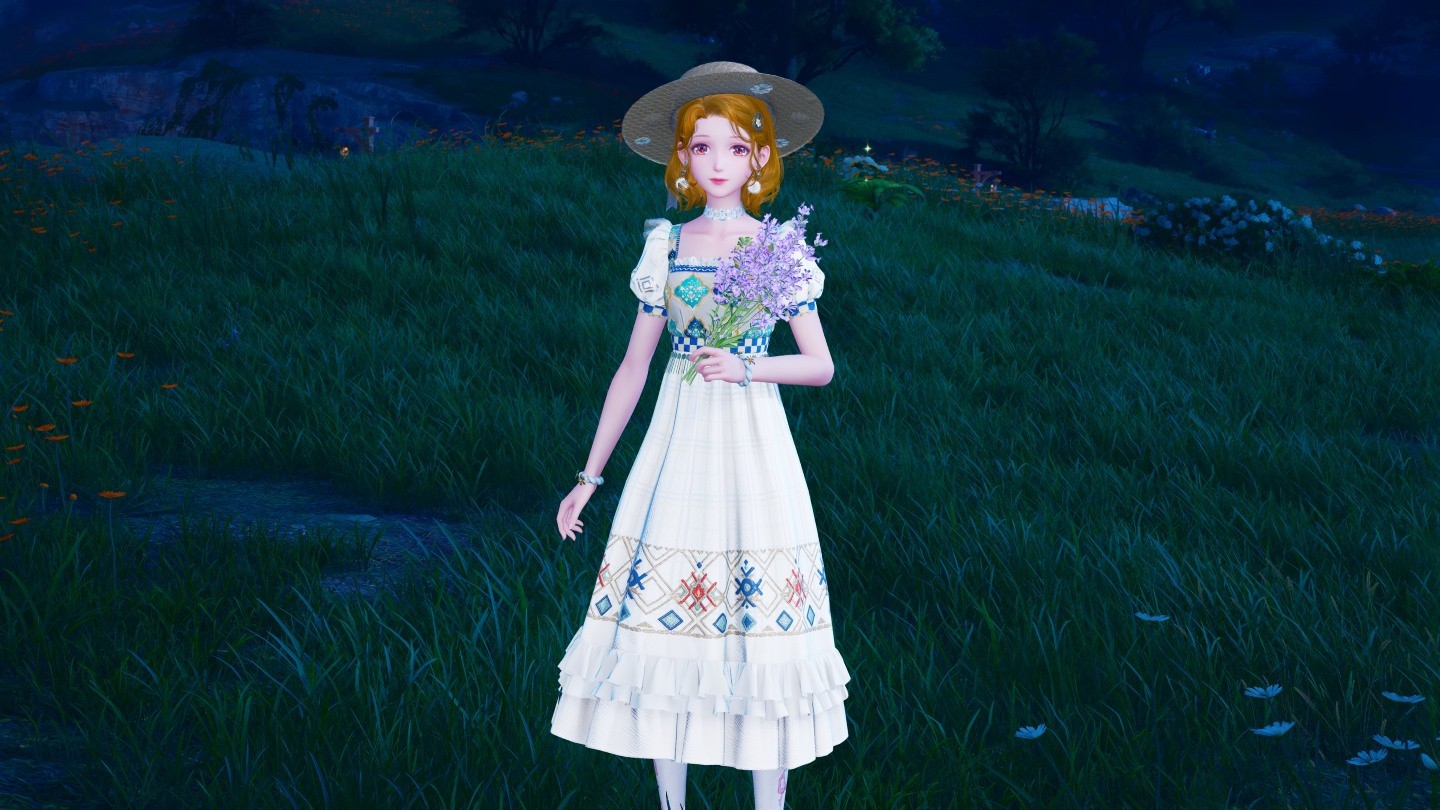
Master the art of crafting in Infinity Nikki! This guide details efficient methods for gathering crafting materials, ensuring you never run short on resources for your stylish creations.

Table of Contents
- How to Collect Items Effectively
The key to successful crafting lies in diligent resource gathering. You won't find pre-made outfits; instead, you'll need to collect plants, flowers, animal products, and more. Let's explore effective collection techniques:
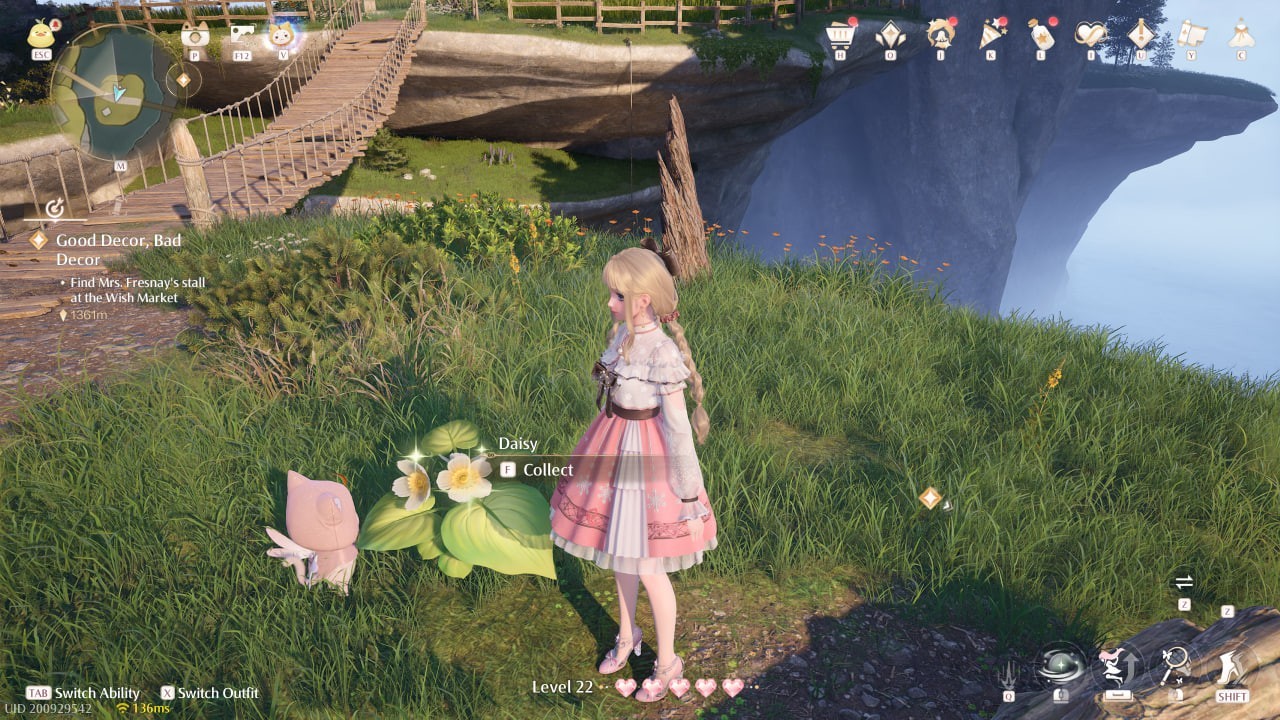
The "Collect Everything" Strategy: Don't overlook any resource! Even seemingly insignificant items can prove crucial later. For instance, unexpectedly needing a large quantity of a specific flower can significantly impact your crafting progress.
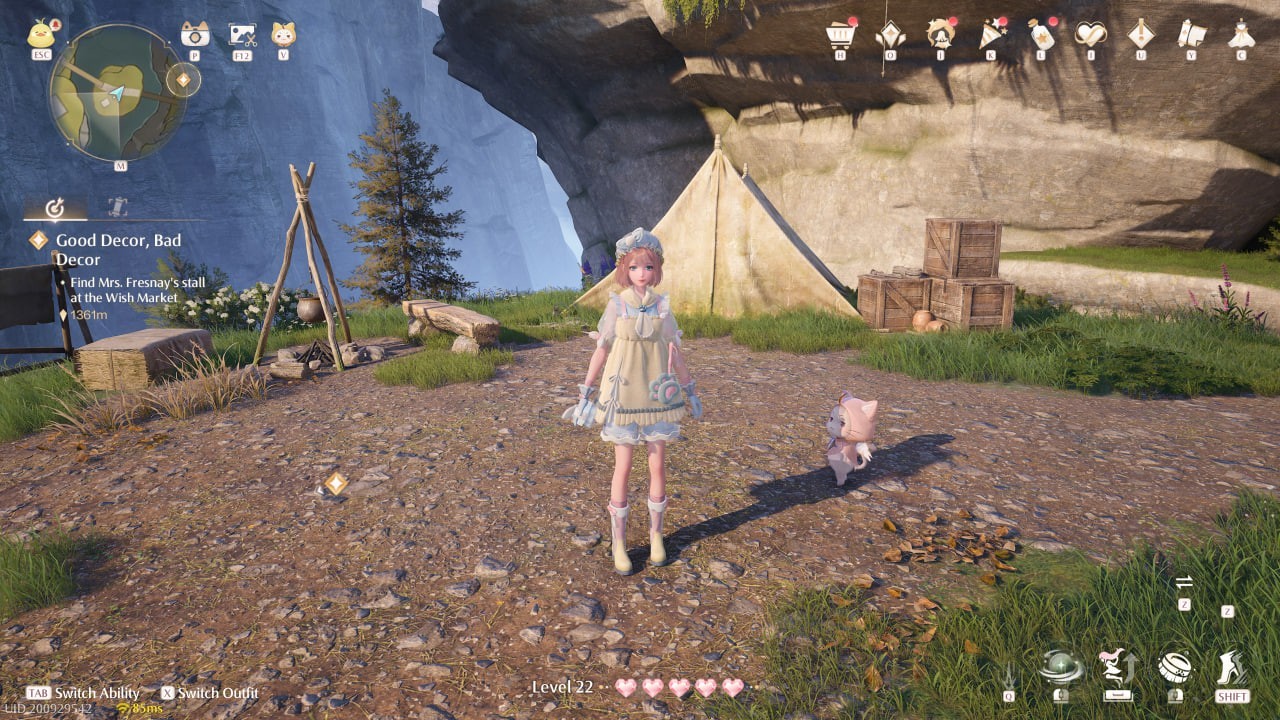
Animal Grooming: Utilize the grooming suit (accessed via the Tab key) to collect animal wool and feathers. Approach animals cautiously, using the right mouse button to initiate grooming. A blue brush icon indicates successful interaction.

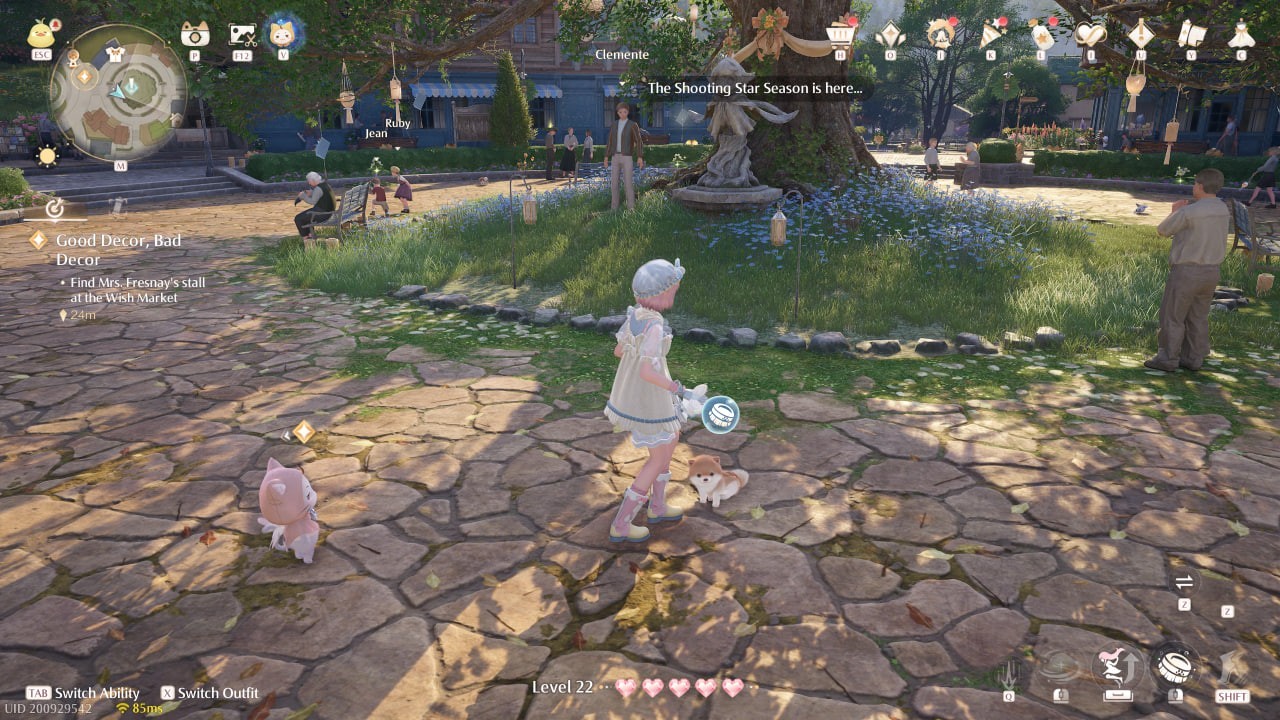
Remember, not all animals are receptive. Some may flee; maintain a stealthy approach (hold the right mouse button) until the blue icon appears to prevent this.
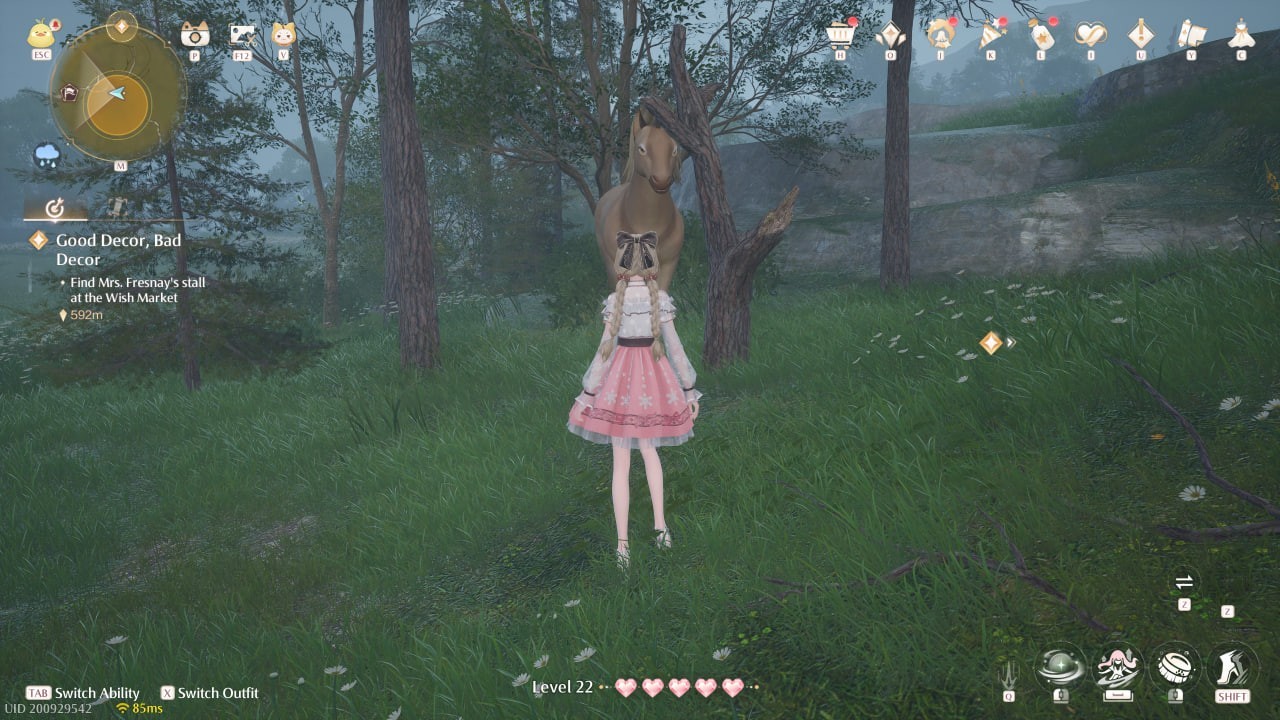
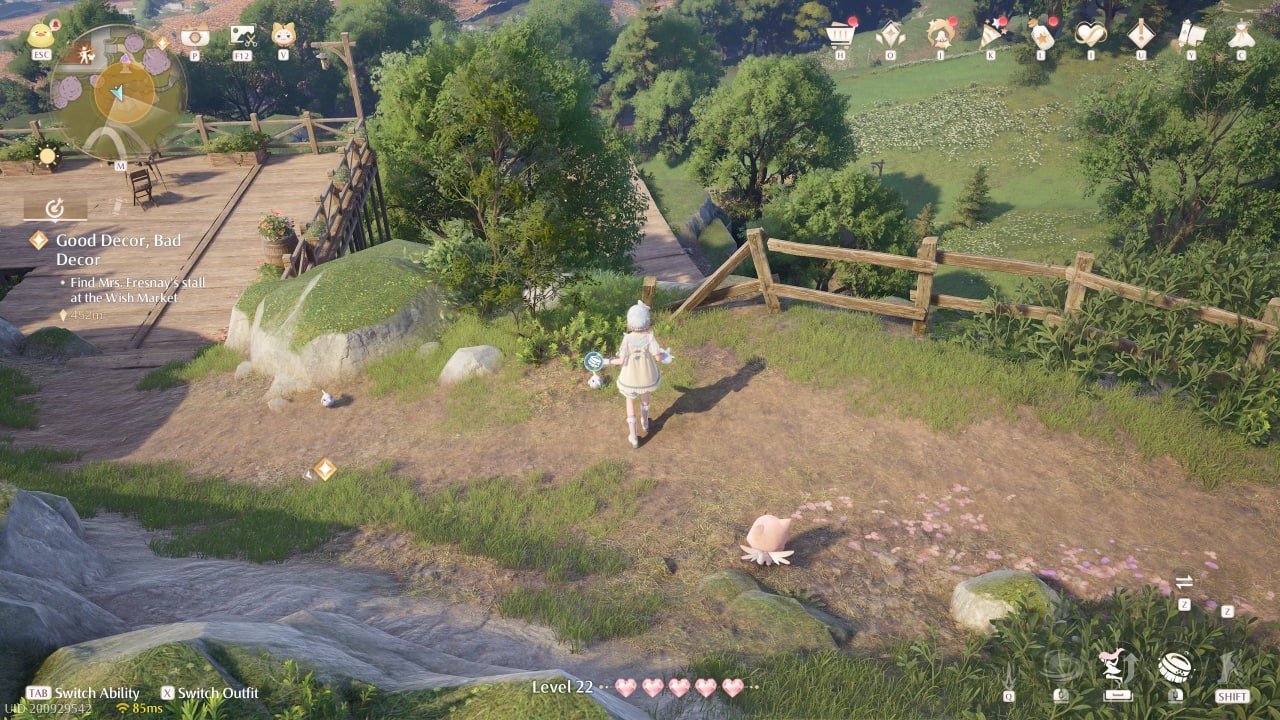
Bird Feather Collection: Similar to animal grooming, collect feathers stealthily to avoid scaring the birds away.
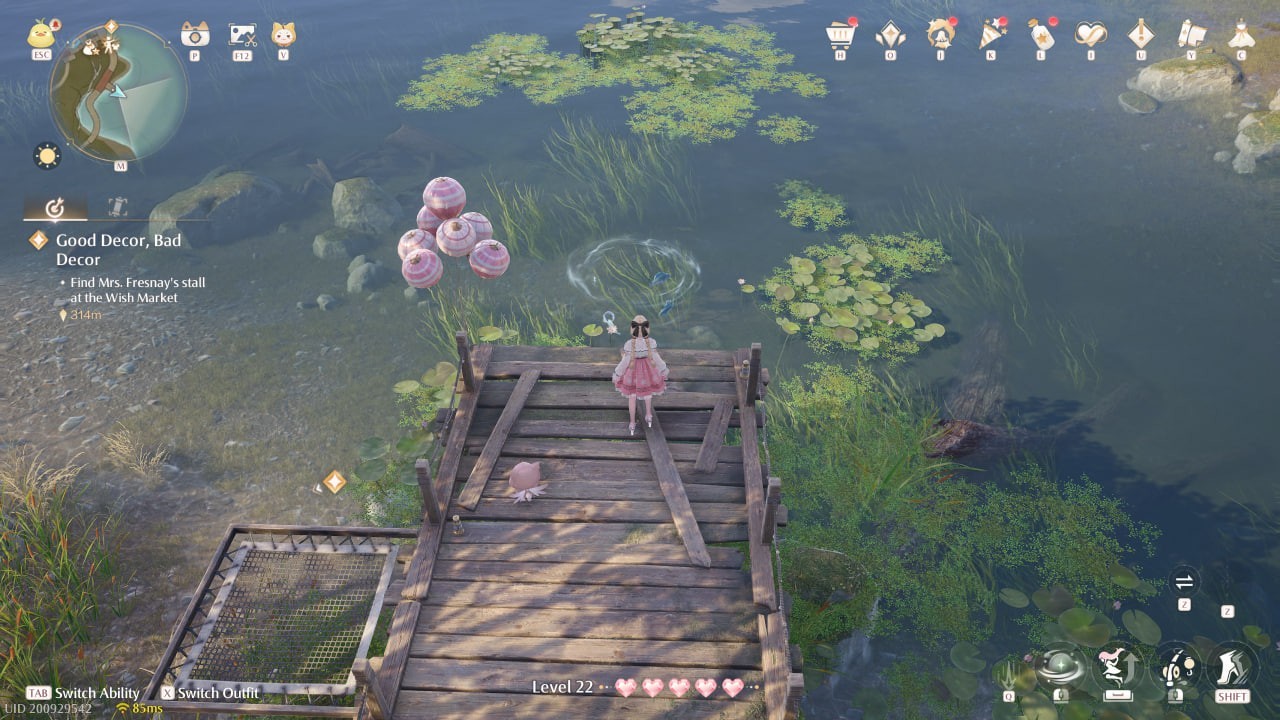
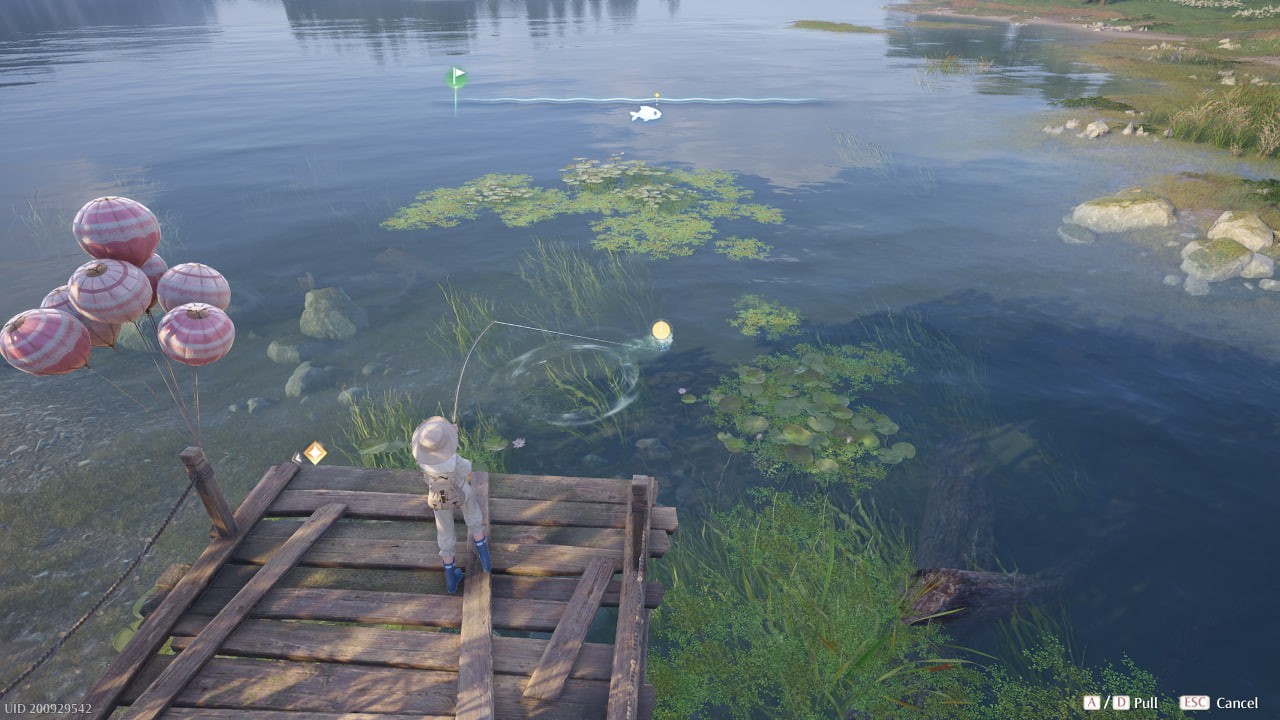
Fishing: Equip the fisherman's outfit (Tab key) and locate fishing spots (fish swimming in circles). Right-click to cast your line. When a fish bites, press 'S', then 'A' or 'D' to adjust your line, and finally, rapidly click the right mouse button to reel it in.
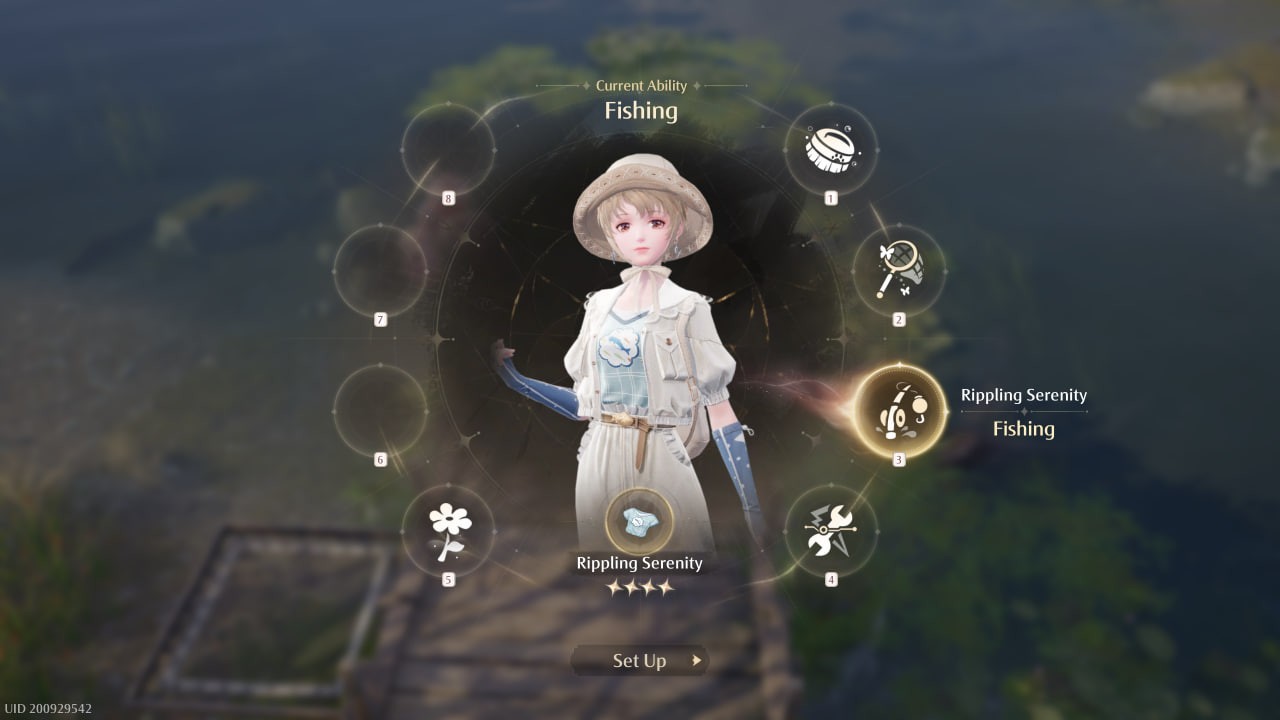

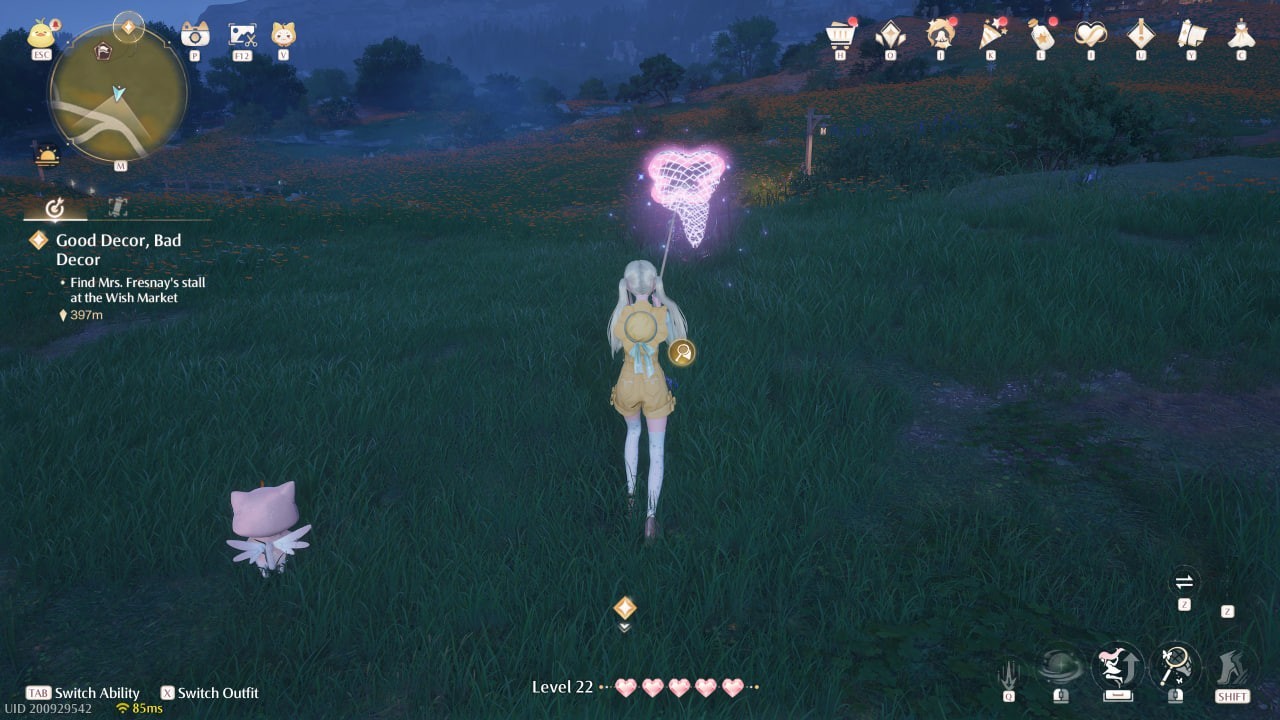
Beetle Collection: Use the net suit (Tab key) and employ the same stealth approach as with animals and birds. A yellow net icon signifies successful capture.
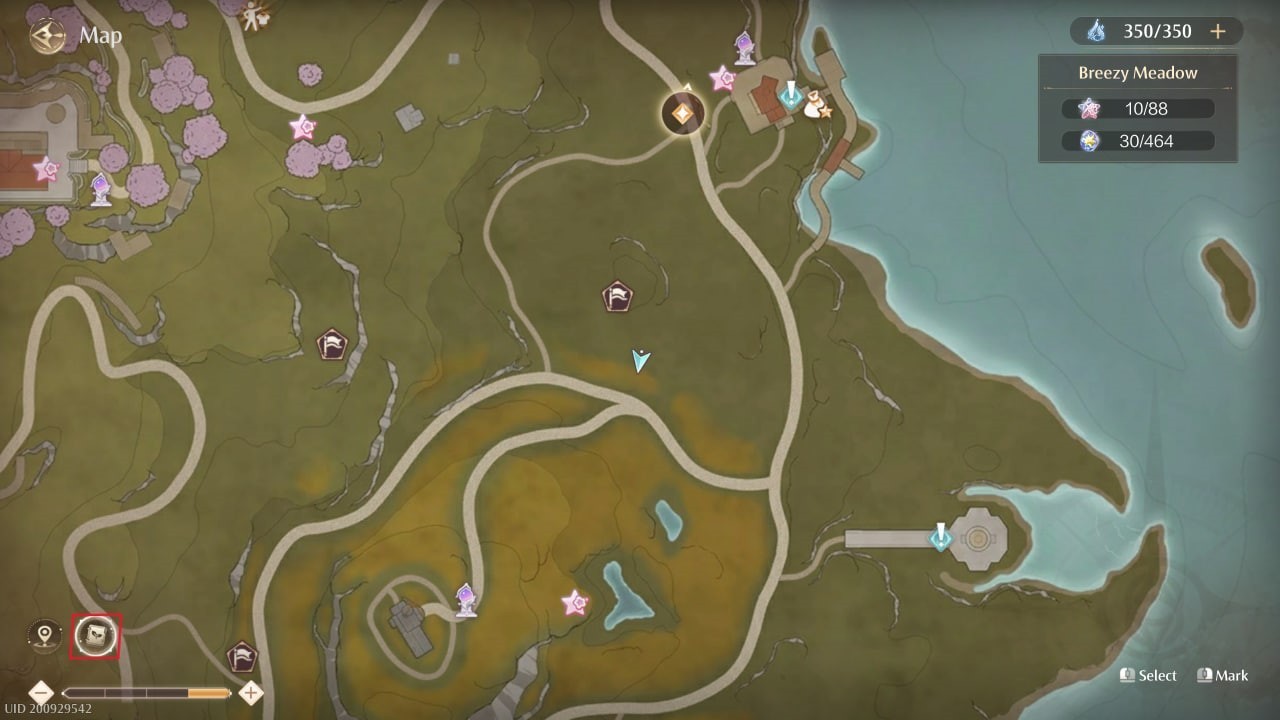
Resource Location: Utilize the in-game map (M key). Click the book icon in the lower left corner to access the resource tracker. Select the desired item and click "Truck" to reveal its locations on the map.

By following these techniques, you'll efficiently gather the resources needed to create stunning outfits in Infinity Nikki!
-
 Vivy AI: Chat, AI GirlfriendNatural, Heartwarming BondsFulfill Fantasies with Empathetic UnderstandingSelect Your Dream AI CompanionInclusive, Accessible CommunicationFinal ThoughtsVivy AI is a revolutionary chat application that goes beyond traditional virtual companionship. I
 -
 FacePic - AI Face AppState-of-the-art AI face swapping technologyTransform your selfie experienceUnlock your creative potentialInstant beauty enhancementNon-stop entertainment with faceplayFinal thoughtsFacePic is a revolutionary AI-powered photo editing app that transfo
 -
 Retouch Remove Objects EditorAdvanced AI object removalBackground replacementCloning and paste featuresBlemish removerAdvanced editing toolsSeamless sharingRetouch Remove Objects Editor is a state-of-the-art photo editing app that leverages powerful AI to transform how you elimi
 -
 FaceLab Face Editor, Aging AppFuture Face Aging & Gender Swap MagicStunning Cartoon Yourself EffectsMakeover & Beauty StudioAI Face Editor for Seamless RetouchingBald & Beard Style EditorFinal ThoughtsFaceLab is an innovative, feature-rich photo-editing application that distingui
 -
 Xingtu - 醒图Intelligent Full-Body BeautificationPrecision Portrait RetouchingRich Color FiltersDivine Photo CollagesEffortless SharingLimitationsConclusionXingtu is a powerful and popular photo editing app, especially favored by selfie lovers. It comes packed wi
 -
 ReLens Camera-Focus &DSLR BlurBenefits of ReLens Camera MOD APKTurning your phone into a professional cameraCore featuresConclusionReLens Camera is an innovative mobile photography application that transforms your smartphone into a high-definition DSLR. Leveraging advanced AI tec