

How to Befriend a Llama and Make It Your Companion
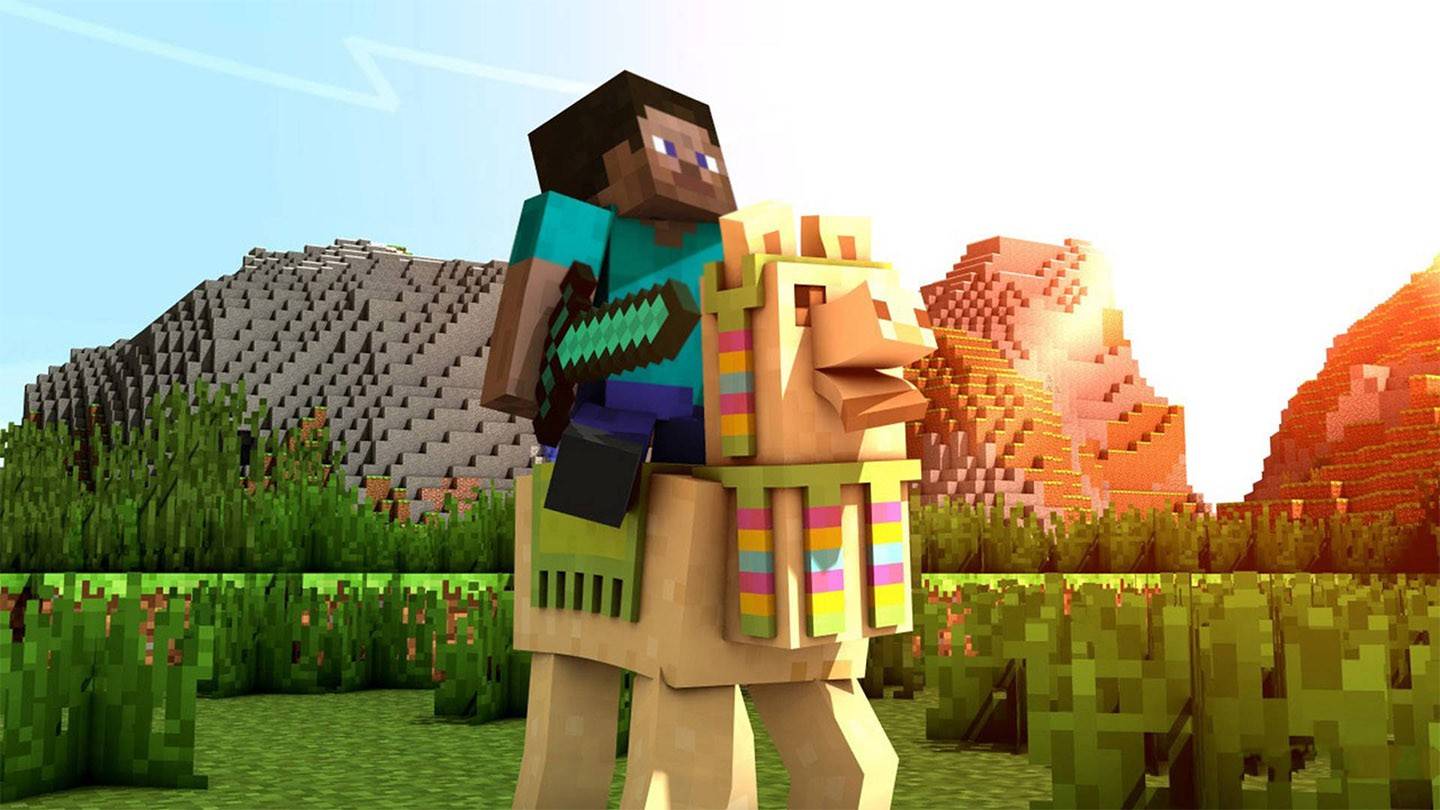
In the expansive world of Minecraft, the introduction of llamas in version 1.11 added a delightful and practical element to the game. These creatures, mirroring their real-world counterparts, have become invaluable for players seeking to enhance their gameplay experience. This comprehensive guide will walk you through the process of locating these charming companions, understanding their unique attributes, and utilizing them for various in-game activities.
Table of Contents
- Where Llamas Live
- Appearance and Features
- Ways to Use Llamas
- How to Tame a Llama
- Step 1: Finding
- Step 2: Mounting
- Step 3: Using a Lead
- How to Attach a Chest to a Llama
- How to Put a Carpet on a Llama
Where Llamas Live
Llamas can be found in three distinct biomes:
- Savanna: This warm biome, characterized by yellow grass and acacia trees, is home to llamas alongside horses and donkeys.
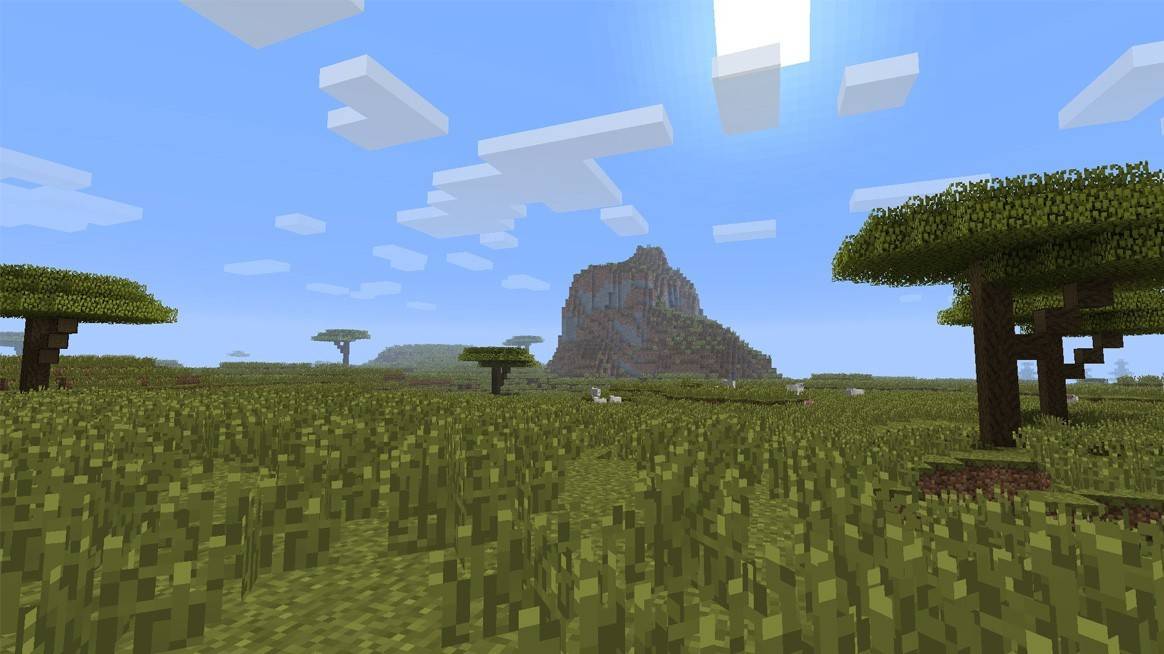 Image: minecraftnetwork.fandom.com
Windswept Hills and Forest: These rare areas often host small herds of llamas, typically found in groups of 4 to 6, ideal for forming caravans.
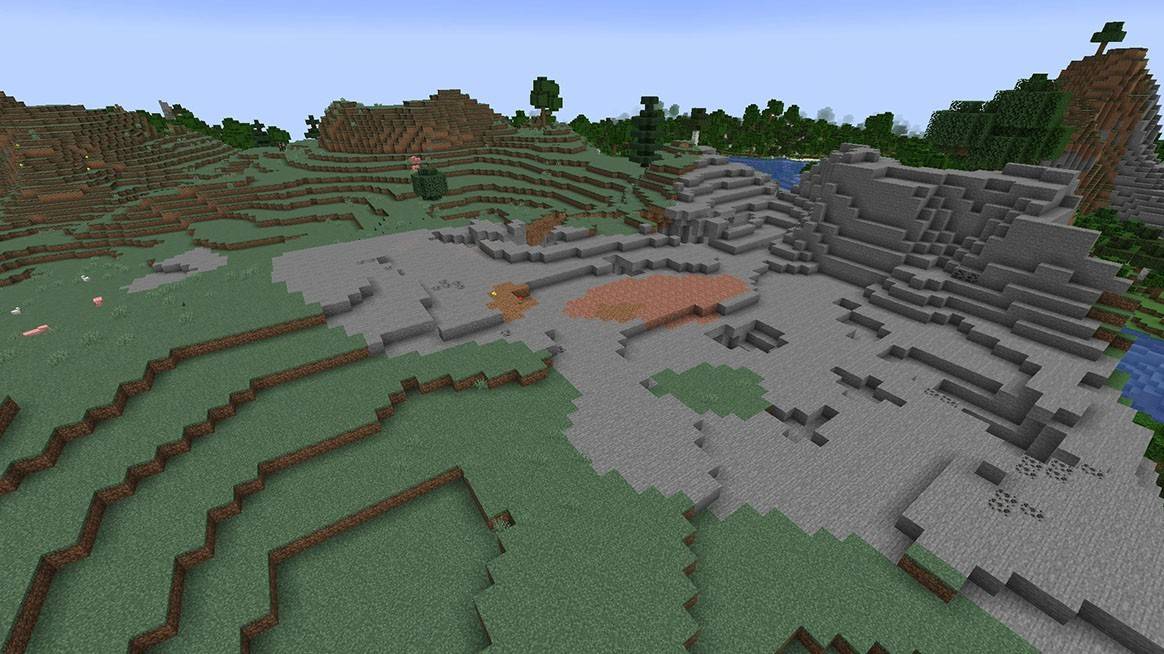 Image: minecraftforum.net
With Wandering Traders: Llamas are also constant companions of wandering traders, making them easier to spot. Appearance and Features
Llamas in Minecraft come in four primary colors: white, gray, brown, and beige. These neutral creatures do not initiate attacks on players but will defend themselves if provoked, notably through their spitting ability. If a zombie or another hostile mob threatens a llama, it will retaliate by spitting, providing a unique defensive mechanism.
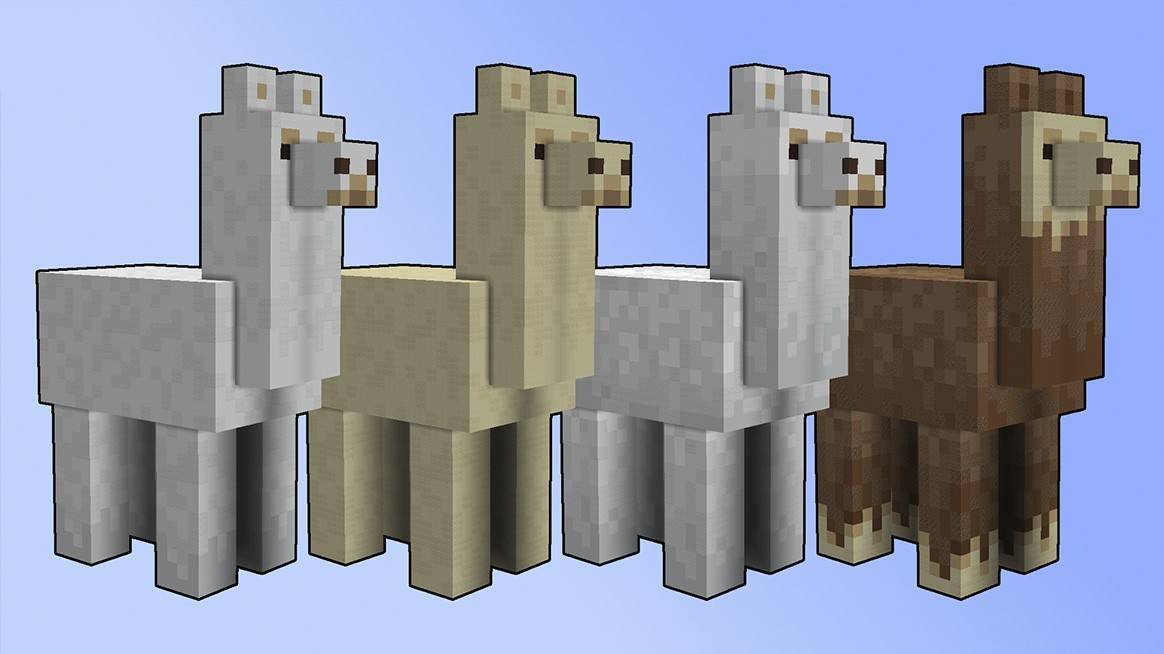 Image: reddit.com
Ways to Use Llamas
Llamas are incredibly versatile in Minecraft, serving multiple purposes:
- Cargo Carriers: By attaching a chest to a llama, players can utilize them as mobile storage units, perfect for expeditions across the map.
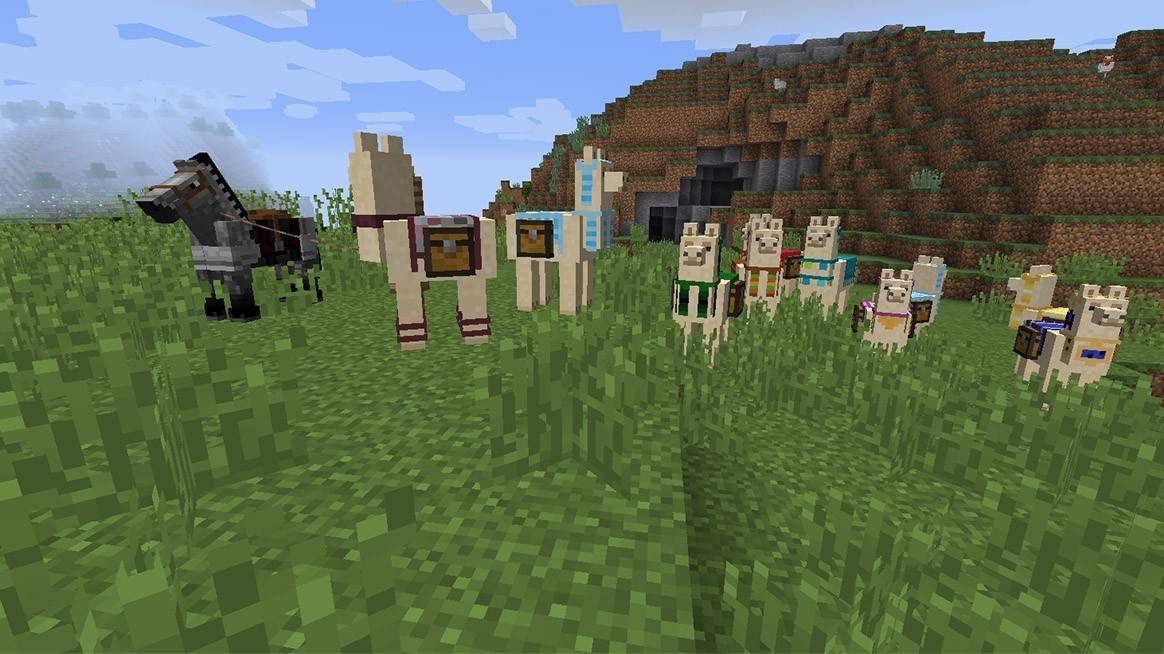 Image: reddit.com
Caravan Formation: Llamas can form caravans, allowing players to transport even more items by linking multiple llamas together.
Decoration: With a variety of carpet colors, players can personalize their llamas, adding a touch of style to their caravans.
Protection: While not combatants, llamas can deter hostile mobs with their spitting, offering players a brief window to escape or prepare for defense.
How to Tame a Llama
Taming a llama involves a few straightforward steps, transforming these creatures into loyal companions:
Step 1: Finding
Venture into savanna or mountainous biomes where llamas typically roam in groups, making it convenient to tame multiple at once.
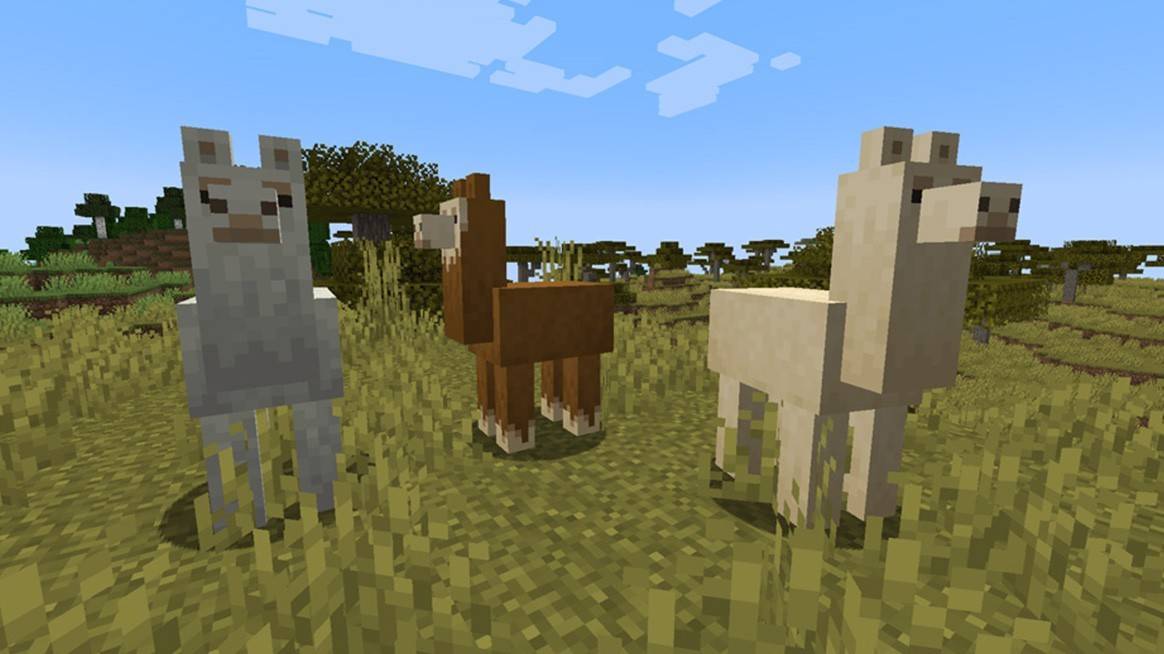 Image: scalacube.com
Step 2: Mounting
Approach a llama and right-click or press the action button to mount it. Be prepared for the llama to buck you off several times before hearts appear, signaling successful taming.
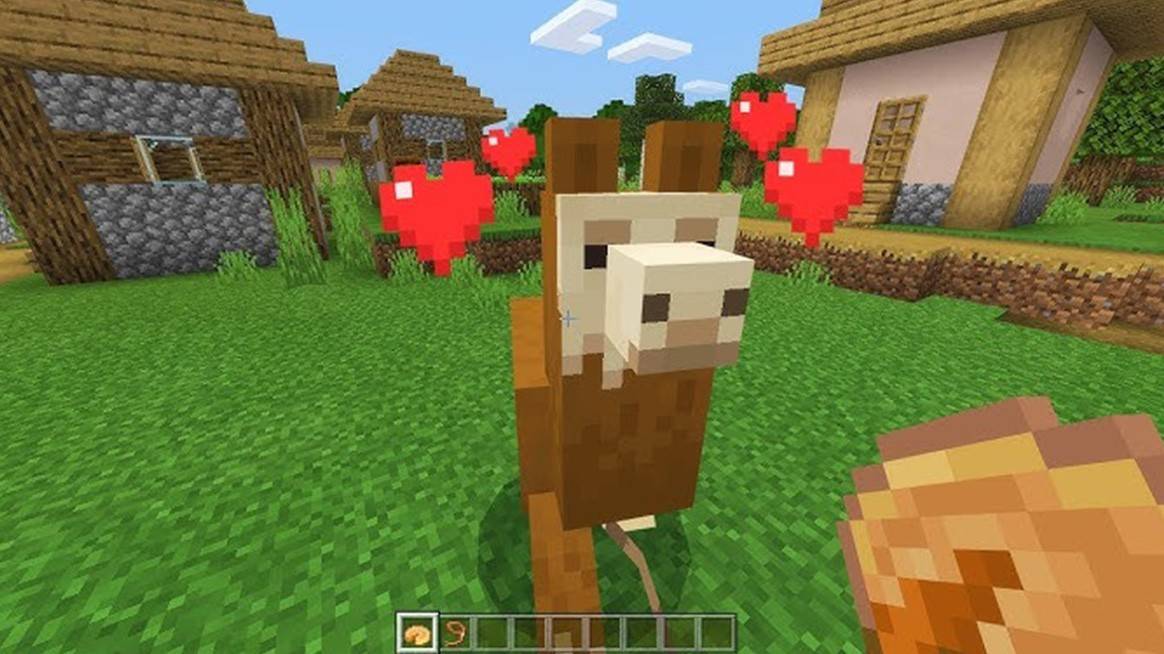 Image: youtube.com
Step 3: Using a Lead
While llamas cannot be ridden, they can be led using a leash. Attach a lead to one tamed llama, and nearby llamas will follow, forming a caravan.
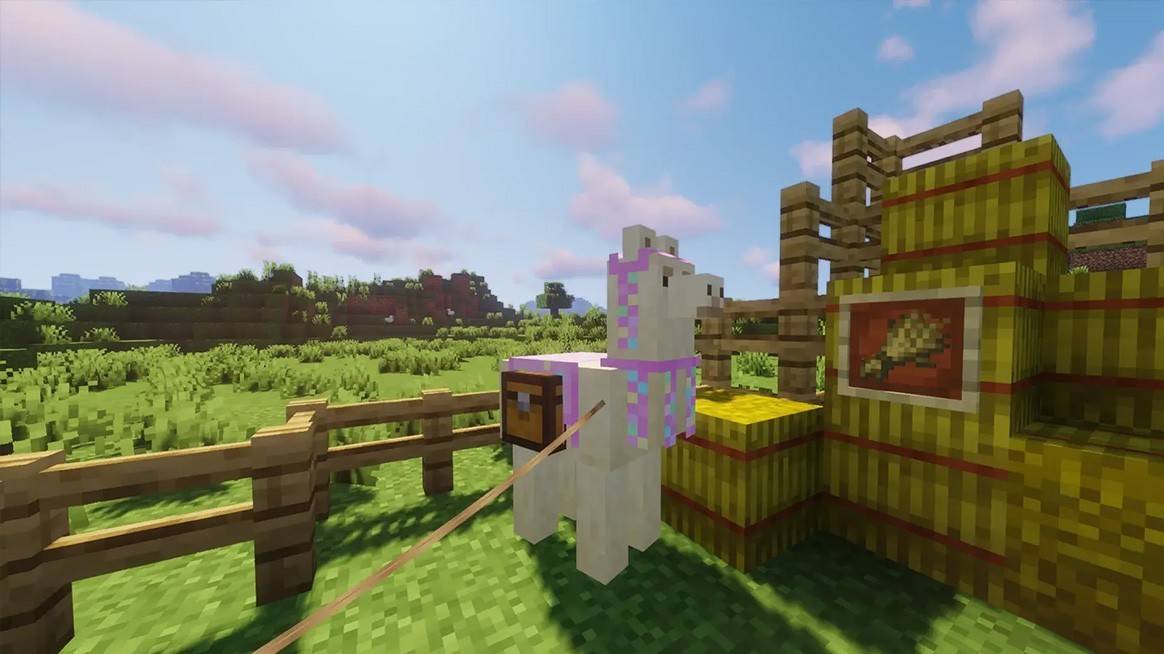 Image: badlion.net
How to Attach a Chest to a Llama
Attaching a chest to a llama is simple. Equip the chest and press the action button on the llama. The chest will provide up to 15 inventory slots, but remember, once attached, it cannot be removed. To access the chest, hold Shift and press the action button on the llama.
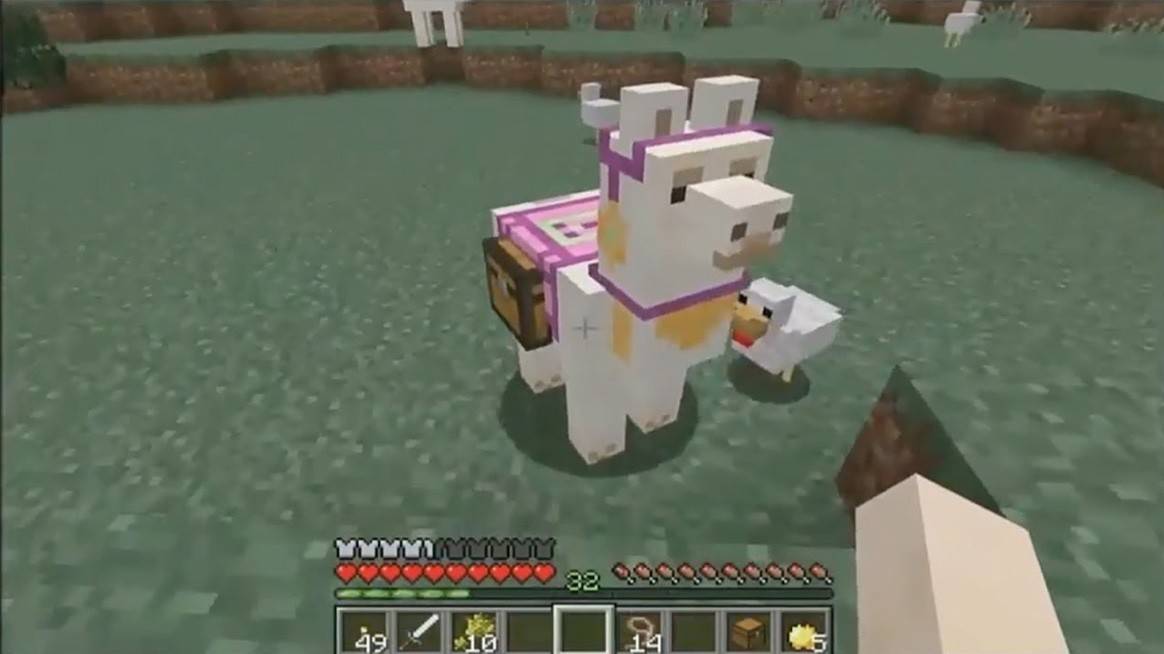 Image: youtube.com
Creating a caravan is equally straightforward. Attach a lead to one tamed llama, and any others within 10 blocks will follow, with a maximum caravan size of 10 llamas.
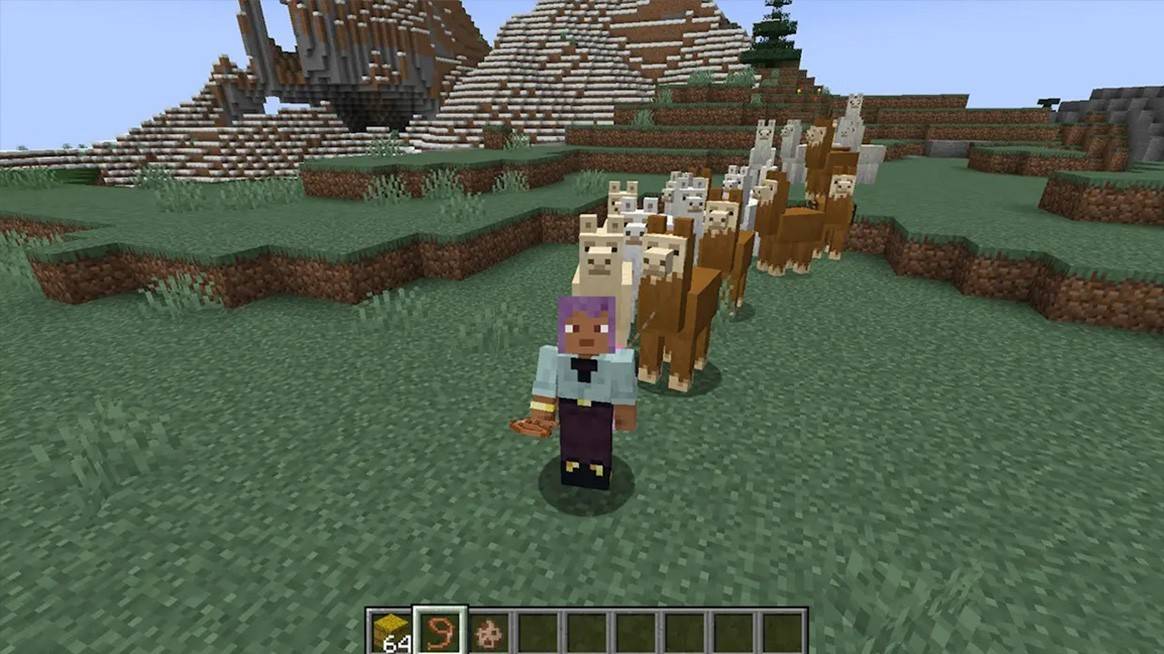 Image: fr.techtribune.net
How to Put a Carpet on a Llama
To add a decorative touch, hold a carpet and right-click on the llama. The carpet's color will create a unique pattern on the llama’s back, allowing for personal customization.
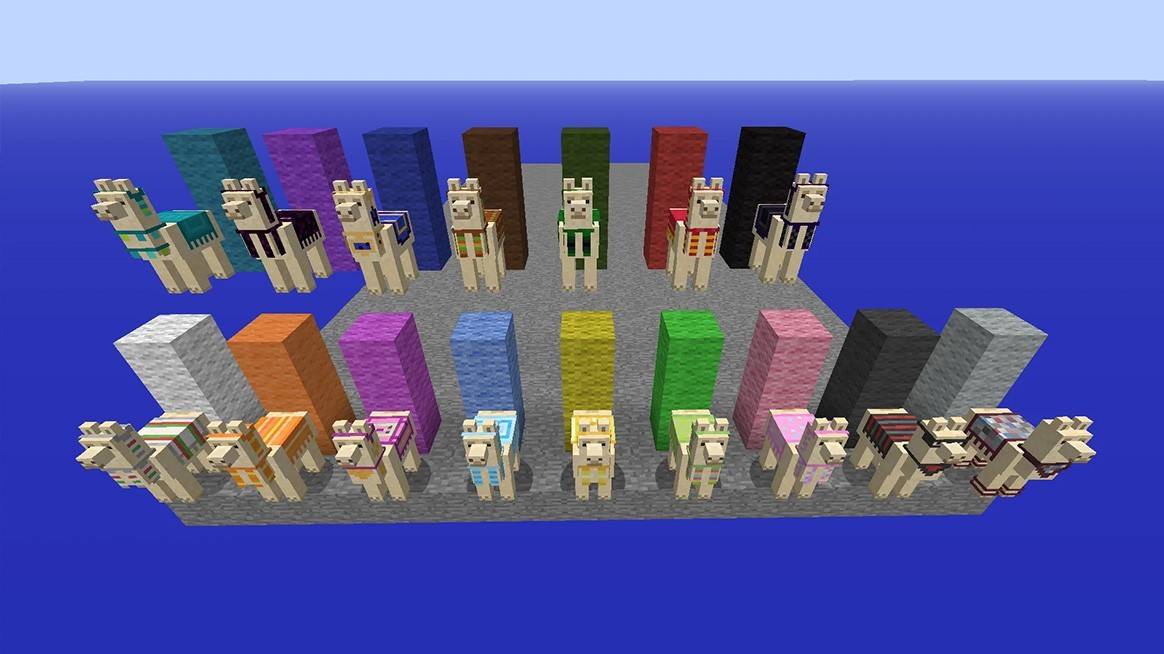 Image: reddit.com
Traveling through Minecraft with llamas not only enhances efficiency but also adds enjoyment to your journey. Tame several llamas, equip them with chests and carpets, and embark on an adventure that combines utility with aesthetic pleasure. Llamas are more than just mobs; they are true companions in your Minecraft survival experience.
-
 King of Solitaire by LKDEVViva a emoção do jogo de SOLITÁIRE GRATUITO nº 1 no Android com King of Solitaire by LKDEV! Se você é fã de jogos clássicos de cartas como Solitaire ou Paciência, este aplicativo é perfeito para você. Desenvolvido pela University of Games Sp. z o.o.
 -
 Glyph predictorNeed a reliable tool to anticipate glyph sequences for your favorite game? Meet the Glyph Predictor App! Launch the app and turn on overlay mode, tap refresh, choose your glyph count, and sketch your first glyph using the handwriting input overlay.
 -
 bug smash gameSmash, crush, and squish flying and crawling bugs in this incredibly addictive arcade game!Get Ready for the Ultimate Bug-Smashing Adventure!Join the thrilling world of Bug Smash Game, where tapping, smashing, and blasting through swarms of airborne
 -
 LIPOGRAMApp for the board game Lipogram.In Lipogram, your goal is to get others to guess words against the clock.You can say anything—except words containing a specific forbidden letter. Compete in versus mode with two teams, or work together in co-op to tac
 -
 Woozworld - Virtual WorldCustomize your avatar, design your dream room, adopt adorable pets, and create exciting games with friends.Your World, Your Rules!Connect with global friends in the Woozworld metaverse!Want to become a fashion trendsetter? Explore thousands of clothi
 -
 Word Pizza - Word GamesEnjoy word games by discovering as many words as possible. Try the crossword puzzle mode!Word Pizza is an exciting and completely free word game.Discover a new word puzzle where you form words from letters arranged in a circle.HOW TO PLAYIn these wor




