


| App Name | Smart Games for Little Kids |
| Developer | BitDeveloper |
| Category | Adventure |
| Size | 21.63MB |
| Latest Version | 1.0.4 |
| Available on |



A set of interactive children's games that creatively utilize various device sensors.
This app offers a suite of games that engage kids by using device features like the microphone and camera. Designed for children aged 0 to 5, these activities blend fun with foundational learning. The experience is completely ad-free, ensuring a safe and focused environment for young users.
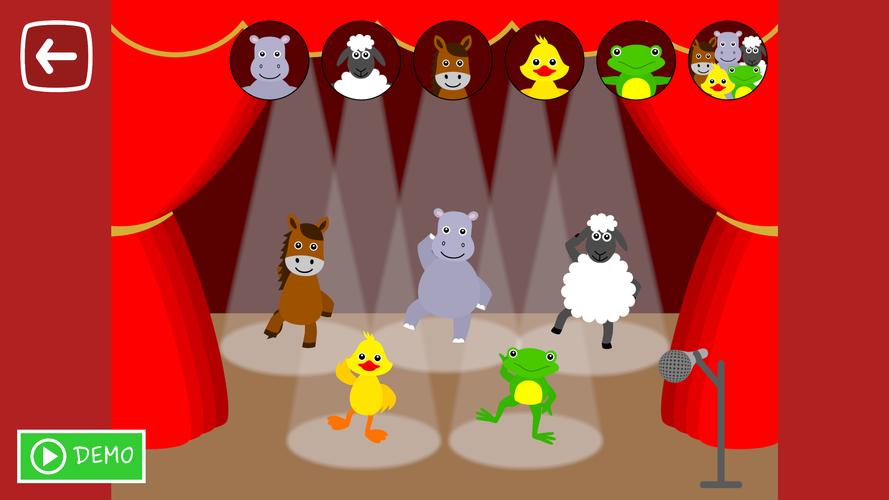
Make Animals Dance
This game requires access to the device's microphone. When the child sings or plays music into the mic, the on-screen animals dance along to the rhythm.
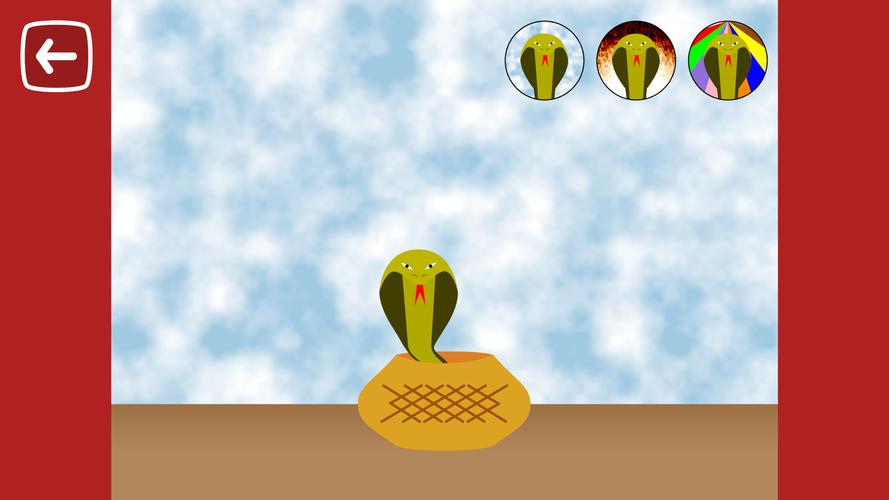
Snake Charming
This game requires access to the device's microphone. As the child sings or makes music, the snake emerges from its basket and sways to the tempo.
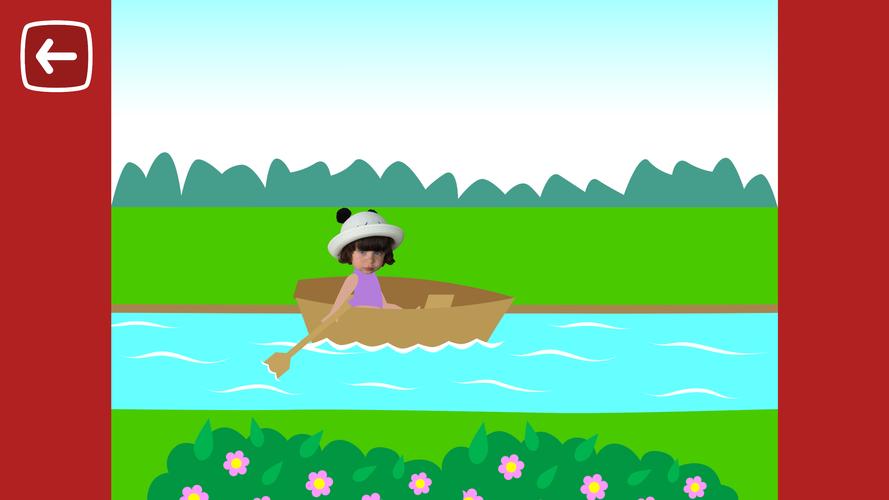
Explore Nature
This game requires access to the device's microphone. The child's voice controls the adventure: the louder they sing or speak, the faster a little girl explores natural scenes like forests, farms, ponds, and the sky using different modes of transport.
Funny Face
This game requires access to the device's camera. Kids can create silly faces by choosing from a variety of digital accessories and facial features. They can also play with virtual foods, sweets, and drinks.
Photo to Puzzle
This game requires access to the device's camera or photo library. Children can take a new picture or choose an existing one, which the app then transforms into a child-friendly puzzle. Perfect for pictures of favorite toys or family, the puzzle piece count is kept low for small hands to solve easily.
Photo to Coloring
This game requires access to the device's camera or photo library. Kids can turn any photo—like a picture of a beloved toy, character, or family member—into a coloring page. The app converts the image to black-and-white outlines, ready for a splash of color. Alternatively, they can use the drawing tools to create a custom picture to color, or simply use the canvas as a digital whiteboard with a wide palette of paints.
What's New in the Latest Version 1.0.4
-
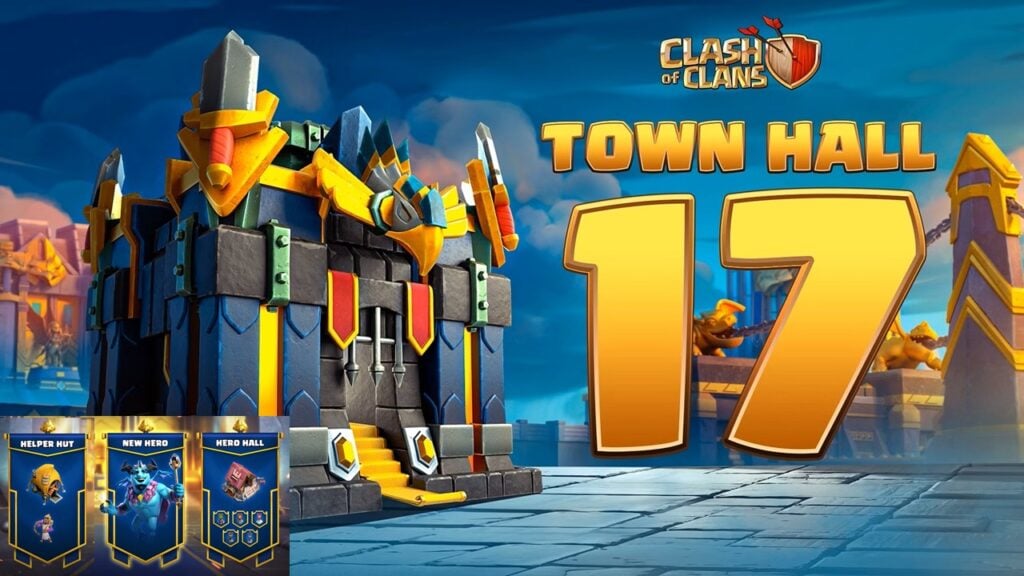 Clash of Clans Unveils Town Hall 17: Game-Changing Update Released
-
 Trainer's Pokémon Set to Resurface in Pokémon TCG in 2025
-
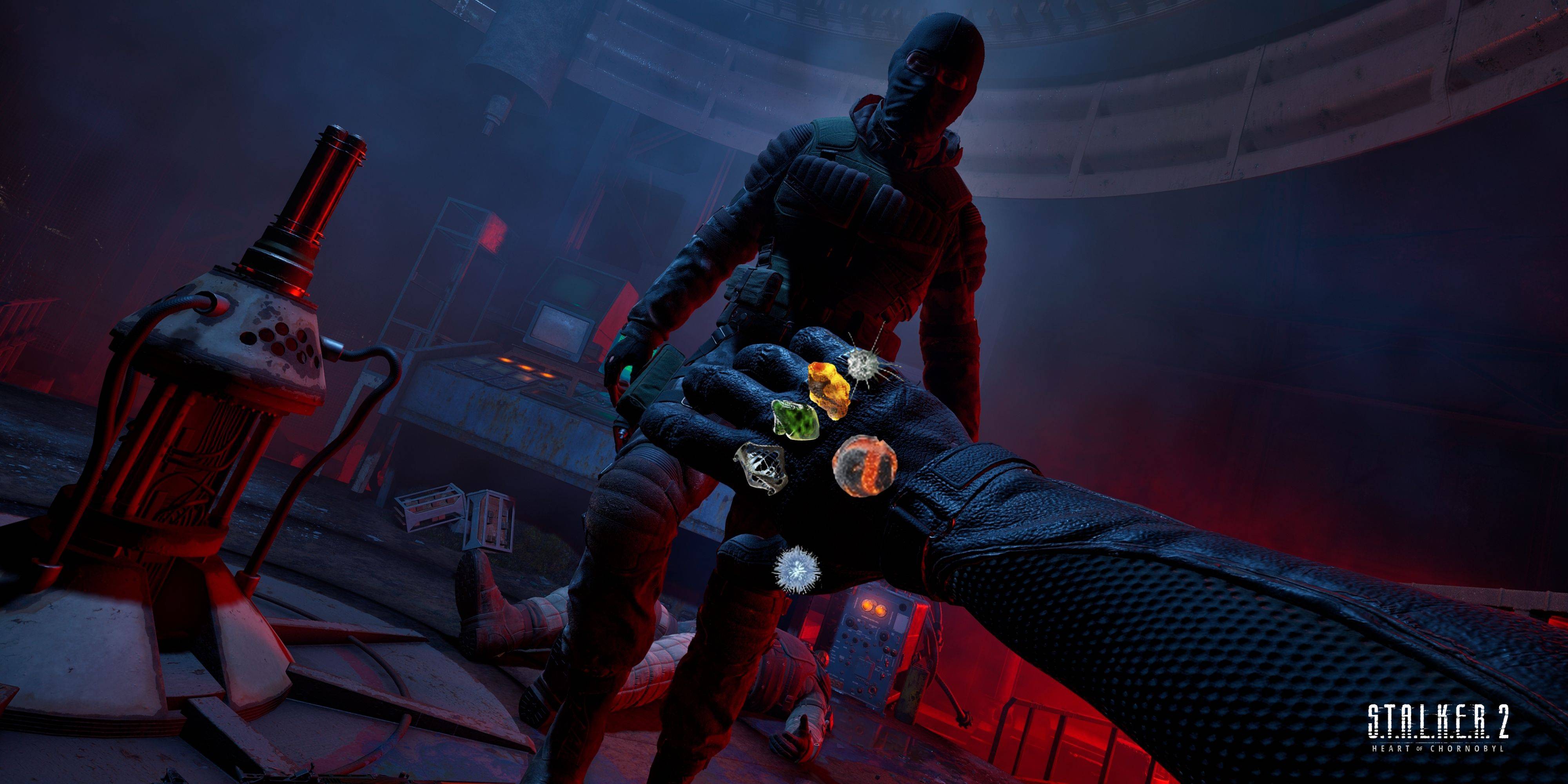 Stalker 2: List Of All The Artifacts & How To Get Them
-
 Shadow of the Depth: Open Beta Now Available on Android
-
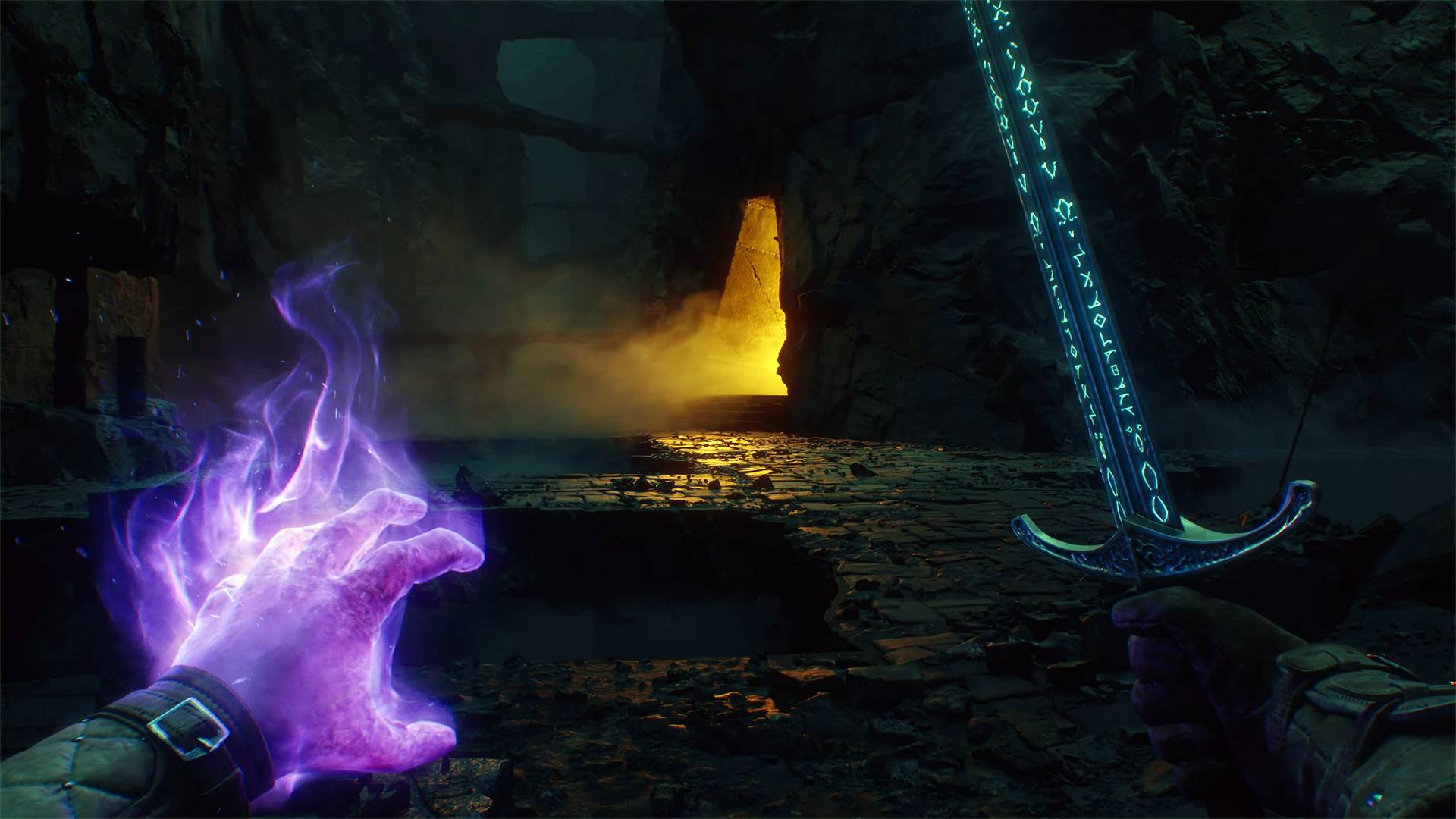 Mastering Parry Techniques in Avowed: A Guide
-
 Breaking: Ubisoft Unveils Covert NFT Gaming Venture