


| App Name | Pocket Gamepad |
| Developer | Petr Kouril |
| Category | Casual |
| Size | 8.96MB |
| Latest Version | 3.7 |
| Available on |

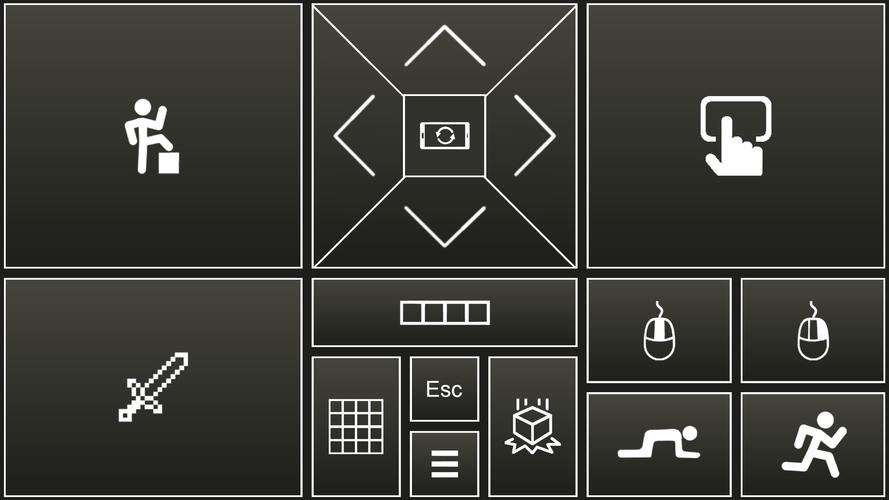
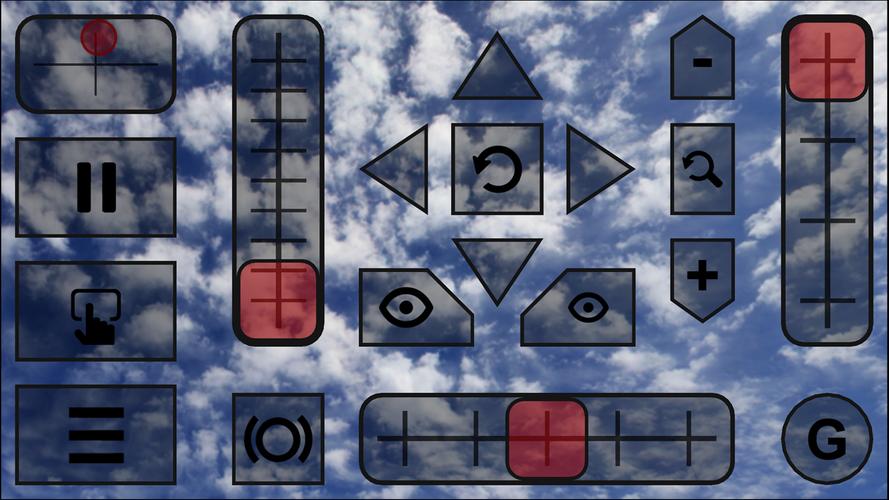
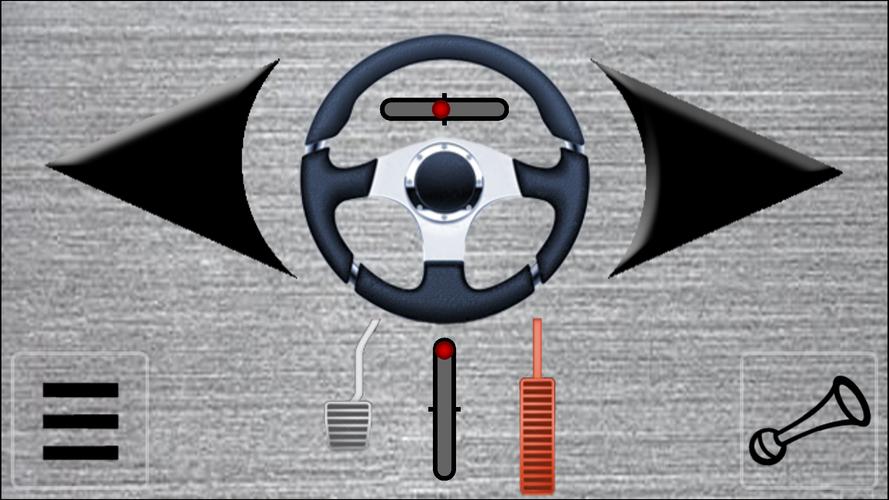


Transform your device into a joystick, steering wheel, gamepad, mouse, or keyboard for PC gaming.
Use your Android device as a joystick, steering wheel, gamepad, mouse, or keyboard for nearly all PC games.
We have designed custom skins for popular titles including:
Red Bull Air Race Game
Minecraft
Counter-Strike
World of Tanks
Microsoft Flight Simulator
and many others...
- This software emulates a real joystick, recognized by your PC as a plug-and-play device.
- The application also simulates a PC keyboard and mouse.
- All skins are fully customizable to suit your preferences.
- You can create your own custom skins using XML, PNG, and MP3 files for any PC game.
Quick start guide:
- Install PocketGamepad server on your PC. Download the server here:
http://www.pgpad.com/downloads/server/PocketGamepadSetup.exe
- Install PocketGamepad on your smartphone.
- Launch the PocketGamepad server on your PC.
- Open PocketGamepad on your smartphone.
- Navigate to Menu / Connect, then tap Search. When the app detects the PocketGamepad server, press Connect.
Selecting a skin
- Go to Menu / Skins (games)
- Choose your preferred skin and tap the Play button
Customizing a skin
- Select a skin
- Tap Menu / Edit skin
- Press the button you wish to customize
- Select Menu / Save as
- Choose Menu / Finish editing
Ensure the PC game you want to control is in focus and not running in the background.
Skin XML schema documentation:
http://www.pgpad.com/downloads/doc/xml_schema.pdf
What's New in Version 3.7
Added Counter-Strike skin
Added World of Tanks skin
Refactored all skins
Improved connection stability
Menu button now displays WiFi connection quality
Multiplayer mode support
Redesigned menu
-
 Trainer's Pokémon Set to Resurface in Pokémon TCG in 2025
-
 Clash of Clans Unveils Town Hall 17: Game-Changing Update Released
-
 Stalker 2: List Of All The Artifacts & How To Get Them
-
 Shadow of the Depth: Open Beta Now Available on Android
-
 Mastering Parry Techniques in Avowed: A Guide
-
 Breaking: Ubisoft Unveils Covert NFT Gaming Venture