


| App Name | Delta eForce |
| Developer | Skippy Games |
| Category | Action |
| Size | 21.54MB |
| Latest Version | 2.2.9 |
| Available on |
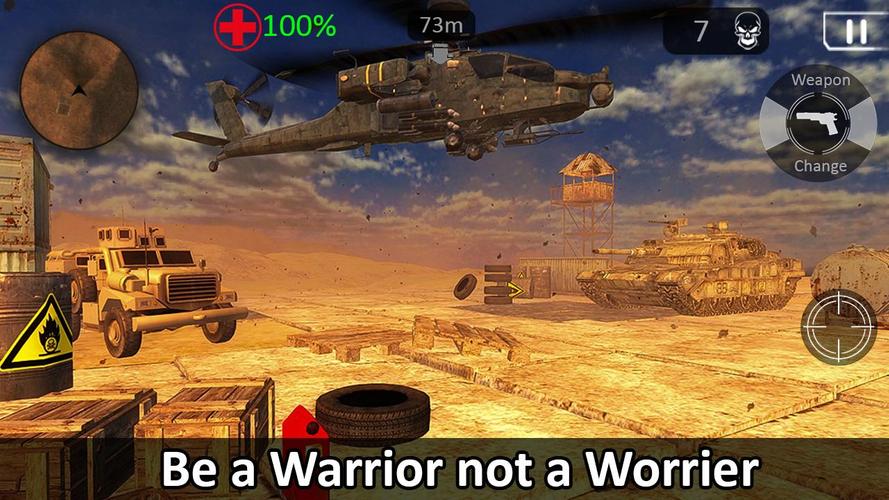
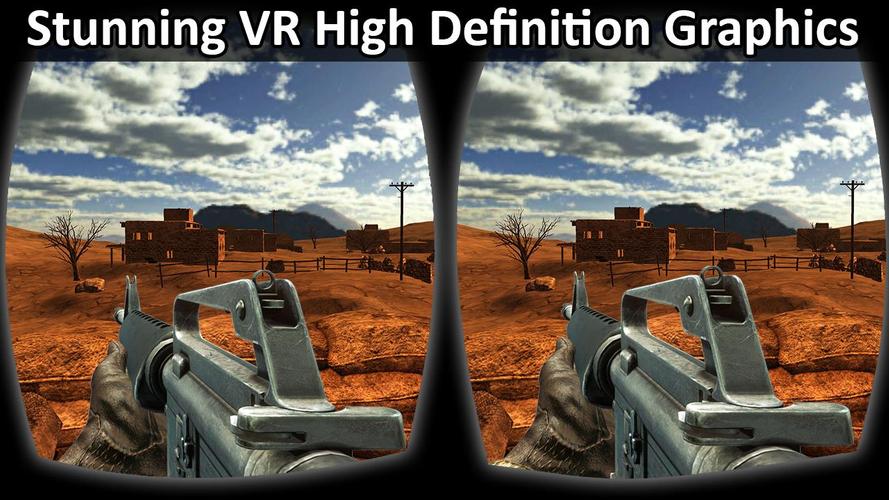
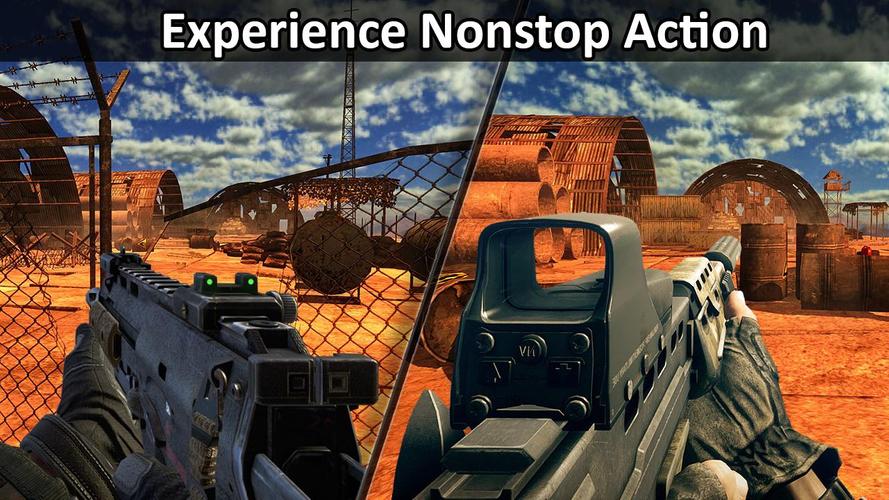



Experience fast-paced FPS action with thrilling missions. VR and gamepad support included.
Delta Special eForce is a next-generation army warfare game where you must survive as a spy commando against overwhelming enemy forces. Execute high-intensity military commando ops and complete exciting objectives through stealth strikes. This commando shooter features advanced AI, elevating it to a masterpiece among sniper games. Equip the latest weapons as a spy commando. Infiltrate enemy territory undetected, access their main navigation system, and disable it as your top priority. Maintain silent movements—any slip-up could compromise your cover immediately. Stay alert: elite enemy commandos patrol every area.
This is a strategic RPG fused with intense gunplay and military tactics. You are an elite shooter tasked with secret missions to prevent a global war. Sabotage enemy supply lines, uncover classified intel before time runs out, and choose your weapons wisely based on each scenario. Take cover while engaging enemy commandos. Its all-new sniping missions make it one of the top FPS and best sniper games available. Enjoy premium graphics and lifelike animations that heighten the experience.
You can play this VR video game using a Bluetooth-connected game controller on your Android device. Use the 8-way D-pad for commando movement and customize gamepad keys for other actions. Both VR and non-VR modes are supported. Dive into full 360-degree immersion with a VR headset and enjoy hyper-realistic cinematic effects.
Game Features:
- Both VR and non-VR versions included.
- Compatible with all VR devices and Bluetooth gamepads/joysticks.
- Rich textures and high-quality graphics.
- Intense, challenging combat scenarios.
- Multiple thrilling missions with unique objectives
- Superior enemy AI and physics-driven gameplay.
How to Play:
With Game pad:
- Connect a Bluetooth gamepad by turning on Bluetooth on your device.
- A complete tutorial guides you through using a wireless joypad controller.
Without Game Controller:
- Use the touchpad to play without a gamepad.
- Switch weapons by tapping the gun icon.
- Automatic firing—simply aim at your target.
- Use the radar to detect enemy ambushes.
- Tap the map to view it in full screen.
What's New in the Latest Version 2.2.9
- Supported Android 14
-
 Trainer's Pokémon Set to Resurface in Pokémon TCG in 2025
-
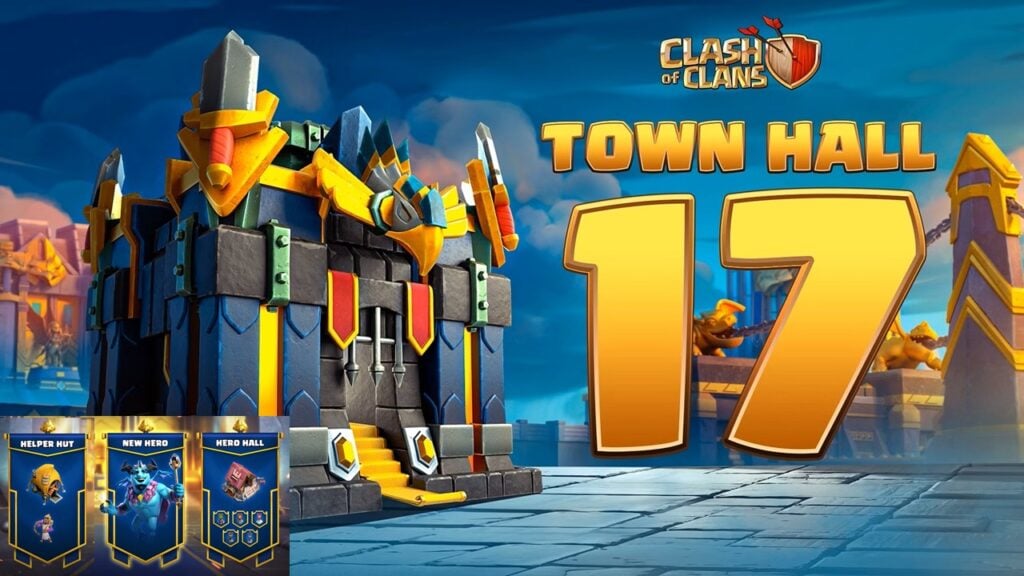 Clash of Clans Unveils Town Hall 17: Game-Changing Update Released
-
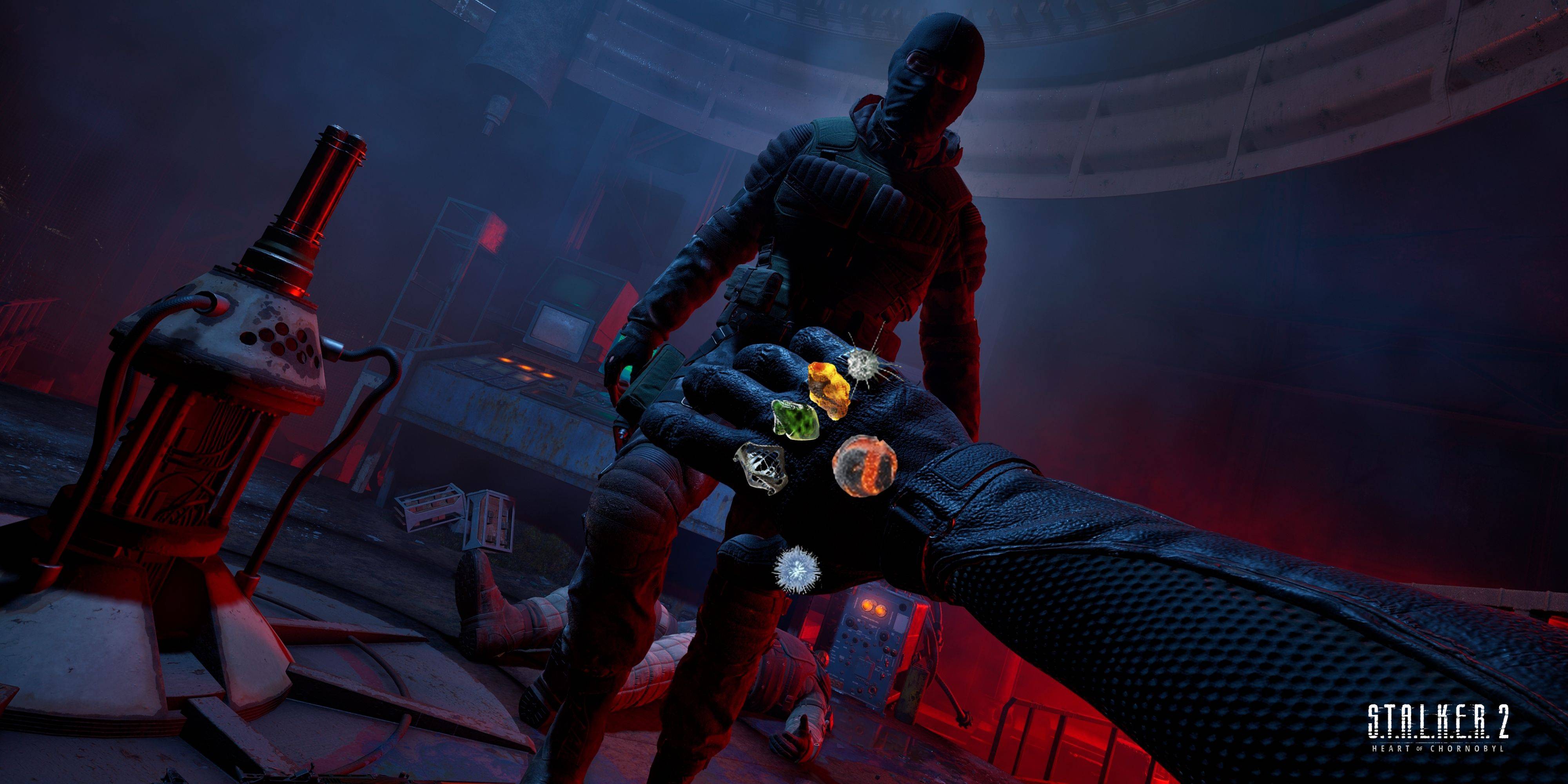 Stalker 2: List Of All The Artifacts & How To Get Them
-
 Shadow of the Depth: Open Beta Now Available on Android
-
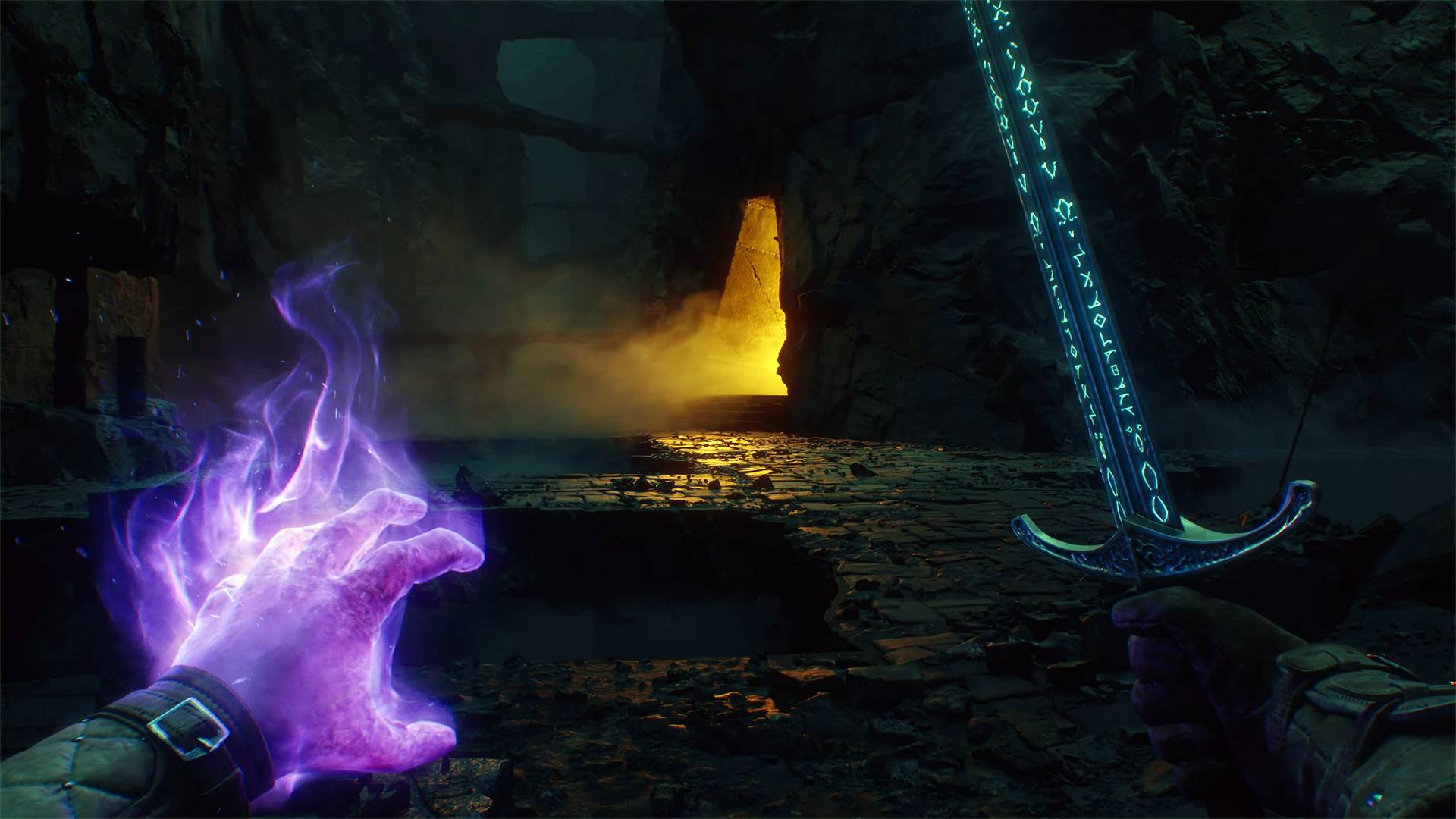 Mastering Parry Techniques in Avowed: A Guide
-
 Breaking: Ubisoft Unveils Covert NFT Gaming Venture