


| App Name | Samsung My Files |
| Developer | Samsung Electronics Co., Ltd. |
| Category | Tools |
| Size | 18.30M |
| Latest Version | 15.0.04.5 |
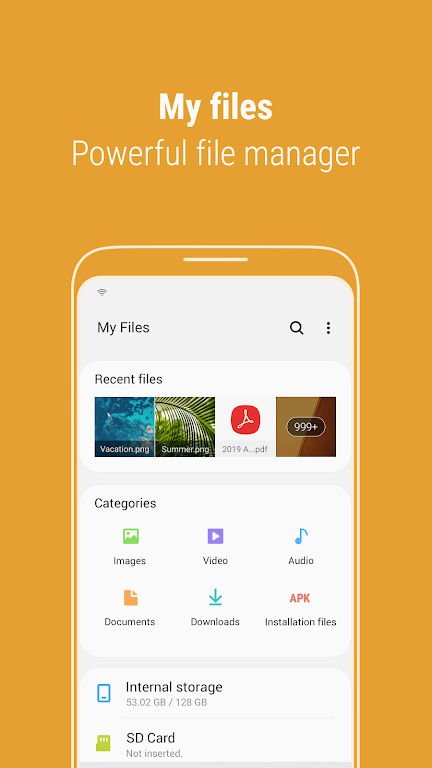
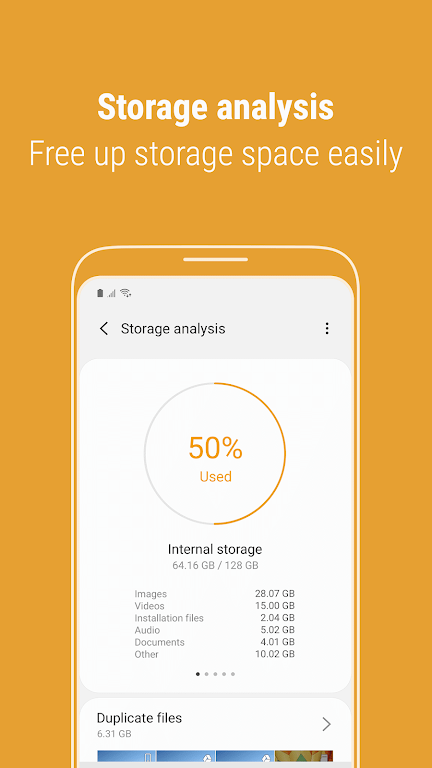
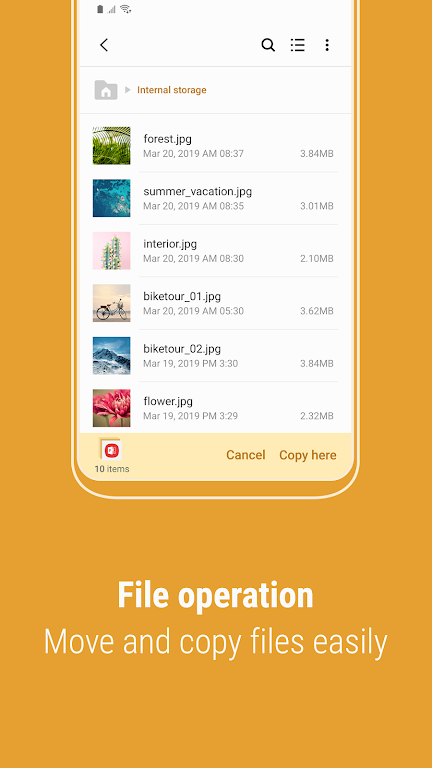


Meet Samsung My Files, your smartphone's essential file management app. Similar to a computer's file explorer, it allows you to browse and organize all the files on your device. Beyond that, manage files on SD cards, USB drives, and even in cloud storage linked to your phone. Free up valuable space and hide unused storage areas with a simple tap. Enjoy user-friendly features like the Recent Files list, Categories, and the ability to create folder and file shortcuts. Discover the ease of Samsung My Files and master your digital content like never before.
Samsung My Files Features:
Storage Analysis: Free up space with a single tap using the "Storage Analysis" button on the main screen.
Customizable Home Screen: Edit your My Files home to hide any unused storage areas from the main view.
Improved File Viewing: See full file names without truncation by switching to the "Listview" mode.
Comprehensive File Management: Browse and manage files on your device, SD card, or USB drive. Perform actions like creating folders, moving, copying, sharing, compressing, extracting files, and viewing details.
Intuitive Tools: Use the Recent Files list to quickly find downloaded or opened items. Organize files by type—documents, images, audio, video, and APK installers. Place folder and file shortcuts on your device's home screen and the My Files main screen for instant access.
Space Optimization: The app includes tools to analyze and clear storage, guaranteeing you always have room for what matters.
Final Thoughts:
Experience the simplicity of centralizing all your files with Samsung My Files. Featuring storage analysis, customizable home screens, and enhanced file viewing, organizing and accessing your data is effortless. Leverage intuitive tools like the Recent Files list and file categorization to find what you need instantly. Download today to enjoy seamless file management, complete with storage analysis to ensure you always have space for your important files.
-
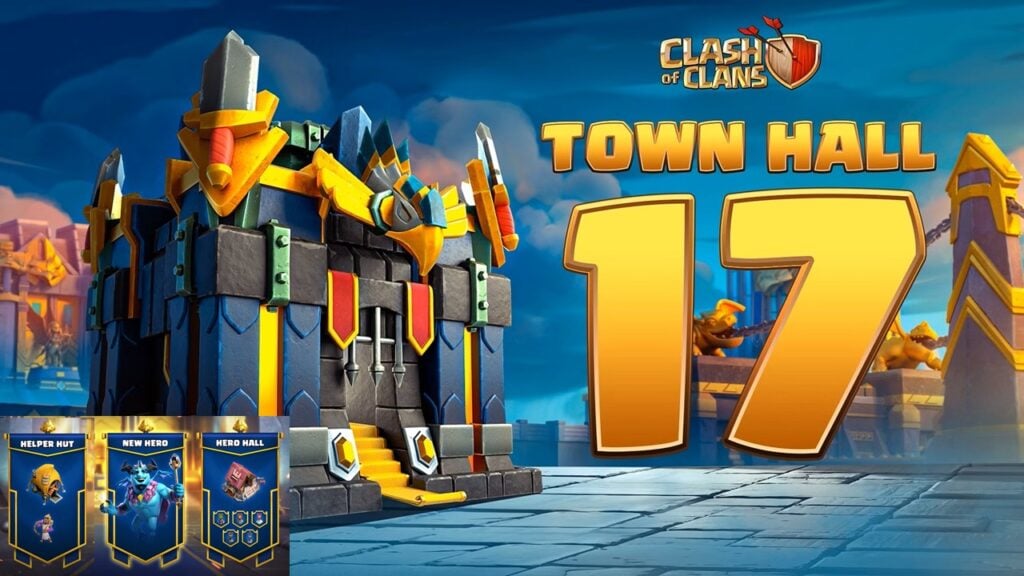 Clash of Clans Unveils Town Hall 17: Game-Changing Update Released
-
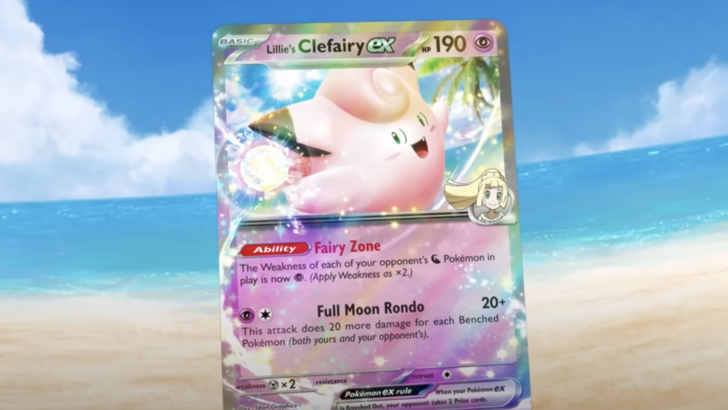 Trainer's Pokémon Set to Resurface in Pokémon TCG in 2025
-
 Stalker 2: List Of All The Artifacts & How To Get Them
-
 Shadow of the Depth: Open Beta Now Available on Android
-
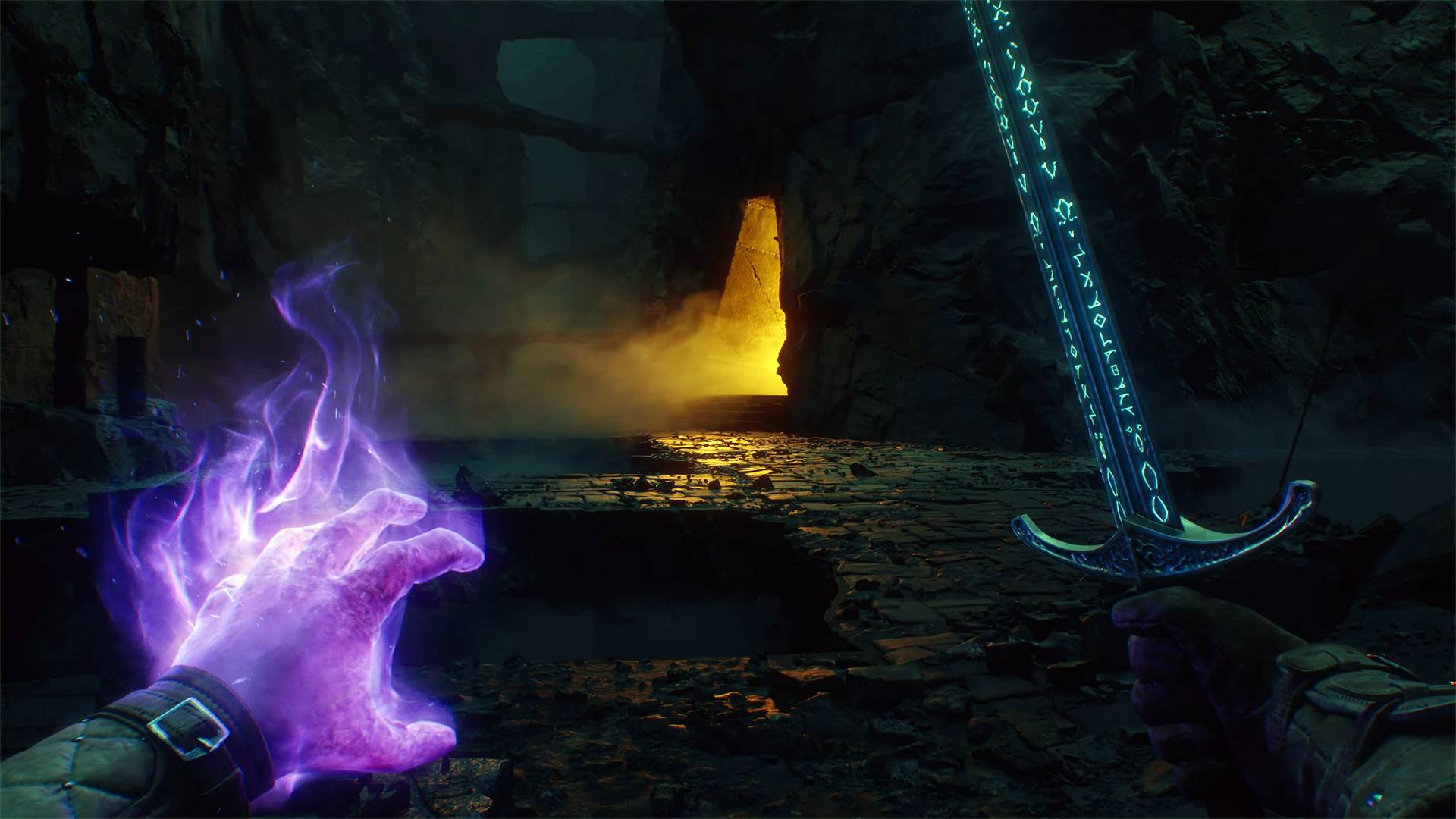 Mastering Parry Techniques in Avowed: A Guide
-
 Breaking: Ubisoft Unveils Covert NFT Gaming Venture