

Home > Apps > Art & Design > Paint
| App Name | Paint |
| Developer | ng-labs |
| Category | Art & Design |
| Size | 5.9 MB |
| Latest Version | 3.6.1.0 |
| Available on |
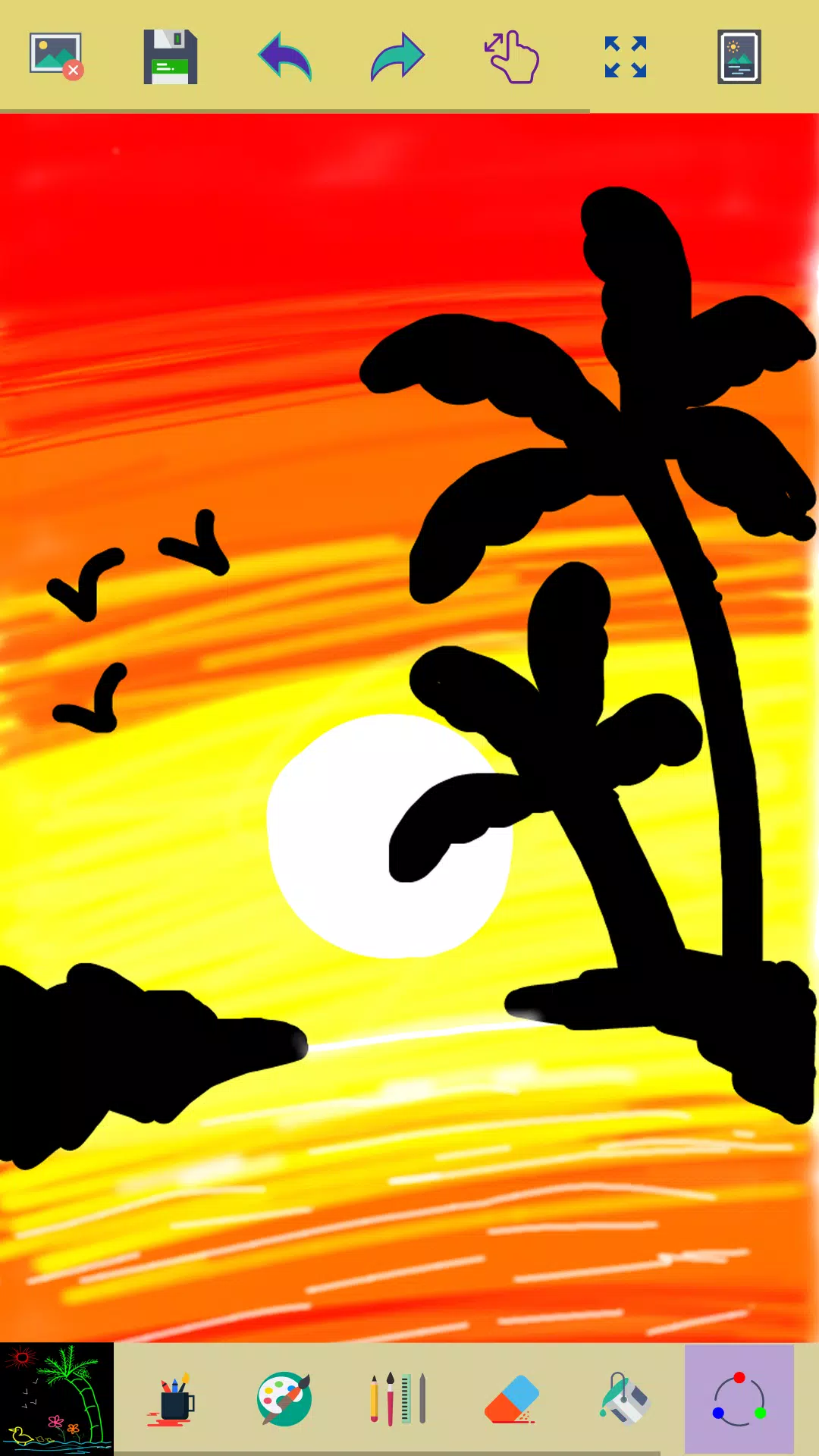
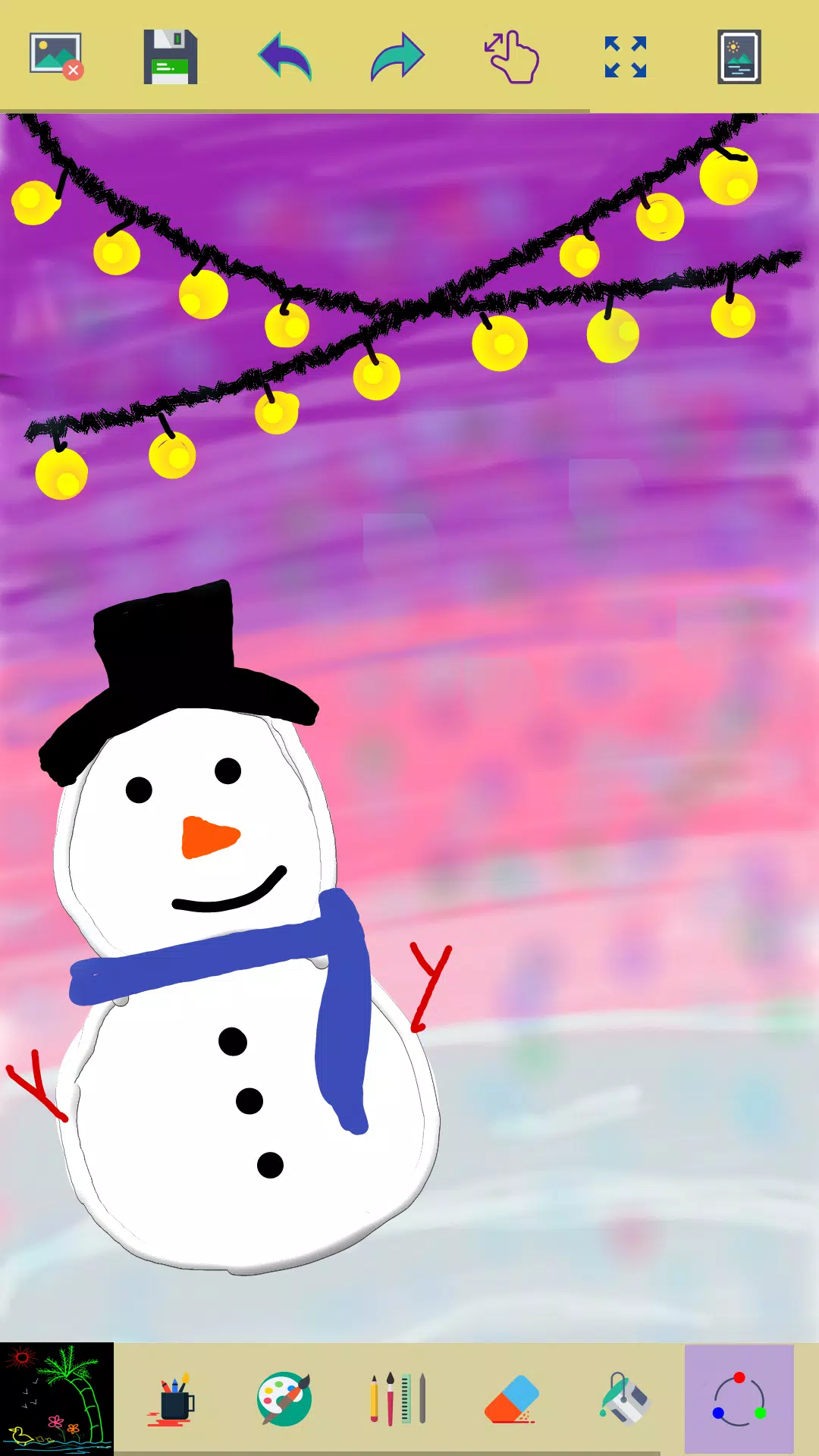
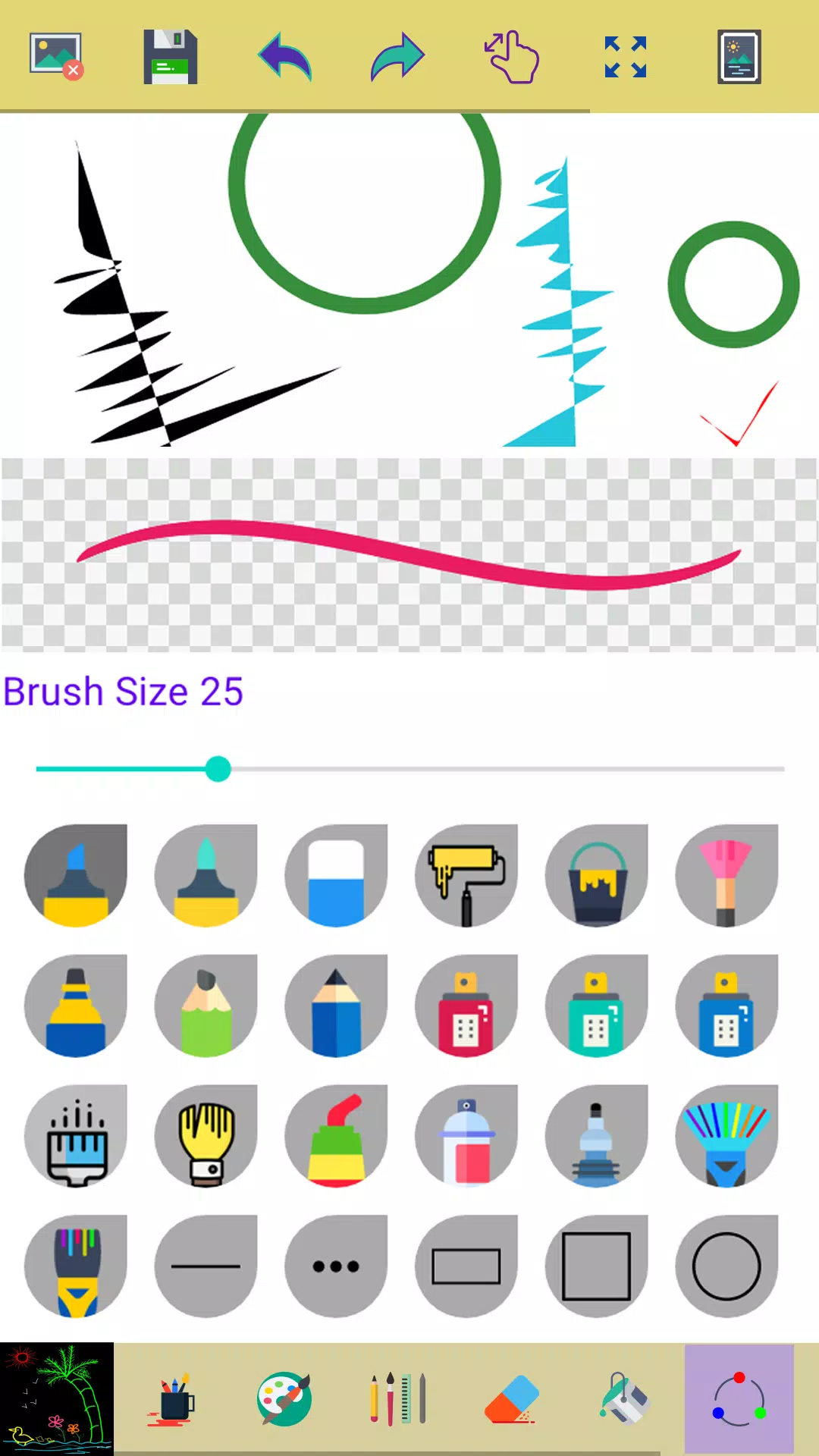
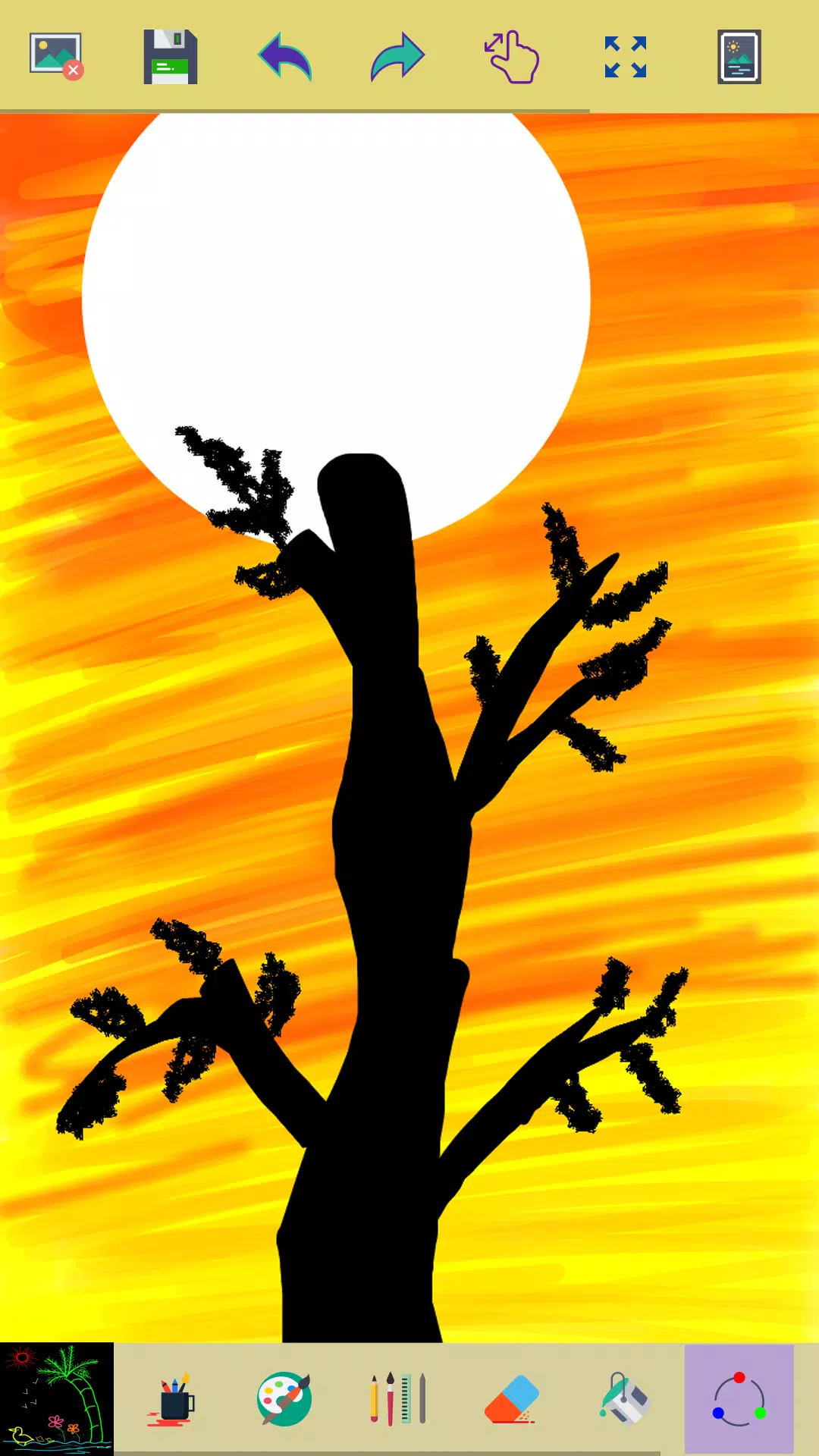


This simple paint app is designed for creative professionals and enthusiasts alike, offering a platform to transform ideas into stunning visuals. Whether you're sketching on the go or perfecting your craft, this app is your canvas for creativity.
Key Features of this Application
✓ Start Fresh: Begin your masterpiece by clicking the clear button for a new drawing.
✓ Creative Tools: Utilize a variety of brushes and painting tools to craft your pictures.
✓ Smooth Drawing Experience: Enjoy the fluidity of drawing with your fingers.
✓ Diverse Drawing Options: Choose from multiple brushes, pens, and pencils to suit your style.
✓ Customizable Brush Width: Adjust the width of brushes and erasers using an intuitive slider bar.
✓ Versatile Drawing: Draw with either your finger or a stylus for precision.
✓ Correct Mistakes Easily: Use the eraser to correct parts of your drawing as needed.
✓ Zoom for Detail: Zoom in and out to make precise adjustments to your artwork.
✓ Reset Zoom: Click the reset zoom button to fit your drawing perfectly on the screen.
✓ Art Gallery: Access all your drawings in the 'My Art Gallery' section.
✓ Random Color Feature: Activate random brush colors for each stroke and shape, adding spontaneity to your art.
✓ Undo and Redo: Easily undo and redo your last actions and a few strokes for seamless editing.
✓ Fill Tool: Click any area on the canvas to fill it with your chosen background color.
✓ Image Editing: Edit existing images or photos within the app.
✓ Save Your Work: Your drawings are automatically saved to your photo gallery.
✓ Color Selection: Easily choose your background color using the color picker tool.
✓ Color Picker for Brushes: Use the color picker to select colors for both your brush and background.
✓ Share Your Art: Share your creations with family and friends directly from the app.
Permissions Note:
✓ Storage Access: We require access to your device's storage to save your drawings in the photo gallery and display them in 'My Art Gallery'.
Don't keep the "Paint" app a secret! We grow with your support, so please keep sharing your experiences and creations.
If you encounter any issues, please don't leave negative feedback. Instead, reach out to us at [email protected], and we'll strive to resolve your concerns promptly.
-
 Clash of Clans Unveils Town Hall 17: Game-Changing Update Released
-
 Trainer's Pokémon Set to Resurface in Pokémon TCG in 2025
-
 Stalker 2: List Of All The Artifacts & How To Get Them
-
 Shadow of the Depth: Open Beta Now Available on Android
-
 Mastering Parry Techniques in Avowed: A Guide
-
 Breaking: Ubisoft Unveils Covert NFT Gaming Venture