


| App Name | OpenVPN3 Injector |
| Developer | Team StefanWorks |
| Category | Tools |
| Size | 14.30M |
| Latest Version | 1.2 |
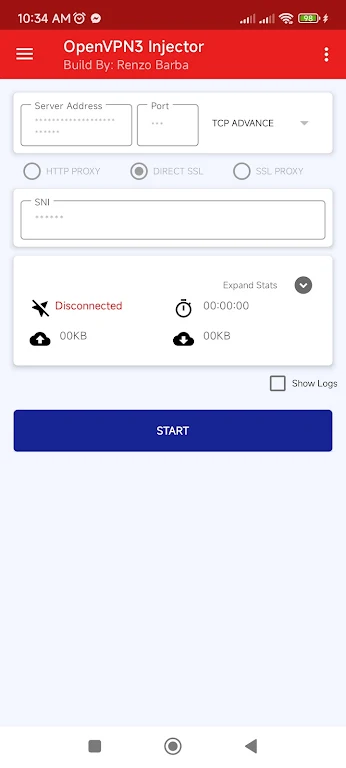
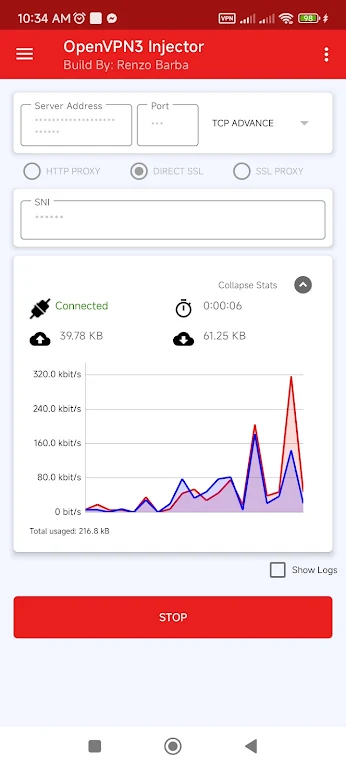
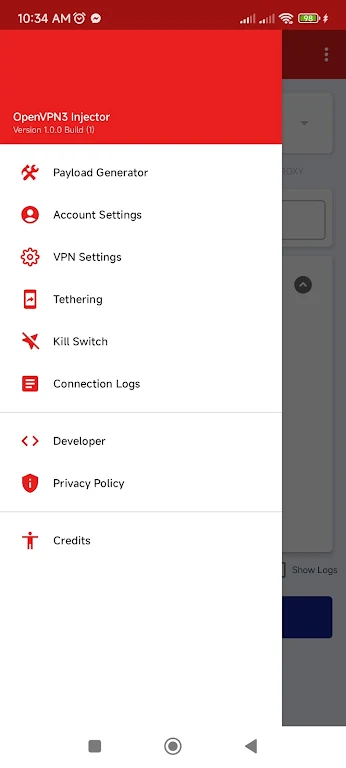
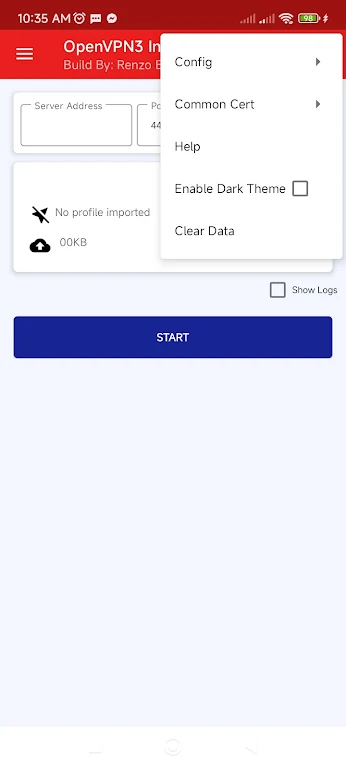


OpenVPN3 Injector is a powerful and flexible VPN solution packed with advanced features to improve your online security and freedom. It enables OpenVPN to operate through an HTTP proxy, supports importing and exporting configuration files, and even allows you to share your internet connection via tethering. With built-in pre-configured profiles from providers like tcpvpn.com, setup is effortless. The app combines a user-friendly interface, global server choices, and strong security measures—including DNS and IPv6 leak protection alongside a kill switch. Whether your priority is privacy, bypassing regional blocks, or connection sharing, this tool delivers.
Features of OpenVPN3 Injector:
> Advanced Features: Going beyond basic VPN services, OpenVPN3 Injector lets you run OpenVPN over an HTTP proxy, import and export configs, and share your connection with other devices via its tethering feature.
> Pre-configured Profiles: Ready-to-use profiles from popular VPN services such as tcpvpn.com are included. Users can select these directly from the menu, avoiding manual setup. The common certificate for tcpvpn.com can also be imported for enhanced security.
> User-Friendly Interface: The intuitive interface makes configuring and connecting to VPN servers straightforward. With a few taps, you can pick from servers in various countries to bypass geo-blocks and access region-restricted content.
> Robust Security: Strong safeguards like DNS leak protection, IPv6 leak protection, and a kill switch (which halts traffic if the VPN drops) keep your online activities private and your data secure.
FAQs:
> Can I use OpenVPN3 Injector to share my internet connection with multiple devices?
Yes, the app includes a tethering option to share your internet connection easily with other devices like smartphones or tablets. This is especially convenient when you need to provide VPN-protected internet to several devices without configuring each one individually.
> How do I select a VPN server from a specific country?
OpenVPN3 Injector offers multiple VPN servers across different countries. Open the app, go to the server selection menu, and choose your desired country. Your internet traffic will then route through a server in that location, helping you overcome geo-restrictions.
> What protocols does the app support?
The app supports both TCP and UDP protocols. You can choose the one that suits your needs—TCP for reliability or UDP for speed. Testing both can help you determine which performs better in your network environment.
Conclusion:
OpenVPN3 Injector is a full-featured VPN tool that provides a suite of advanced options to boost your online protection and access. From HTTP proxy support and pre-configured profiles to connection sharing and strong security features, it covers all bases. Its simple interface lets you quickly connect to servers worldwide, bypass geo-blocks, and reach content that might otherwise be unavailable in your area.
-
 Trainer's Pokémon Set to Resurface in Pokémon TCG in 2025
-
 Clash of Clans Unveils Town Hall 17: Game-Changing Update Released
-
 Stalker 2: List Of All The Artifacts & How To Get Them
-
 Shadow of the Depth: Open Beta Now Available on Android
-
 Mastering Parry Techniques in Avowed: A Guide
-
 Breaking: Ubisoft Unveils Covert NFT Gaming Venture