


| App Name | MediaFire |
| Developer | MediaFire |
| Category | Tools |
| Size | 3.99M |
| Latest Version | v5.6.0 |
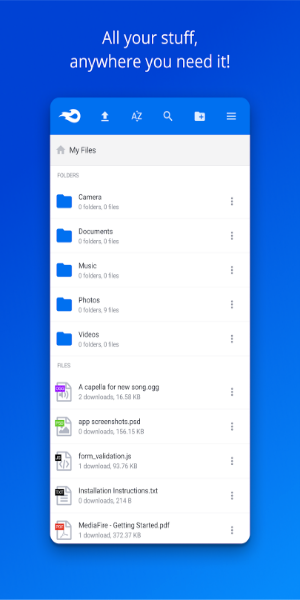
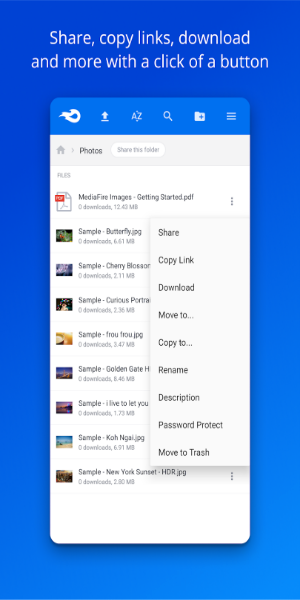
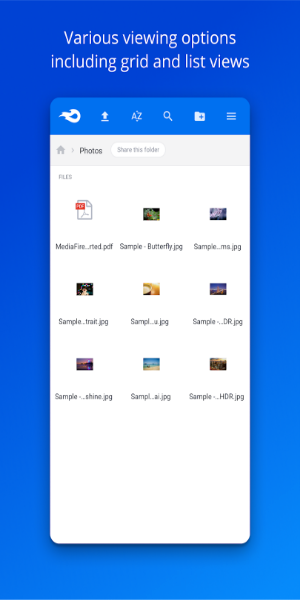


MediaFire is an Android app that provides direct access to its online storage service, allowing users to easily manage their files from their mobile devices. Enjoy smooth file management, secure storage, and a variety of mobile‑friendly features that keep your data accessible and protected at all times.
Top Features:
MediaFire offers much more than basic file sharing and storage. Discover its standout features, designed to simplify and improve your digital life.
10GB Free / Up to 50GB of Storage
With MediaFire, you get 10GB of free space and can earn up to 50GB at no cost. This generous capacity lets you back up everything—from essential files to less critical items—so all your content stays secure.
Unlimited Bandwidth and Downloads
MediaFire guarantees fast, always‑available downloads. Thanks to ad‑supported transfers, you’ll never run into bandwidth caps or download restrictions, no matter how much traffic your files attract.
Effortless Sharing Post‑Upload
Once your files or folders are uploaded, sharing is simple. Share via email, your website, social media, messaging apps, or any other platform using a link—making your content instantly distributable.
Multiple File Uploads
MediaFire lets you upload hundreds or even thousands of files at once. Do it through any web browser or with the dedicated apps for Android, BlackBerry, Windows, iPhone, or iPad.
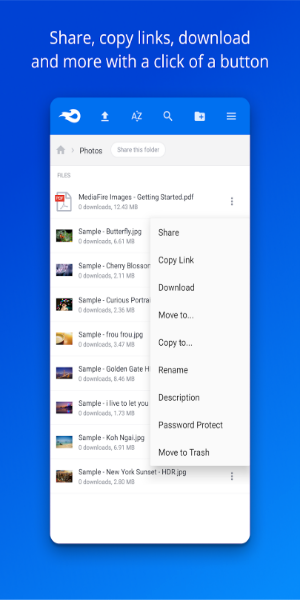
Easy Organization
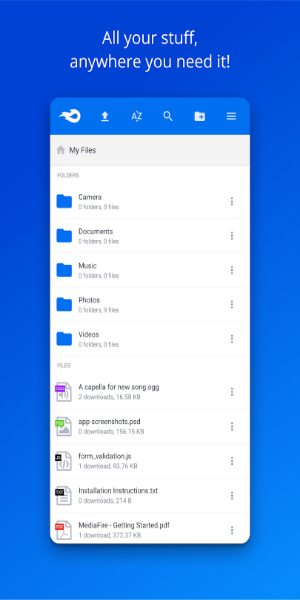
MediaFire’s powerful yet intuitive file manager helps you keep documents and files neatly arranged. Upload, copy, move, and control access to your files from anywhere using your desktop or mobile device.
One‑Time Links
Keep your downloads under control with One‑Time Links. When you share a file using this feature, the recipient cannot forward the link to others—ideal for sensitive personal or work documents.
MediaFire is built to make file management, sharing, and storage simple and efficient. Explore these features and see how they can elevate your digital experience.
Access Your Files Anywhere, Anytime
Seamless File Management Across All Devices
Wherever you go, your files go with you. MediaFire ensures your important documents, photos, videos, and music are always within reach, no matter which device you use—iPhone, iPad, Apple TV, Android, BlackBerry, or Windows. The app delivers a consistent experience for uploading, downloading, viewing, and organizing your content.
Convenience on the Go
Manage your files effortlessly while you’re out and about. Have your music collection ready for a road trip, home videos available for instant playback, your resume on hand for unexpected opportunities, and key work documents accessible during meetings. MediaFire helps you stay organized and prepared wherever life takes you.
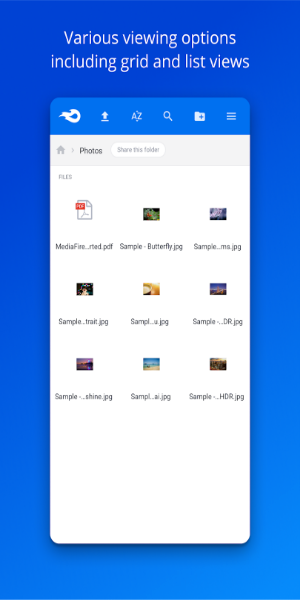
Effortless Integration
The app integrates smoothly with your devices. Its intuitive interface lets you quickly upload files from your phone or tablet and organize them with just a few taps. View documents and media directly in the app, so you can find exactly what you need, exactly when you need it.
Stay Connected
Whether you’re at home, in the office, or on the move, MediaFire keeps you connected to your files. Share documents with colleagues, send photos to friends, or enjoy your favorite music and videos wherever you are. With this app, your digital life is always at your fingertips.
Experience the freedom and convenience of carrying all your files with you. Download MediaFire today and take the first step toward seamless, organized, and accessible file management across every device.
Conclusion:
MediaFire is a powerful tool for securely storing, organizing, and sharing all your media. It keeps your photos, videos, documents, and more safe and accessible, providing a reliable backup solution for your digital life. Download it today and enjoy the convenience and security of having your important files ready anytime, anywhere.
-
 Trainer's Pokémon Set to Resurface in Pokémon TCG in 2025
-
 Clash of Clans Unveils Town Hall 17: Game-Changing Update Released
-
 Stalker 2: List Of All The Artifacts & How To Get Them
-
 Shadow of the Depth: Open Beta Now Available on Android
-
 Mastering Parry Techniques in Avowed: A Guide
-
 Breaking: Ubisoft Unveils Covert NFT Gaming Venture