

Home > Apps > Art & Design > Logo maker AI Logo generator

| App Name | Logo maker AI Logo generator |
| Developer | VideoRey |
| Category | Art & Design |
| Size | 18.7 MB |
| Latest Version | 3.6 |
| Available on |
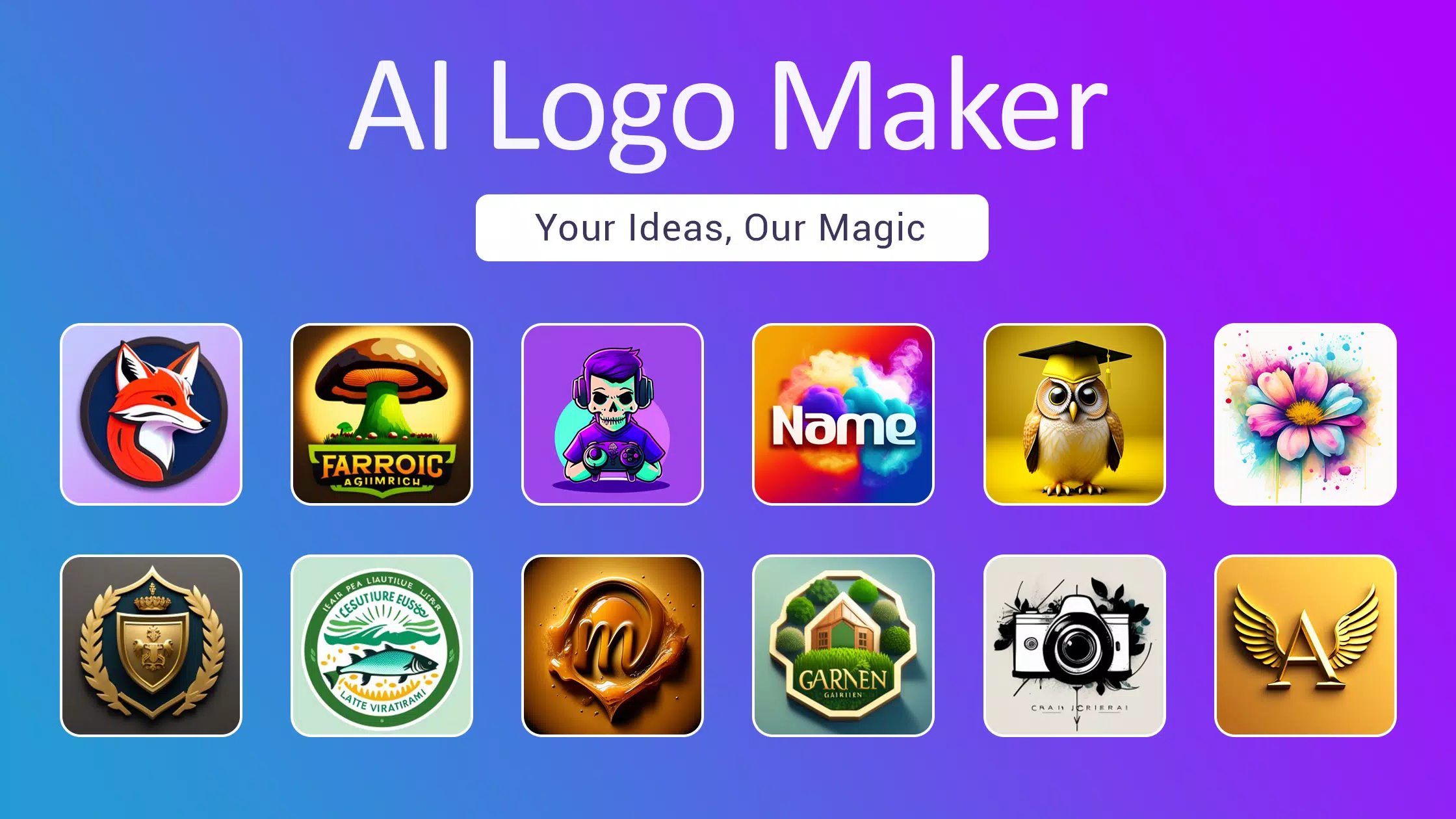


AI Logo Maker: Generate logo designs from text to AI art icons. This AI logo creator turns your ideas into professional branding.
AI-powered logo maker for every type of business.
Step into the future of branding with AI Logo Maker—the simplest and most effective way to design a professional logo for your company. Just enter your business name and slogan into our advanced AI logo generator, the ultimate tool for transforming text into stunning visual identities. Our AI-powered system crafts your graphic design, and you can fine-tune your logo using our intuitive editor. Start your professional logo creation journey today—no design experience needed.
Logo Maker: Elevate your brand with our state-of-the-art AI Logo Maker. Leverage the power of AI-generated logos for seamless design that brings your vision to life.
Create any style of logo design, including icons, symbols, wordmarks, letter marks, and initials. Generate logos for any business, YouTube channel, Instagram, and social media profiles. Build creative brand designs in seconds by describing your idea in text.
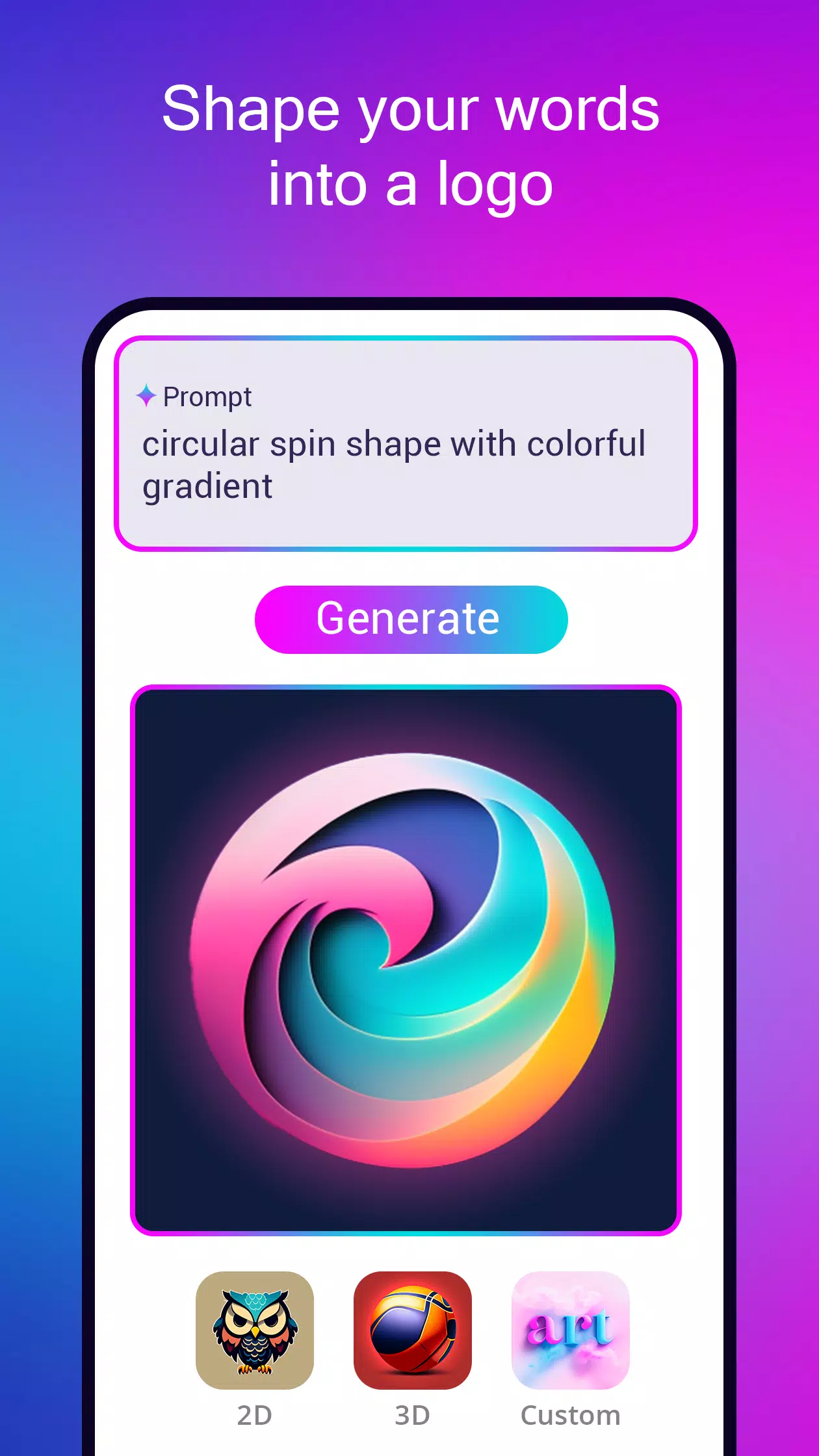
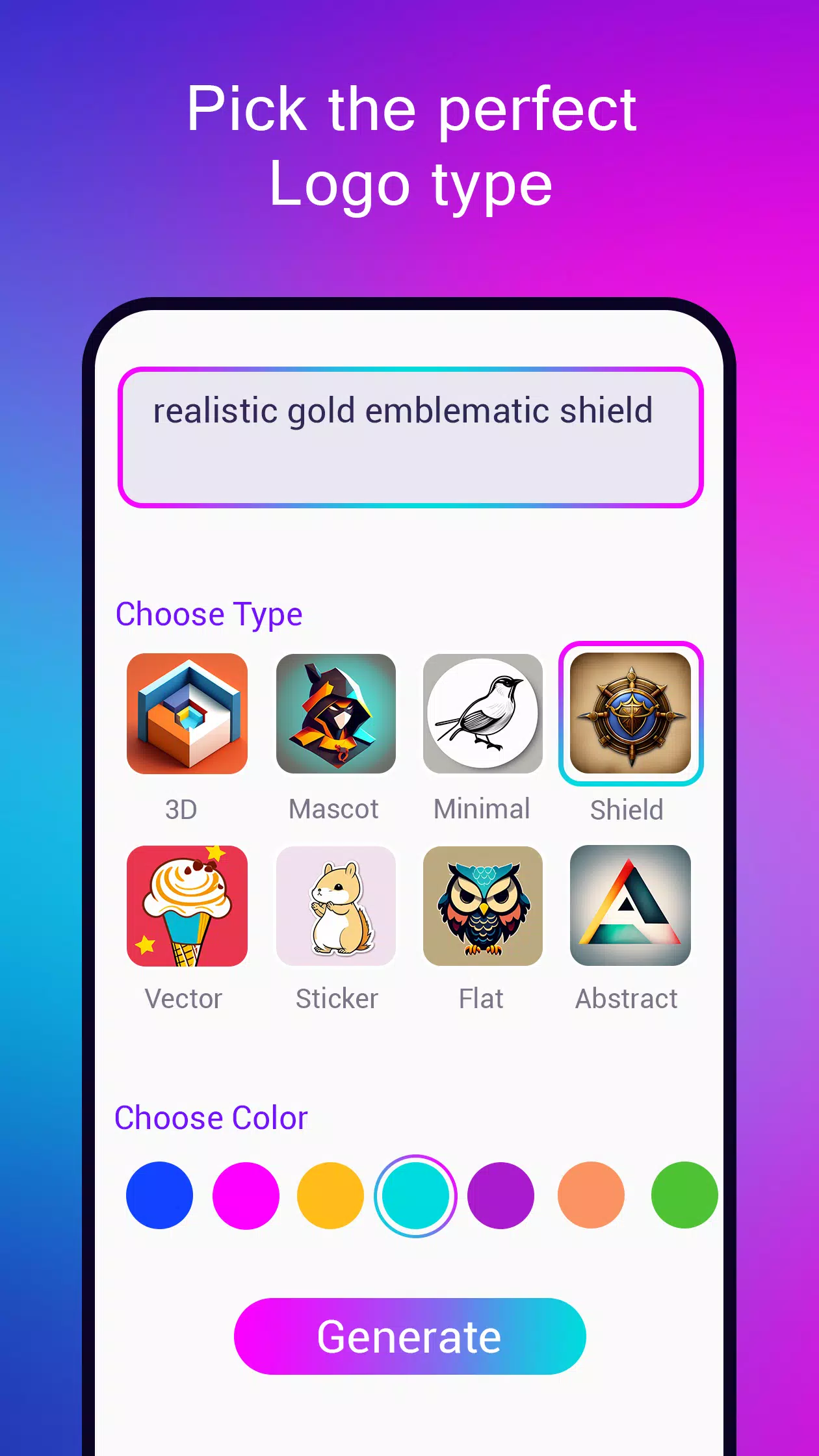
Logo Design: Simply choose your logo type. For icon-based logos, enter a prompt describing your concept, style, and color. Our AI generates logo options similar to an AI art generator. Remove the background and start customizing your AI icon artwork.
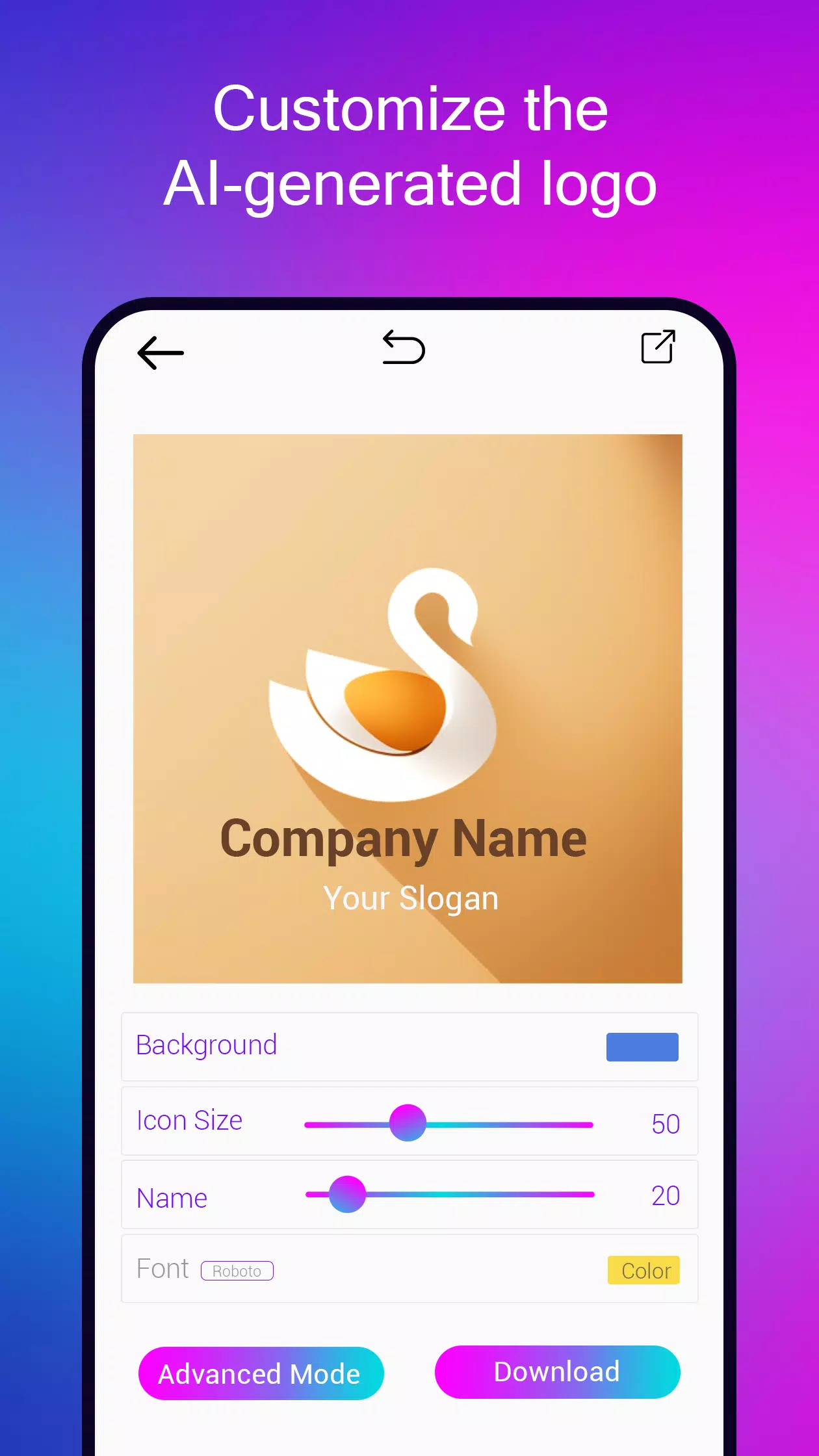
Easily adjust colors, fonts, and shapes to make the logo uniquely yours. Text-based logos are simple to edit with our smart suggestion tool.
Logo maker from text prompt:
Describe your graphic design concept and watch as AI creates original logos in seconds. If you're not satisfied with the initial result, generate new designs until you find the perfect match for your vision.
Features of our Logo Maker:
1. Convert words into logos using AI technology.
2. Design various logo types: vector illustrations, 2D flat, 3D, abstract, gaming esports, mascots, badges, emblems, monograms, and wordmarks.
3. Select from multiple logo styles, colors, and fonts with our curated suggestions.
4. Edit logos professionally using our user-friendly logo editor.
5. Export logo files in PNG, JPEG, SVG & PDF formats. Choose from black & white, color, or transparent backgrounds in high resolution.
6. Preview your design with realistic logo mockups.
7. Save projects and edit them anytime.
AI Art Generator:
Create artwork using artificial intelligence technology. Leverage advanced text-to-image models like stable diffusion to generate images, graphics, and AI icons instantly. Choose from our AI-generated logo templates to redesign your branding. Remove backgrounds, edit icons, and add your brand name and slogan. Convert generated logos into clean SVG vector files.
The perfect blend of logo maker and AI art generator. No watermarks on designs. Unlimited AI art generation with no restrictions on icon creation.
-
 Trainer's Pokémon Set to Resurface in Pokémon TCG in 2025
-
 Clash of Clans Unveils Town Hall 17: Game-Changing Update Released
-
 Stalker 2: List Of All The Artifacts & How To Get Them
-
 Shadow of the Depth: Open Beta Now Available on Android
-
 Mastering Parry Techniques in Avowed: A Guide
-
 Breaking: Ubisoft Unveils Covert NFT Gaming Venture