

Home > Apps > Art & Design > Drawing - Draw, Trace & Sketch

| App Name | Drawing - Draw, Trace & Sketch |
| Developer | Spiti Valley |
| Category | Art & Design |
| Size | 28.3 MB |
| Latest Version | 1.0.5 |
| Available on |
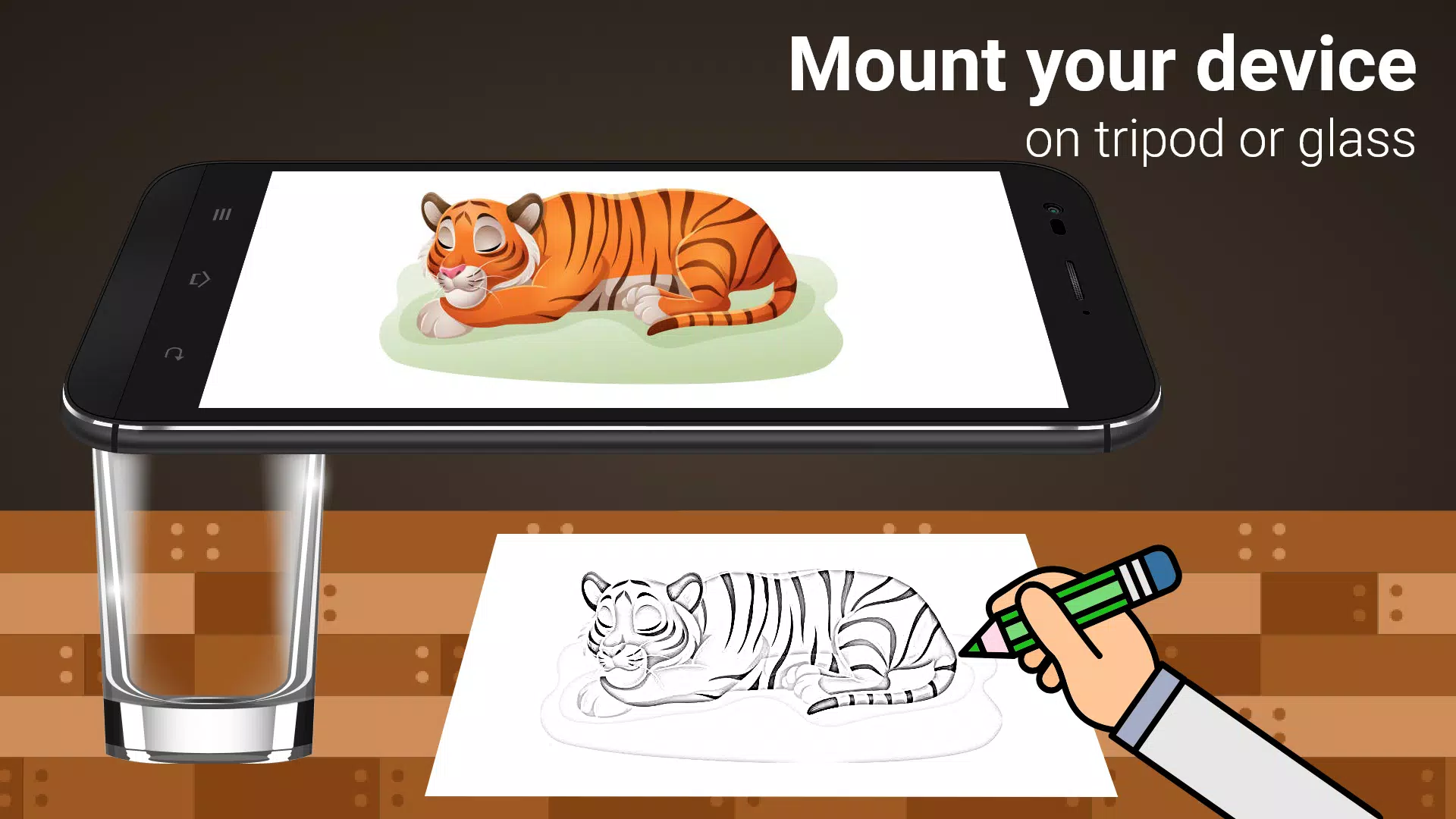
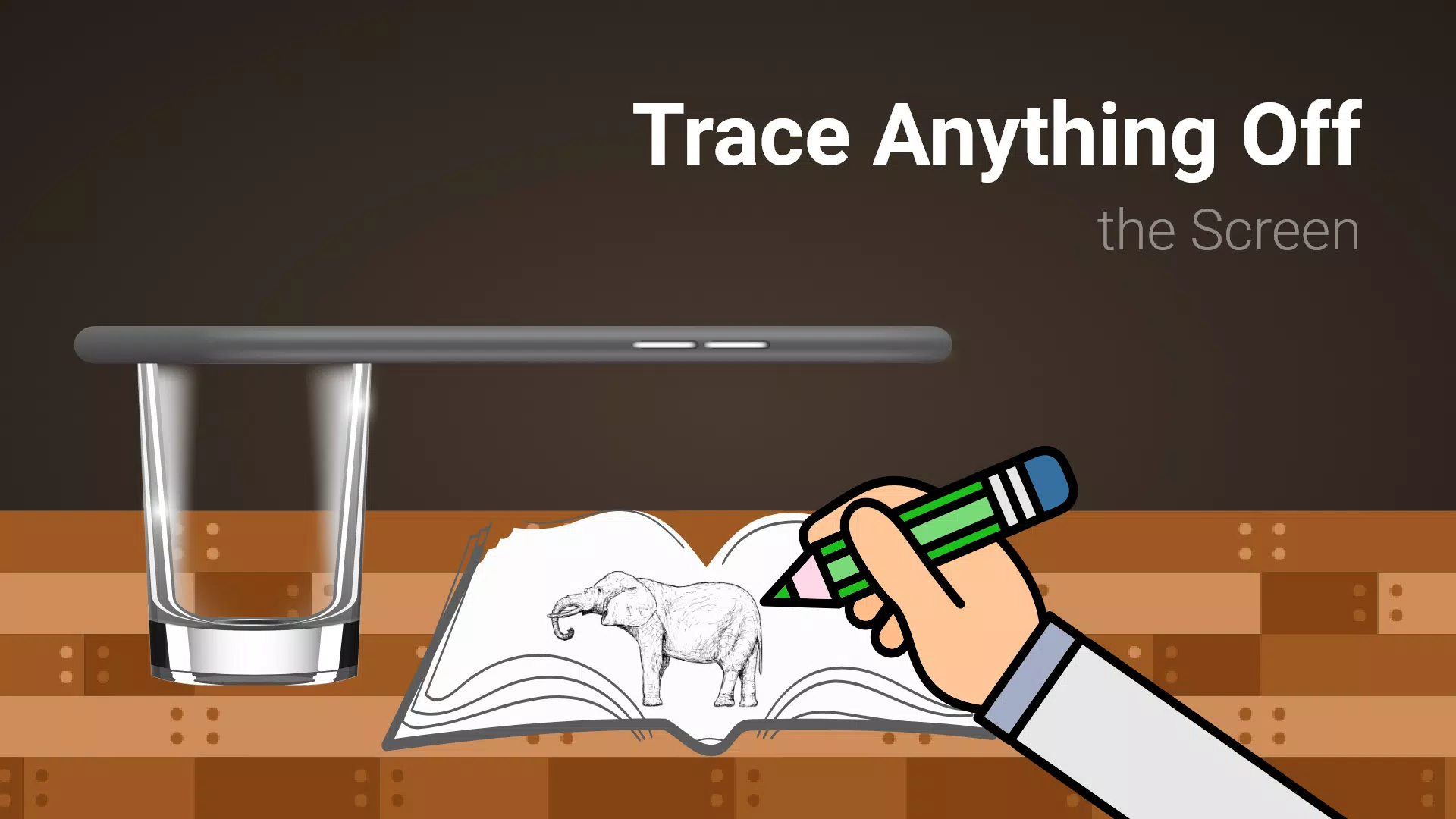
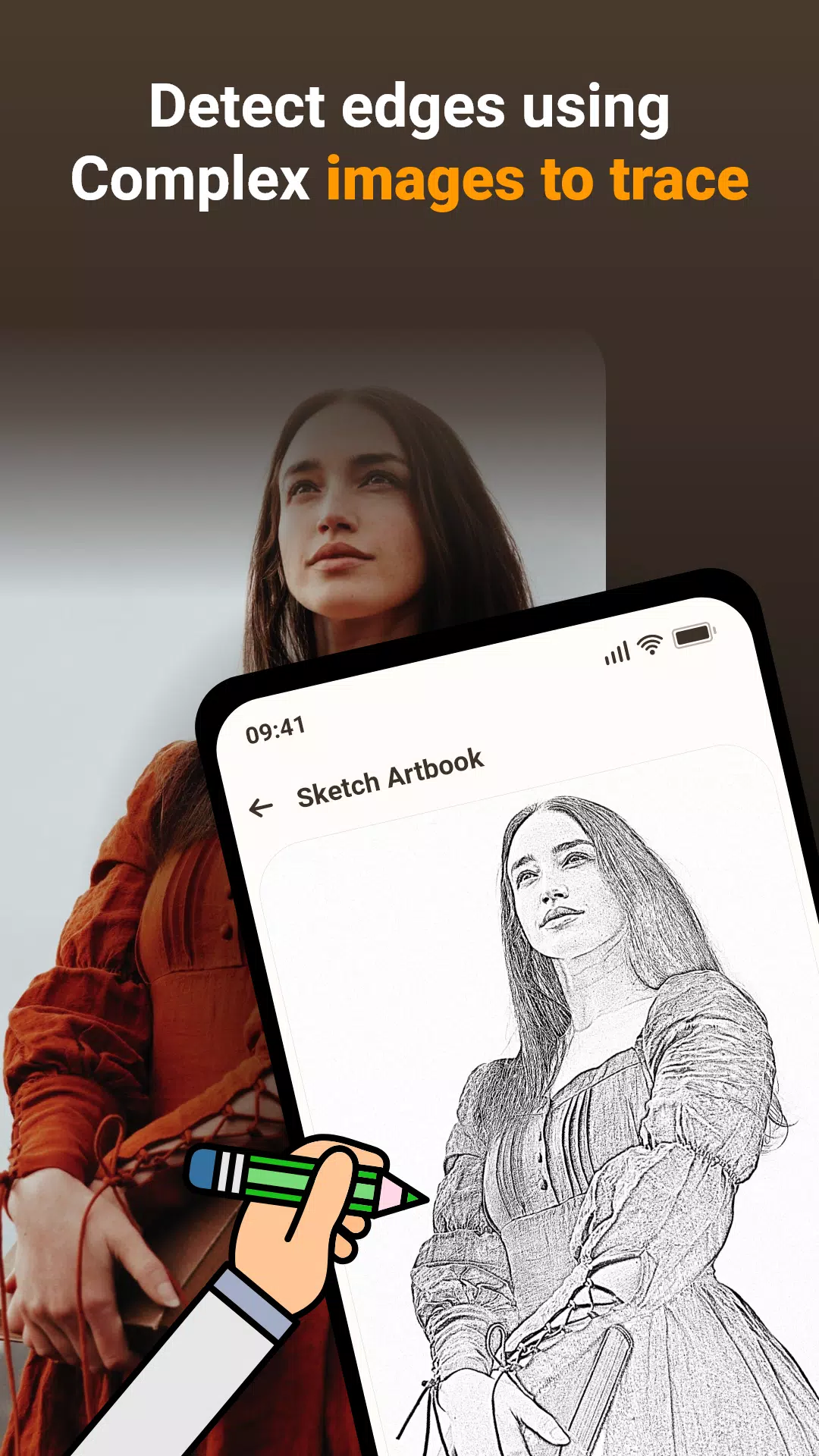
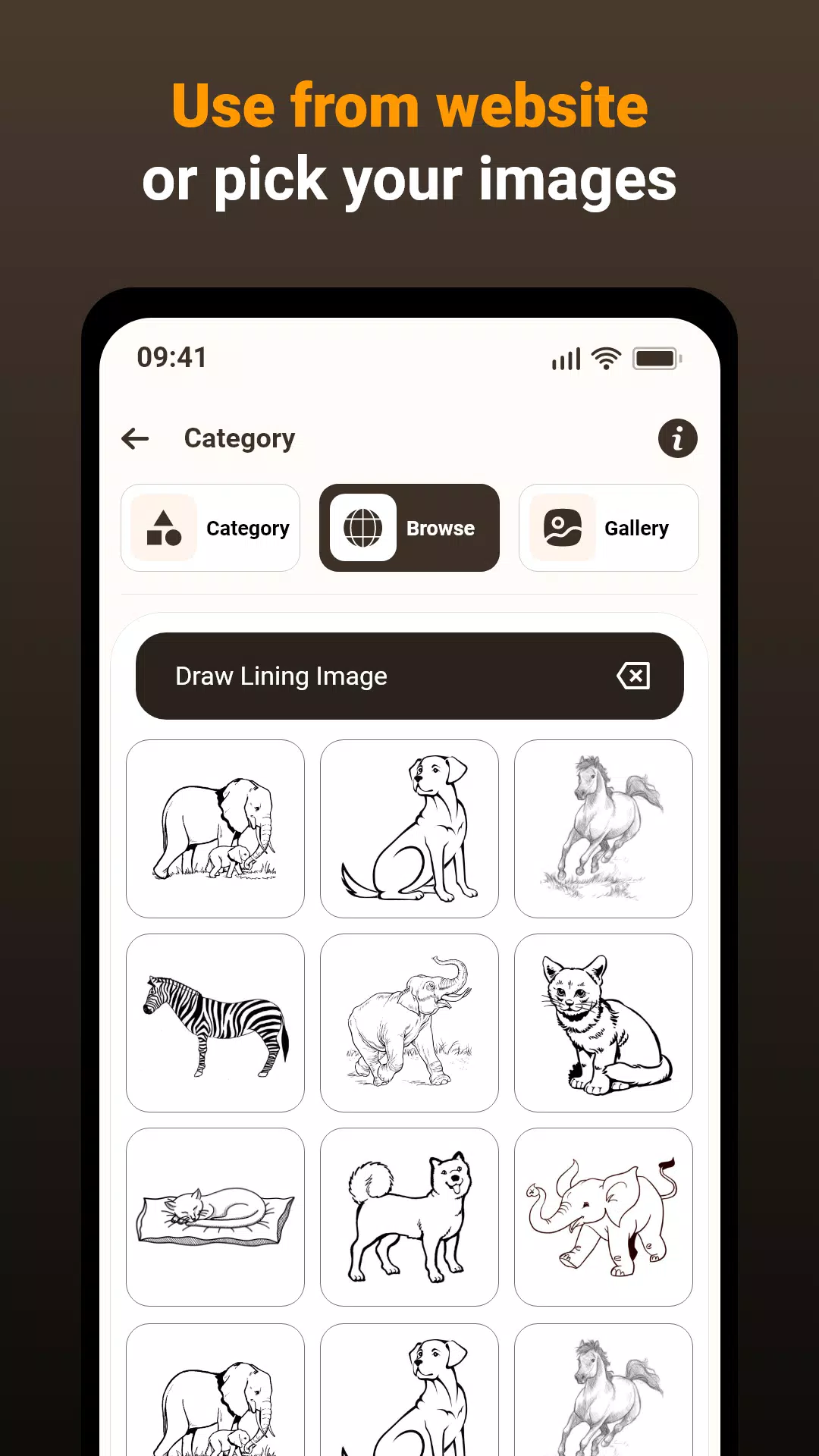


Use your phone's camera to trace images onto paper: a step-by-step guide.
This Draw, Trace & Sketching app transforms images (photos or artwork) into line art. Simply use your phone's camera to trace the image onto paper by following the lines displayed on your screen. It's a perfect tool for learning to draw or improve tracing skills.
The app simplifies the tracing process. Choose an image from the app's library or your gallery, apply a filter to enhance traceability, and the image will appear semi-transparent over your phone's camera view. Position your phone approximately one foot above your paper.
Key Features:
- Trace any image using your phone's camera feed; the image won't print on the paper, but serves as a guide for accurate replication.
- Draw directly onto paper while viewing the transparent image through your phone's camera.
- Utilize pre-loaded sample images for practice.
- Import images from your gallery, convert them to tracing images, and sketch them on paper.
- Adjust image transparency or convert to line art for optimal tracing.
How it Works:
- Image Selection: Choose an image from your gallery or take a new photo.
- Filtering and Camera View: Apply a filter to optimize the image for tracing. The filtered image will be displayed semi-transparently over your camera's live feed. Place your paper below your phone.
- Tracing: The image won't appear directly on the paper, but the transparent overlay on your phone's screen allows you to accurately trace the image.
- Drawing: Draw on the paper while referencing the transparent image on your phone's screen.
- Image Conversion: Easily convert any image into a traceable format.
App Functionality Explained:
- Image Tracing: The app projects images onto your paper via your camera, enabling precise replication.
- Transparent Overlay: The camera displays the image with transparency, allowing you to see both the image and your paper simultaneously.
- Real-time Tracing: Draw directly on paper while viewing the transparent image on your screen for accurate tracing.
- Sample Images: Practice your tracing skills using the app's built-in sample images.
- Gallery Integration: Use your own images from your gallery for tracing and sketching.
This app is ideal for anyone wanting to improve their drawing skills, practice tracing, or create art using real-world references. It seamlessly blends technology with traditional art techniques for a streamlined learning experience.
Version 1.0.5 Update (March 15, 2024)
Bug fixes.
-
SketchMaster99Mar 12,26This app is a game-changer for sketching! I love how it uses the phone camera to project line art onto paper. The tracing feature is super smooth and helps me draw even complex shapes with precision. Great for beginners and pros alike. 5 stars! 🎨✏️Galaxy S20
-
ArtistaAmateurJan 24,25Aplicación muy útil para principiantes en dibujo. Facilita el trazado de imágenes y ayuda a desarrollar la técnica.iPhone 15 Pro
-
ArtEnthusiastJan 22,25This app is amazing! It makes tracing so easy and fun. Great for improving drawing skills.Galaxy S23
-
ZeichenFanJan 18,25Die App ist ganz nett, aber die Genauigkeit des Tracings könnte besser sein. Manchmal ist es etwas ungenau.Galaxy Z Flip4
-
DessinateurJan 17,25Application pratique pour le tracé d'images, mais elle pourrait proposer plus d'options de personnalisation.Galaxy S24
-
AethernovaJan 04,25Drawing - Draw, Trace & Sketch is a great app for beginners looking to practice their drawing skills. The tracing feature is particularly helpful for getting the proportions and shapes right. The app also has a variety of brushes and colors to choose from, so you can create your own unique works of art. Overall, it's a solid choice for anyone who wants to improve their drawing skills. 👍Galaxy Z Flip4
-
绘画爱好者Dec 25,24这个应用的功能比较单一,而且使用起来不太方便。Galaxy S21
-
 Trainer's Pokémon Set to Resurface in Pokémon TCG in 2025
-
 Clash of Clans Unveils Town Hall 17: Game-Changing Update Released
-
 Stalker 2: List Of All The Artifacts & How To Get Them
-
 Shadow of the Depth: Open Beta Now Available on Android
-
 Mastering Parry Techniques in Avowed: A Guide
-
 Breaking: Ubisoft Unveils Covert NFT Gaming Venture