

Home > Apps > Art & Design > AR Draw Sketch: Trace & Sketch

| App Name | AR Draw Sketch: Trace & Sketch |
| Developer | Jake Video |
| Category | Art & Design |
| Size | 17.9 MB |
| Latest Version | 4.0 |
| Available on |
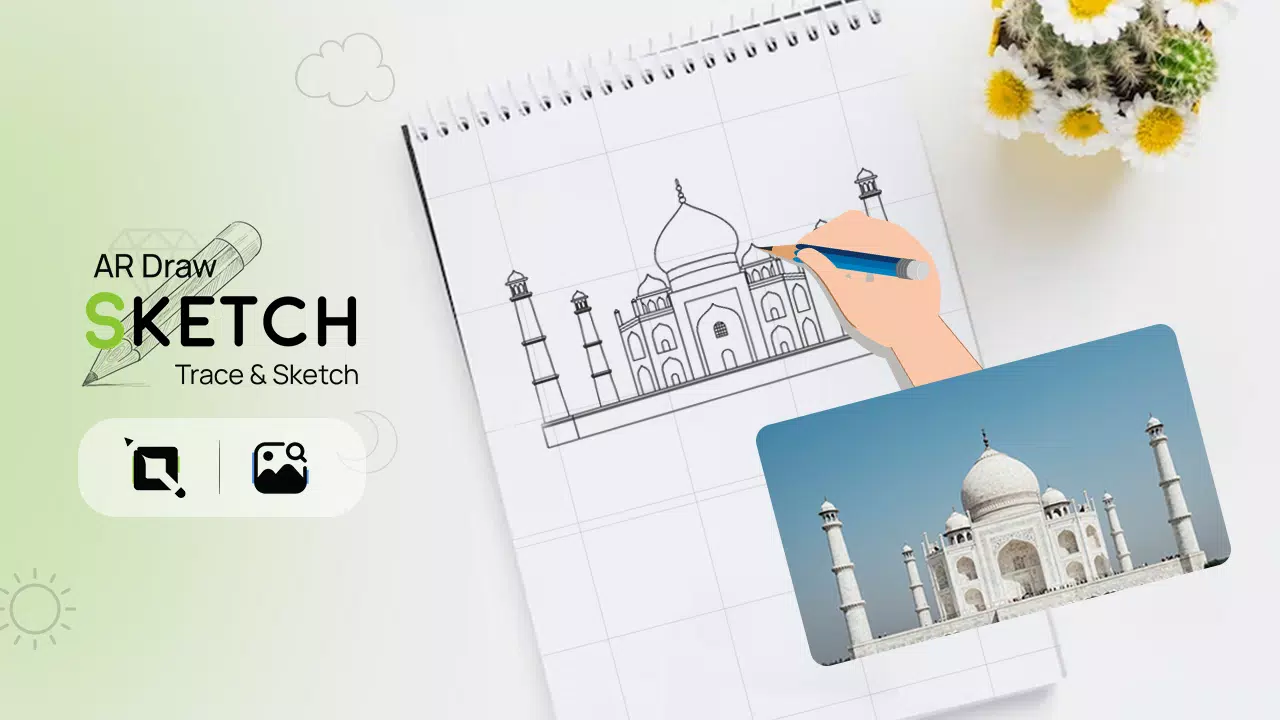


Trace any image onto paper using the AR Draw Sketch Trace & Sketch app.
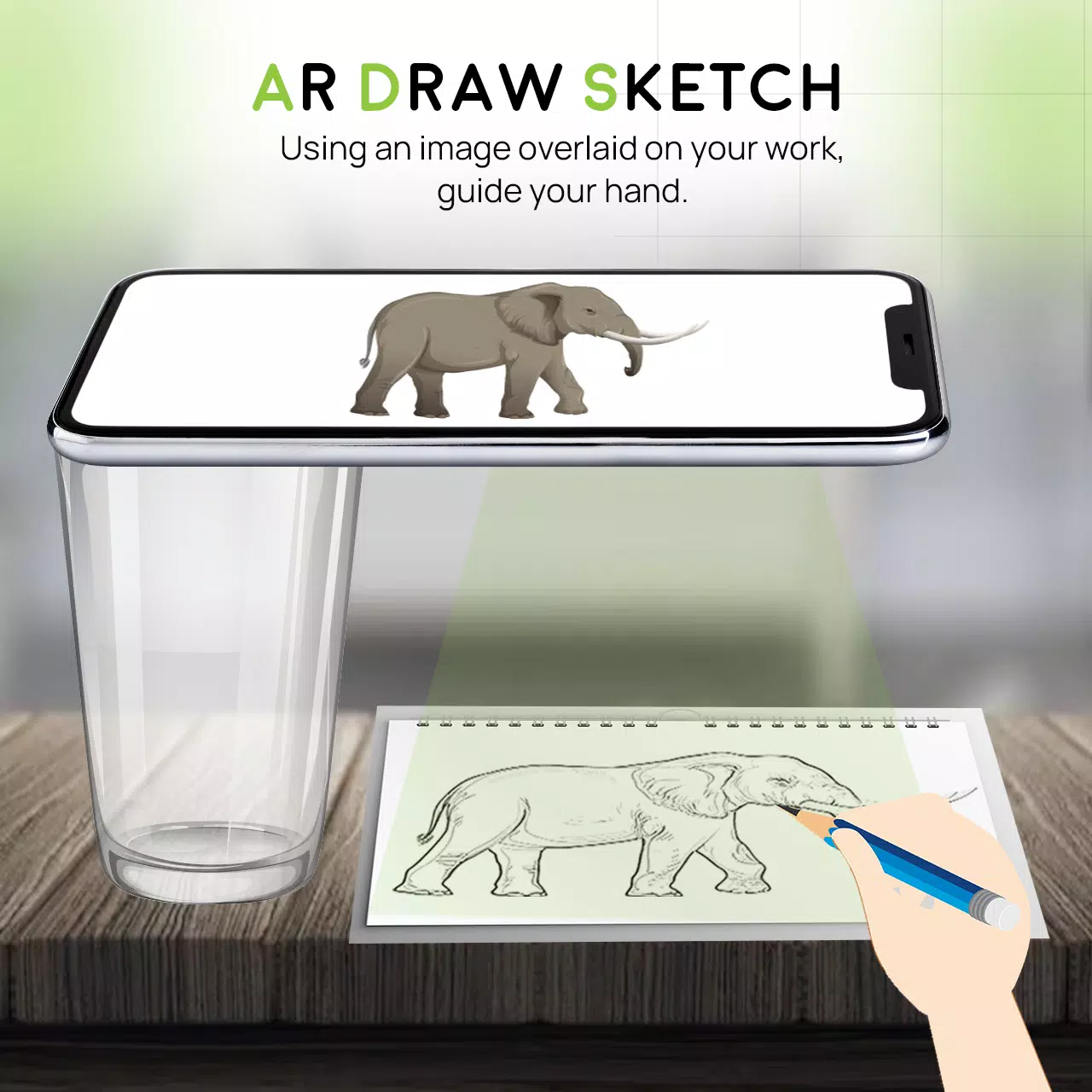
Unleash your creativity with the AR Draw Sketch Trace & Sketch app. This application seamlessly converts any image into remarkable sketch art. Effortlessly trace over your chosen photo to transform it into a beautiful hand-drawn masterpiece. With the AR Draw Sketch Trace & Sketch app, you can study and practice sketching effectively. Tracing images becomes straightforward—just pick a picture from the app or your gallery, apply a filter, and you're ready to go. The camera opens with the image displayed on your screen. Lift your phone above your paper and start drawing while viewing your phone.
Why do we trace?
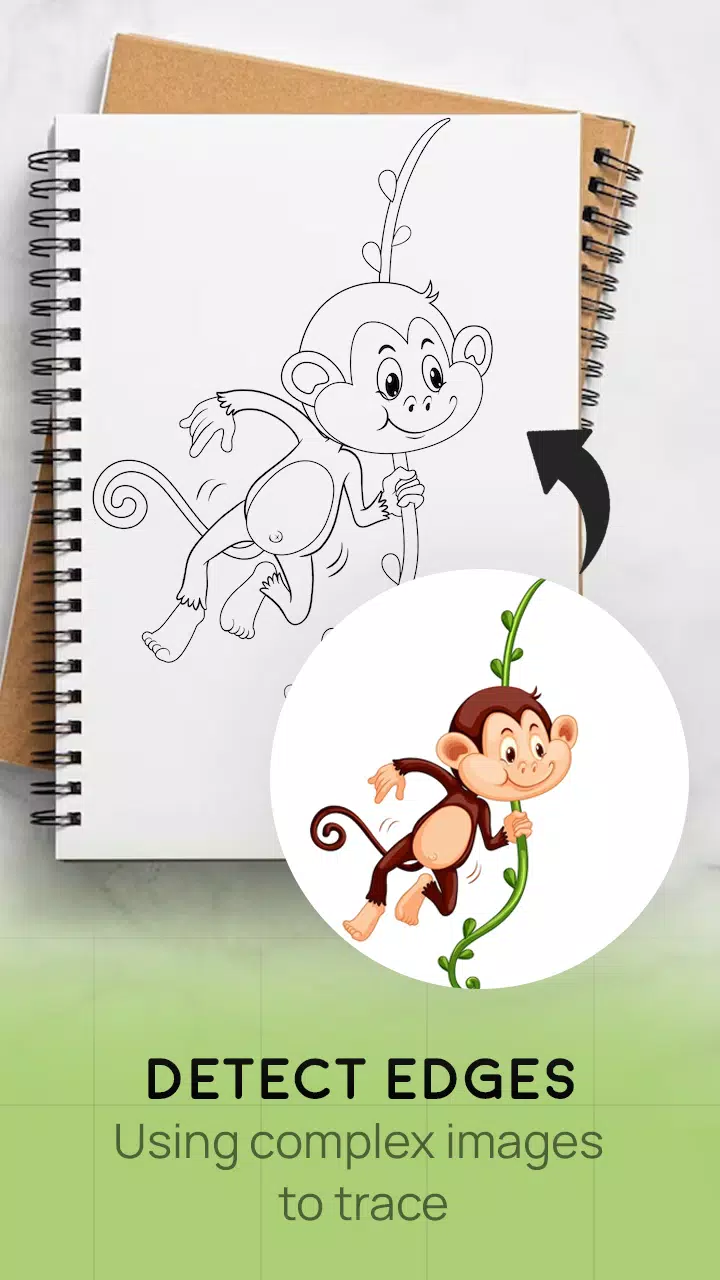
- Tracing is the technique of turning a photograph or artwork into line art. You place tracing paper over the image and follow the lines you see. Sketch and trace with ease.
- This tool helps you learn how to draw or trace skillfully.
How does it work?
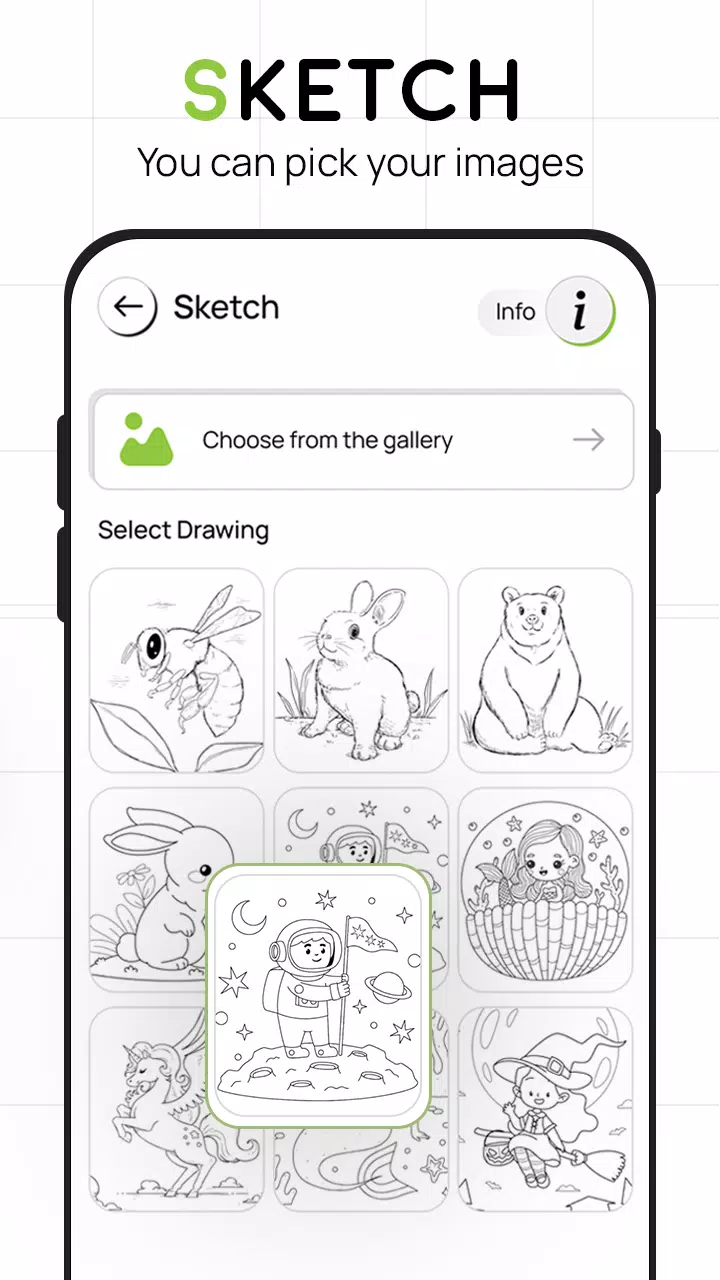
- Select an image from the app gallery or capture one with your camera
- A transparent version then appears on your camera screen. Place your drawing paper, book, or preferred surface underneath to begin tracing and sketching.
- Keep your eyes on the phone image while drawing on the paper
- Turn any picture into a traceable image in just a few taps
FEATURES
- Smart Draw Sketching tool to enhance your artwork with ease
- Simple and intuitive app for sketching anything you like
- Trace images using your camera or from the built‑in app collection
- Draw on paper by viewing a transparent image on your phone with the camera active
- Choose from sample images provided and sketch directly in your sketchbook
- Import photos from your gallery, convert them into traceable images, and draw on blank paper
- A simple way to create and learn artistic techniques with this app
- Attractive, user‑friendly interface design
What's New in the Latest Version 4.0
Last updated on Aug 24, 2023
Minor bug fixes and performance improvements. Install or update to the latest version to explore the updates!
-
 Trainer's Pokémon Set to Resurface in Pokémon TCG in 2025
-
 Clash of Clans Unveils Town Hall 17: Game-Changing Update Released
-
 Stalker 2: List Of All The Artifacts & How To Get Them
-
 Mastering Parry Techniques in Avowed: A Guide
-
 Shadow of the Depth: Open Beta Now Available on Android
-
 Breaking: Ubisoft Unveils Covert NFT Gaming Venture